
Labelbox
Open Website-
Tool Introduction:Data engine for AI teams: scalable labeling, QA, evaluation.
-
Inclusion Date:Oct 21, 2025
-
Social Media & Email:


Tool Information
What is Labelbox AI
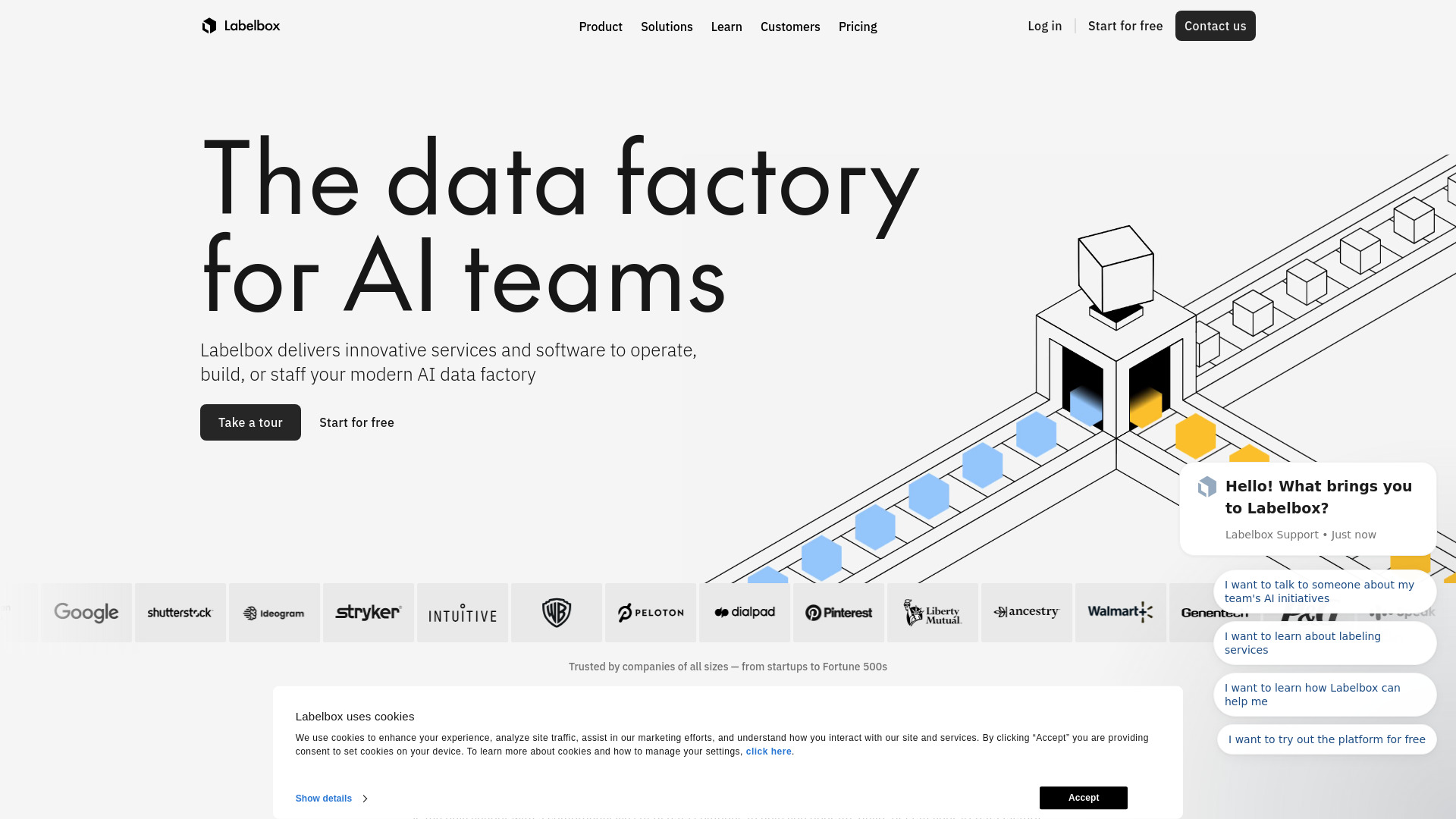
Labelbox AI is a comprehensive data labeling and evaluation platform that helps AI teams build, operate, and staff their data operations. It enables the creation of high-quality training data at scale across images, video, text, audio, documents, and 3D. Teams can curate datasets, automate annotation, run human-in-the-loop reviews, and measure model performance in one place. With APIs, SDKs, and cloud data integrations, Labelbox supports modern ML workflows from experimentation to production, accelerating iteration while improving data quality, governance, and collaboration.
Labelbox AI Main Features
- Multi‑modal annotation: Support for image, video, text, audio, documents, and 3D data with configurable labeling interfaces and ontologies.
- Dataset curation: Search, filter, and prioritize data using metadata, embeddings, and similarity to target edge cases and reduce labeling waste.
- Model‑assisted labeling: Pre-label with model predictions, prompts, or heuristics to speed up annotation and enable active learning loops.
- Quality assurance: Review workflows, consensus checks, benchmarks, and audit trails to monitor label accuracy and consistency.
- LLM and model evaluation: Human and automated evaluation for generative AI and traditional models with customizable rubrics and metrics.
- Workforce management: Assign tasks to internal teams or external vendors, set queues and SLAs, and track productivity.
- Collaboration and governance: Roles, permissions, and project templates to standardize processes across teams.
- Integrations and APIs: Python SDK, REST APIs, and connectors to common cloud storage for streamlined data import/export.
- Scalability: Elastic projects, versioned ontologies, and project orchestration to support large, ongoing data operations.
Who Should Use Labelbox AI
Labelbox AI suits ML engineers, data scientists, MLOps teams, and data operations managers who need reliable training data and repeatable workflows. it's valuable for startups validating models, enterprises scaling production AI, and teams evaluating LLMs with human feedback. Industries with complex visual, text, or 3D data—such as autonomy, healthcare, retail, finance, and logistics—benefit from its combination of annotation, curation, and evaluation.
How to Use Labelbox AI
- Connect your data sources via cloud storage, API, or SDK and create a dataset.
- Define an ontology (labels, attributes, relationships) and configure the labeling UI.
- Create a project, set up queues, SLAs, and reviewer workflows.
- Optionally import model pre-labels or prompts to enable model-assisted labeling.
- Assign tasks to internal users or external labeling services.
- Run labeling and use review/consensus to verify quality.
- Curate data using search, filters, and embeddings to prioritize edge cases.
- Evaluate model outputs with customizable rubrics, tests, and human feedback.
- Export labels and evaluation results via API/SDK to train or fine-tune models.
- Iterate: update ontology, retrain models, and relabel targeted data slices.
Labelbox AI Industry Use Cases
Autonomous systems teams annotate images, video, and 3D point clouds for perception models; e-commerce curates product images and text for recommendation and search; financial services process documents and evaluate extraction accuracy; healthcare teams review medical imagery and measure model performance against clinical criteria; and enterprises building generative AI use human evaluation to assess prompts, responses, safety, and relevance.
Labelbox AI Pricing
Labelbox AI typically offers tiered plans suitable for teams at different stages, with options for trials and custom enterprise agreements. Pricing may vary by usage, features, and support level. For the most accurate details, consult the official pricing page or sales team.
Labelbox AI Pros and Cons
Pros:
- Unified platform for data labeling, curation, and model evaluation.
- Strong workflow controls for quality assurance and collaboration.
- Model-assisted labeling and active learning reduce time and cost.
- Flexible APIs and SDKs integrate with existing ML pipelines.
- Supports diverse data types and complex ontologies.
Cons:
- Learning curve for advanced workflows and ontology design.
- Costs can increase with very large datasets or stringent QA.
- Performance depends on workforce quality and process setup.
- Custom UI or metrics may require additional engineering via APIs.
Labelbox AI FAQs
-
Does Labelbox AI support LLM evaluation?
Yes. You can create evaluation projects with human review, custom rubrics, and metrics to assess prompt quality, response relevance, and safety.
-
What data types are supported?
Images, video, text, audio, documents, and 3D data types are supported with configurable annotation tools.
-
Can I bring my own workforce?
Yes. You can assign tasks to internal teams or connect external labeling services and manage them within the same workflows.
-
How does quality assurance work?
Use review queues, consensus checks, benchmarks, and audits to monitor and improve label accuracy before exporting.
-
How do I integrate Labelbox with my pipeline?
Use the Python SDK, REST APIs, and cloud storage integrations to automate data import/export, pre-labeling, and continuous training loops.