
- Home
- AI Image Generator
- Idyllic
Idyllic
Open Website-
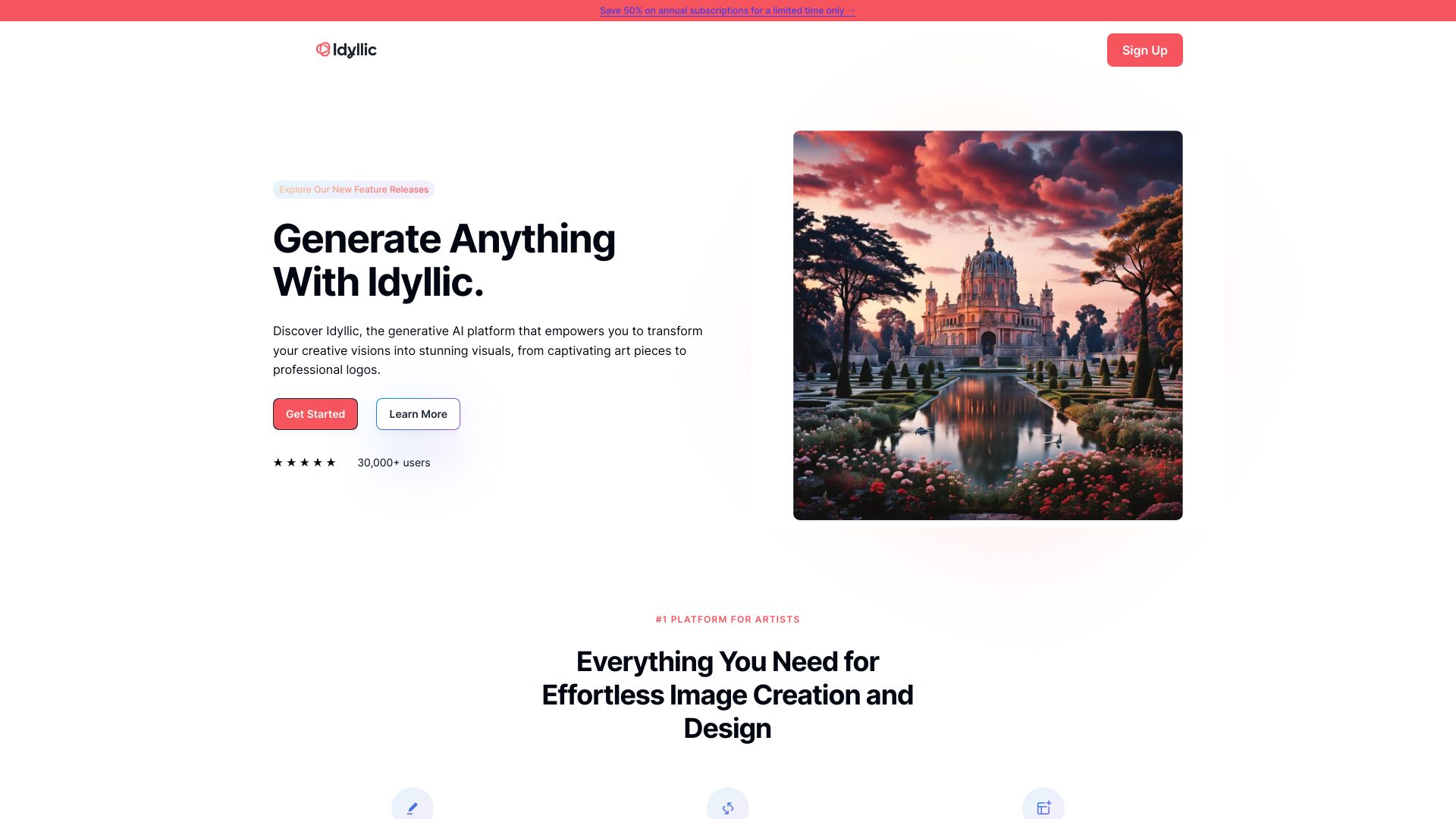
Tool Introduction:AI images: generate, edit, and blend—fast visuals from logos to art.
-
Inclusion Date:Oct 21, 2025
-
Social Media & Email:


Tool Information
What is Idyllic AI
Idyllic AI is a creative platform that turns text prompts and source images into high-quality visuals through generative AI. Designed for everyday designers and non-designers, it streamlines concepting, iteration, and refinement across art, brand assets, and logos. Users can generate, edit, and blend images in an intuitive workspace, preview results in seconds, and evolve ideas with controllable styles. By removing technical overhead and repetitive steps, Idyllic AI shortens the path from vision to polished visuals for social, web, print, and product design.
Idyllic AI Main Features
- AI image generation: Turn concise or detailed prompts into on-brand visuals, from art pieces to professional logo explorations.
- Image editing: Refine outputs with adjustments, corrections, and iterative improvements to match your creative intent.
- Image blending: Combine multiple images or references to fuse styles, motifs, and layouts into a cohesive result.
- Style control: Guide look and feel with selectable aesthetics, from minimal and modern to illustrative or photoreal.
- Rapid iteration: Generate multiple variations, compare results side by side, and evolve ideas with quick feedback loops.
- High-resolution export: Download finished assets suitable for web, social campaigns, decks, and lightweight print needs.
- Accessible workflow: A clean, interactive interface lowers the barrier for non-designers without limiting creative range.
Who Is Idyllic AI For
Idyllic AI suits solo creators, marketers, founders, and in-house design teams who need fast visual exploration without heavy software. it's helpful for social media managers crafting posts, small businesses iterating on logos and brand motifs, educators and students creating project visuals, and product teams testing art directions or hero imagery before full production.
How to Use Idyllic AI
- Sign up and create a new project to organize your assets and iterations.
- Choose a workflow: Generate from text, Edit an existing image, or Blend multiple references.
- Enter a clear prompt (and optional guidance on style, tone, or subject) or upload images as starting points.
- Adjust basic settings such as aspect ratio or style strength, then start generation.
- Review the results, select favorites, and iterate by refining prompts or re-blending sources.
- Make final touch-ups with available editing tools and confirm the desired look.
- Export high-resolution files and organize them into folders or share with collaborators.
Idyllic AI Industry Use Cases
Brands and startups can quickly explore logo directions and visual identities before commissioning final artwork. E-commerce teams create product hero images and promotional banners at speed. Marketing teams produce social-ready visuals tailored to campaign themes. Media and editorial teams craft illustrative headers for articles, while game and product designers draft concept art to align teams on mood, style, and layout.
Idyllic AI Pros and Cons
Pros:
- Fast text-to-image generation accelerates creative exploration.
- Editing and blending support controlled refinement of concepts.
- Accessible interface makes AI design approachable for non-designers.
- Consistent, high-quality outputs suitable for web and campaign usage.
- Flexible style guidance helps match brand or artistic direction.
Cons:
- Results may require multiple iterations to achieve brand-perfect fidelity.
- Prompt crafting can have a learning curve for precise outcomes.
- Advanced print or vector deliverables may need traditional design tools.
- Licensing, rights, and compliance considerations depend on use case.
- Requires reliable internet access and can be resource-dependent.
Idyllic AI FAQs
-
Does Idyllic AI generate images from text prompts?
Yes. You can describe your idea in plain language and receive multiple visual interpretations to choose from.
-
Can I edit or refine existing images?
Yes. You can upload images, apply adjustments, and iterate to align results with your creative goals.
-
Does Idyllic AI support blending multiple images?
Yes. You can combine references to merge styles, motifs, or compositions into a single output.
-
What file types can I export?
You can export high-resolution raster images in common formats suitable for web, social media, and presentations.
-
Is it suitable for logo ideation?
Yes. Idyllic AI helps explore directions and visual motifs quickly; final production refinements can be done in traditional design tools if needed.