
- Home
- AI Customer Service
- Glassix
Glassix
Open Website-
Tool Introduction:Glassix AI: Unified inbox for chat, SMS, email, social—bots and ticketing.
-
Inclusion Date:Oct 28, 2025
-
Social Media & Email:


Tool Information
What is Glassix AI
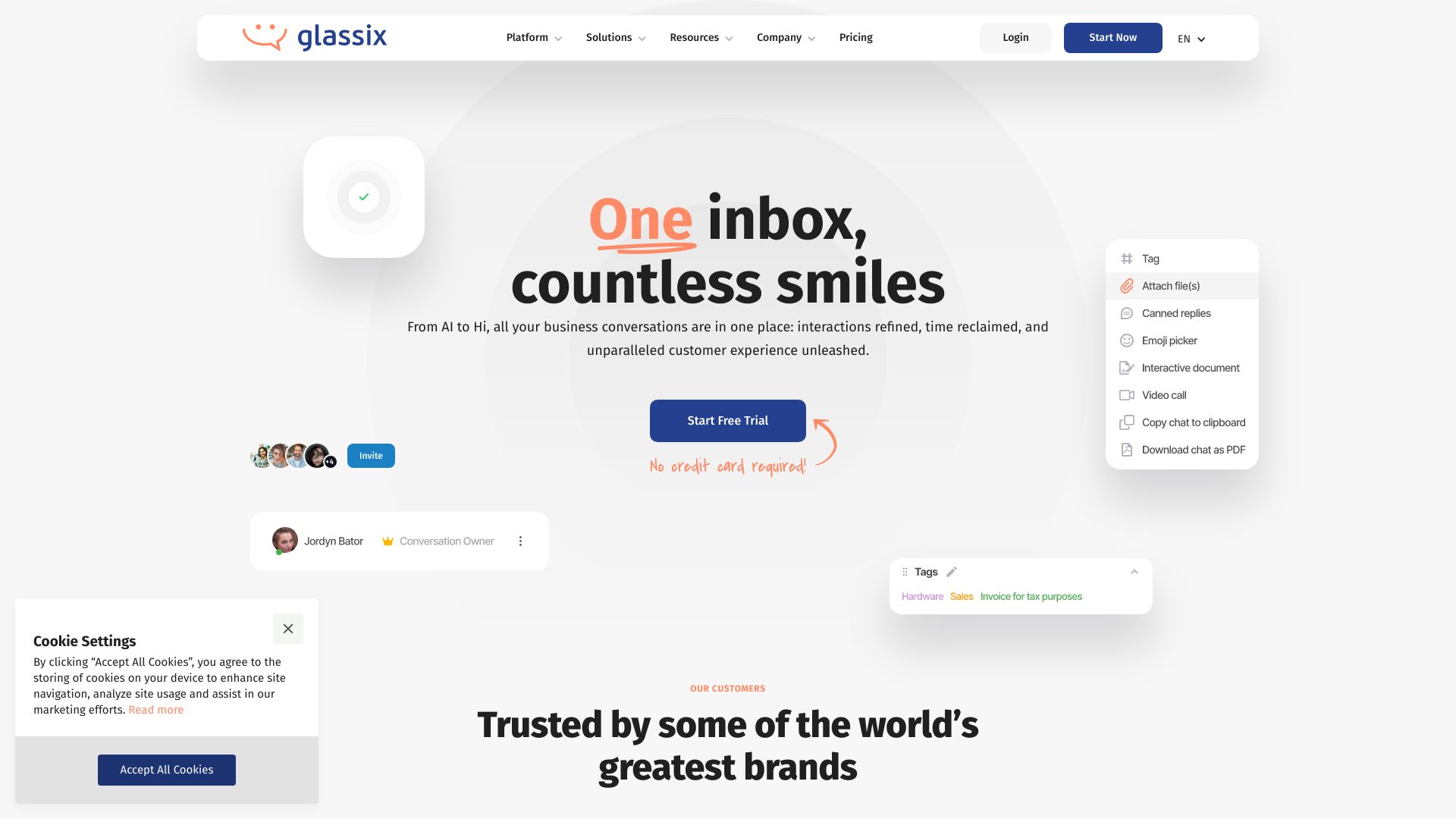
Glassix AI is a unified messaging and AI-powered customer support platform that centralizes conversations from WhatsApp, SMS, email, live chat, and social media into one shared inbox. Combining omnichannel ticketing, AI chatbot automation, and workflow orchestration, it helps teams answer faster, keep context across channels, and resolve issues at scale. With intelligent routing, knowledge search, and analytics, Glassix streamlines service operations, reduces manual handoffs, and delivers consistent experiences that improve response times and customer satisfaction.
Glassix AI Main Features
- Unified inbox: Merge WhatsApp, SMS, email, live chat, and social messages with a complete customer timeline and conversation history.
- AI copilot and chatbots: Suggested replies, intent detection, answer generation, and seamless agent handoff to accelerate resolution.
- Omnichannel ticketing: Create, track, and prioritize tickets across channels with SLAs, tags, and CSAT capture.
- No‑code bot builder: Design flows, FAQs, and forms without coding; hand off to human agents when needed.
- Knowledge integration: Connect FAQs or a knowledge base so AI can retrieve context and craft accurate responses.
- Routing and automation: Skills-based assignment, business hours, auto-responders, and escalation rules.
- Integrations and APIs: Connect CRM, eCommerce, or help desk systems via APIs and webhooks to sync data and actions.
- Analytics and reporting: Track volume, response times, resolution, agent productivity, and conversation trends.
- Access controls: Roles, permissions, and audit trails to safeguard data and standardize operations.
Who Should Use Glassix AI
Glassix AI suits customer support, success, and operations teams that manage high message volumes across multiple channels. it's a strong fit for eCommerce and retail handling order status and returns, SaaS and fintech managing onboarding and troubleshooting, hospitality coordinating bookings and concierge requests, logistics scheduling deliveries, and education or public services answering routine queries at scale.
How to Use Glassix AI
- Connect channels: add WhatsApp, SMS, email, live chat, Facebook, Instagram, and other messaging endpoints.
- Set up teams and roles: define skills, permissions, and queues for routing and workload balance.
- Configure workflows: create rules for business hours, auto-replies, SLAs, tags, and escalations.
- Build the AI chatbot: use the no‑code designer, import FAQs, and link your knowledge base for accurate answers.
- Prepare agent tools: create templates, macros, and enable AI reply suggestions for consistency.
- Go live and monitor: manage the unified inbox, use intent-based routing, and enable smooth handoffs to agents.
- Optimize with analytics: review metrics, refine intents, update content, and iterate automation rules.
Glassix AI Industry Use Cases
An online retailer unifies Instagram DMs, WhatsApp, and email to cut first-response times; a bot handles order tracking while agents manage returns. A SaaS provider triages technical questions with AI, auto-tagging issues and routing high-priority bugs. A hotel centralizes booking queries and check-in messages, with a concierge handoff for complex requests. A logistics firm coordinates delivery windows via SMS and chat, reducing missed appointments and call volume.
Glassix AI Pricing
Glassix AI is offered as a subscription with plans that typically scale by seats, features, and connected channels, with optional AI automation add‑ons. Trials, demos, and custom enterprise packages may be available. For current details, consult the official website or contact sales.
Glassix AI Pros and Cons
Pros:
- Centralized unified messaging across major digital channels.
- Faster responses with AI suggestions, automation, and smart routing.
- Consistent context and history across channels and teams.
- Reduced agent workload via self-service and no‑code chatbots.
- Flexible workflows, SLAs, and integrations with existing systems.
- Actionable analytics to improve operations and customer satisfaction.
Cons:
- Requires change management, training, and content curation.
- AI quality depends on knowledge sources and model configuration.
- Initial integration and data mapping can take time and resources.
- Costs may increase with high message volume or advanced automation.
- Edge cases still need human oversight; not every niche channel may be supported.
Glassix AI Popular Questions
-
Does Glassix AI replace human agents?
No. It augments teams with suggested replies and automation, then hands off to agents for complex or sensitive cases.
-
Which channels can I connect?
Glassix AI supports major channels such as WhatsApp, SMS, email, live chat, and popular social platforms. Check the official list for current channel availability.
-
How does the AI learn?
It uses your FAQs, knowledge base, and conversation history to detect intents and generate answers, with guardrails and human review as needed.
-
Do I need to code to build a chatbot?
No. A no‑code builder is available, while developers can extend capabilities via APIs and webhooks.
-
How are tickets managed across channels?
Conversations are converted into unified tickets with SLAs, tags, and priorities, preserving context as customers switch channels.