
- Home
- AI Photo Editor
- cre8tiveAI
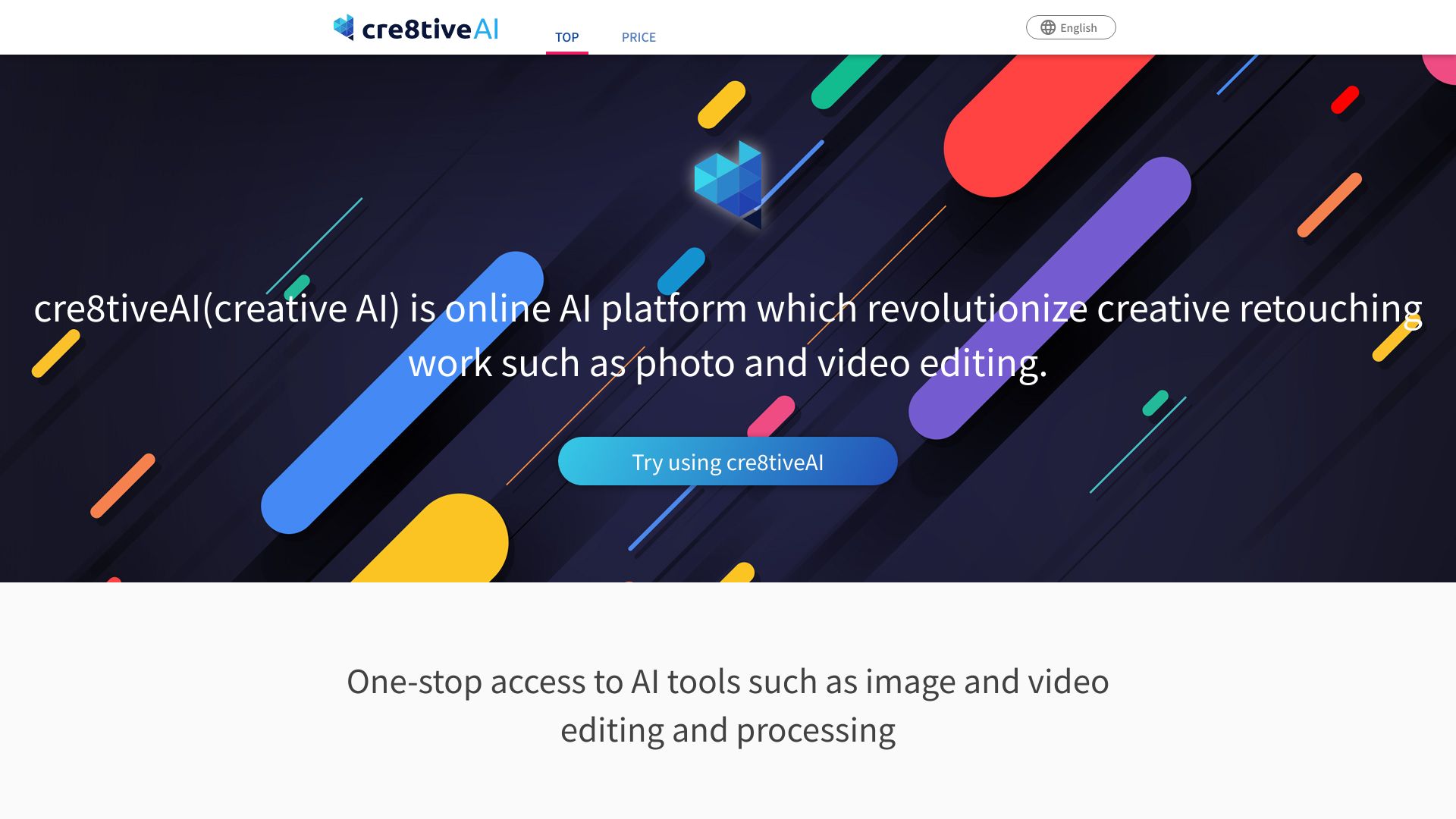
cre8tiveAI
Open Website-
Tool Introduction:Edit photos/videos in under 10s: upscale, cutout, autopaint, color.
-
Inclusion Date:Nov 01, 2025
-
Social Media & Email:

Tool Information
What is cre8tiveAI
cre8tiveAI is an online AI platform built to accelerate creative retouching for photos, illustrations, and video frames. It bundles fast, cloud-based tools for automatic painting, AI upscaling, background clipping, smart layer separation, denoising, and color correction. Focused on speed and quality, it delivers production-ready results in seconds without heavy software or manual masking. Whether you need quick touch-ups or batch enhancement, cre8tiveAI streamlines visual workflows while preserving detail and artistic intent.
Main Features of cre8tiveAI
- AI Upscaling and Enhancement: Increase image resolution while preserving edges, textures, and line art for photos and illustrations.
- Automatic Painting and Stylization: Convert sketches to polished artwork or add painterly effects in a controlled, repeatable way.
- Clipping and Background Removal: One-click subject extraction and clean cutouts for product shots and portraits.
- Layering and Segmentation: Separate foregrounds, backgrounds, and objects into layers to enable flexible, non-destructive edits.
- Color Correction and Tone Balancing: Fix exposure, white balance, and saturation with AI-guided adjustments.
- Noise Reduction and Sharpening: Restore clarity in low-light or compressed images without over-smoothing.
- Batch Processing: Apply the same settings to large sets of assets for consistent results and faster delivery.
- Video Frame Support: Enhance and correct individual frames or sequences for cleaner footage.
- Browser-Based Workflow: No installs required; work from any device with automatic cloud processing.
- Preview and Compare: Side-by-side before/after previews help fine-tune quality before export.
Who Can Use cre8tiveAI
cre8tiveAI suits photographers, illustrators, graphic designers, e‑commerce and marketplace teams, social media managers, video editors, marketing agencies, and print or prepress specialists. It also benefits game and animation artists who need reliable upscaling and clean line preservation for concept art, sprites, and storyboards.
How to Use cre8tiveAI
- Sign in to the web app and create a project for your images or video frames.
- Upload files or drag and drop assets into the workspace.
- Choose a tool (e.g., Upscale, Clip Background, Layer, Color Correct, Auto Paint).
- Adjust settings such as scale factor, smoothing, edge strength, or style parameters.
- Run a quick preview, compare before/after, and refine sliders if needed.
- Process the full asset or batch with saved presets for consistency.
- Export as layered images or high-resolution files and integrate into your design or edit.
cre8tiveAI Use Cases
Retail and e‑commerce teams remove backgrounds and color-correct product photos for storefronts. Agencies upscale campaign visuals for print without reshoots. Illustrators convert sketches to clean, colored artwork for client presentations. Video editors denoise and enhance frames for social clips. Game studios refine sprites and concept art, while publishers prepare images for high-DPI print with consistent tone and sharpness.
Pros and Cons of cre8tiveAI
Pros:
- Fast, cloud-based processing that handles common retouching tasks in seconds.
- Quality upscaling for both photos and illustrations with strong edge preservation.
- Accurate background removal and layer separation for flexible edits.
- Batch workflows and presets improve consistency across large sets.
- Accessible from any browser; no complex setup or plugins.
Cons:
- Results can vary on complex scenes with fine hair, reflections, or motion blur.
- Fewer manual controls than full desktop editors for pixel-level adjustments.
- Internet connection and file size limits may affect very large projects.
- Style transfer or auto painting may require iteration to match specific brand aesthetics.
FAQs about cre8tiveAI
-
What file types does cre8tiveAI support?
It generally supports common formats such as JPG, PNG, and often TIFF; some tools can process video frames exported as image sequences.
-
Does it work for both photos and illustrations?
Yes. The algorithms are tuned for photography and line art, preserving edges for comics, anime, and vector-like artwork.
-
How fast is the processing?
Most tasks complete in seconds, depending on resolution, complexity, and queue load.
-
Can I use it in a production pipeline?
Yes. Batch features and presets help standardize outputs for e‑commerce catalogs, marketing assets, and print.
-
Is my content private?
Projects are processed in the cloud; review the platform’s privacy and data policies to ensure they meet your compliance needs.