
- Home
- AI Workflow
- Carepatron
Carepatron
Open Website-
Tool Introduction:AI EHR + practice management with notes, scheduling, billing, telehealth.
-
Inclusion Date:Oct 21, 2025
-
Social Media & Email:


Tool Information
What is Carepatron AI
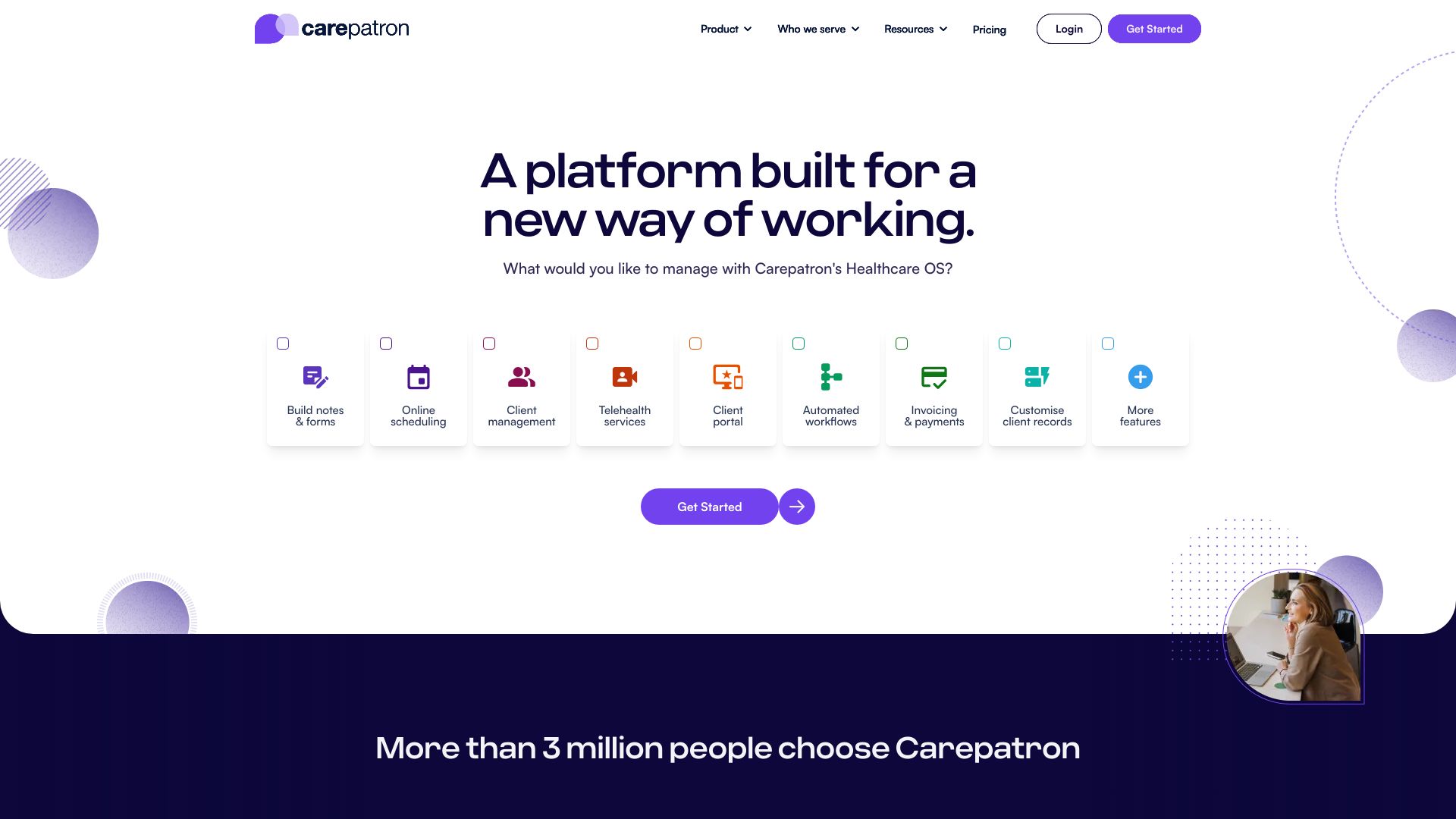
Carepatron AI is an all-in-one EHR and practice management platform for modern health and wellness providers. It brings together scheduling, clinical documentation, a patient portal, billing and payments, telehealth, compliance workflows, online forms, reminders, and practice management in a single, secure workspace. Its AI features assist with note generation, response drafting, scheduling automation, and task creation to cut administrative time while preserving clinical accuracy. Built for solo practitioners, new providers, and teams, it supports counselors, coaches, mental health professionals, and physical therapists across diverse care settings.
Carepatron AI Main Features
- Unified EHR and documentation: Create, organize, and store clinical notes (e.g., progress, intake, SOAP) with templates and AI-assisted drafting to speed up documentation.
- Scheduling and calendar sync: Book appointments, manage availability, automate reminders, and reduce no-shows with smart scheduling tools.
- Patient portal and online forms: Share intake forms, consent documents, and care plans; enable secure messaging and self-scheduling.
- Billing and payments: Streamline invoicing, collect payments, and reconcile transactions to simplify practice revenue workflows.
- Telehealth: Host secure video sessions with integrated documentation, scheduling, and reminders.
- Compliance support: Tools designed to support HIPAA-aligned processes, audit readiness, and access controls.
- AI tasking and automation: Automatically create tasks from notes, draft client communications, and suggest follow-ups to minimize admin overhead.
- Team and practice management: Role-based permissions, workload views, and shared templates for coordinated, multidisciplinary care.
Who Should Use Carepatron AI
Carepatron AI suits solo clinicians, new practices, and growing teams that need an integrated EHR and practice management system. It is well-matched to counselors, coaches, mental health providers, and physical therapists who want AI-assisted documentation, efficient scheduling, a patient portal, telehealth, and streamlined billing within one platform.
How to Use Carepatron AI
- Create an account and set up your practice profile, locations, services, and availability.
- Import or add clients, assign consent forms, and enable the patient portal for secure access.
- Customize note templates and activate AI assistance for drafting and summarizing clinical notes.
- Configure scheduling rules, appointment types, reminders, and calendar syncing.
- Set up billing items, invoices, payment methods, and basic revenue workflows.
- Conduct sessions in person or via telehealth and document using AI-assisted notes.
- Use AI to generate tasks, follow-ups, and suggested next steps from completed notes.
- Monitor progress, compliance logs, and team workloads through practice management views.
Carepatron AI Industry Use Cases
A mental health clinic uses AI-assisted intake and session notes to cut documentation time, while automated reminders reduce no-shows. A physical therapy practice combines telehealth follow-ups with home exercise documentation and online forms to streamline care plans. A coaching practice leverages AI to draft session summaries, schedule recurring appointments, and send personalized but consistent client updates.
Carepatron AI Pricing
Pricing and plan availability can vary by features and team size. Visit the official Carepatron website for current subscription options, any free tiers or trials, and add-ons such as telehealth or advanced automation.
Carepatron AI Pros and Cons
Pros:
- Consolidates EHR, scheduling, billing, and telehealth in one platform.
- AI-assisted notes and task automation reduce administrative workload.
- Patient portal and online forms improve intake and client engagement.
- Designed for both solo providers and multidisciplinary teams.
- Compliance-oriented features support secure, standardized workflows.
Cons:
- Learning curve when configuring templates, automation, and workflows.
- AI outputs may require clinician review and editing for accuracy.
- Feature breadth may be more than very small practices need.
Carepatron AI FAQs
-
Does Carepatron AI replace clinical judgment?
No. AI suggestions are assistive and should be reviewed and finalized by qualified clinicians.
-
Can clients self-schedule and complete forms online?
Yes. The patient portal supports self-scheduling (as configured) and secure online intake and consent forms.
-
Is telehealth integrated with documentation and billing?
Telehealth sessions can be scheduled, conducted, and documented within the same system, with related billing handled in-platform.
-
How does Carepatron AI help with compliance?
It offers features designed to support HIPAA-aligned processes, including access controls, audit trails, and standardized templates.
-
What kind of practitioners use Carepatron?
Counselors, coaches, mental health professionals, and physical therapists commonly use it, from solo providers to team-based clinics.