
- Home
- Text to Image
- Banani
Banani
Open Website-
Tool Introduction:Turn text into wireframes and polished UI. Edit by prompts, design fast.
-
Inclusion Date:Oct 21, 2025
-
Social Media & Email:


Tool Information
What is Banani AI
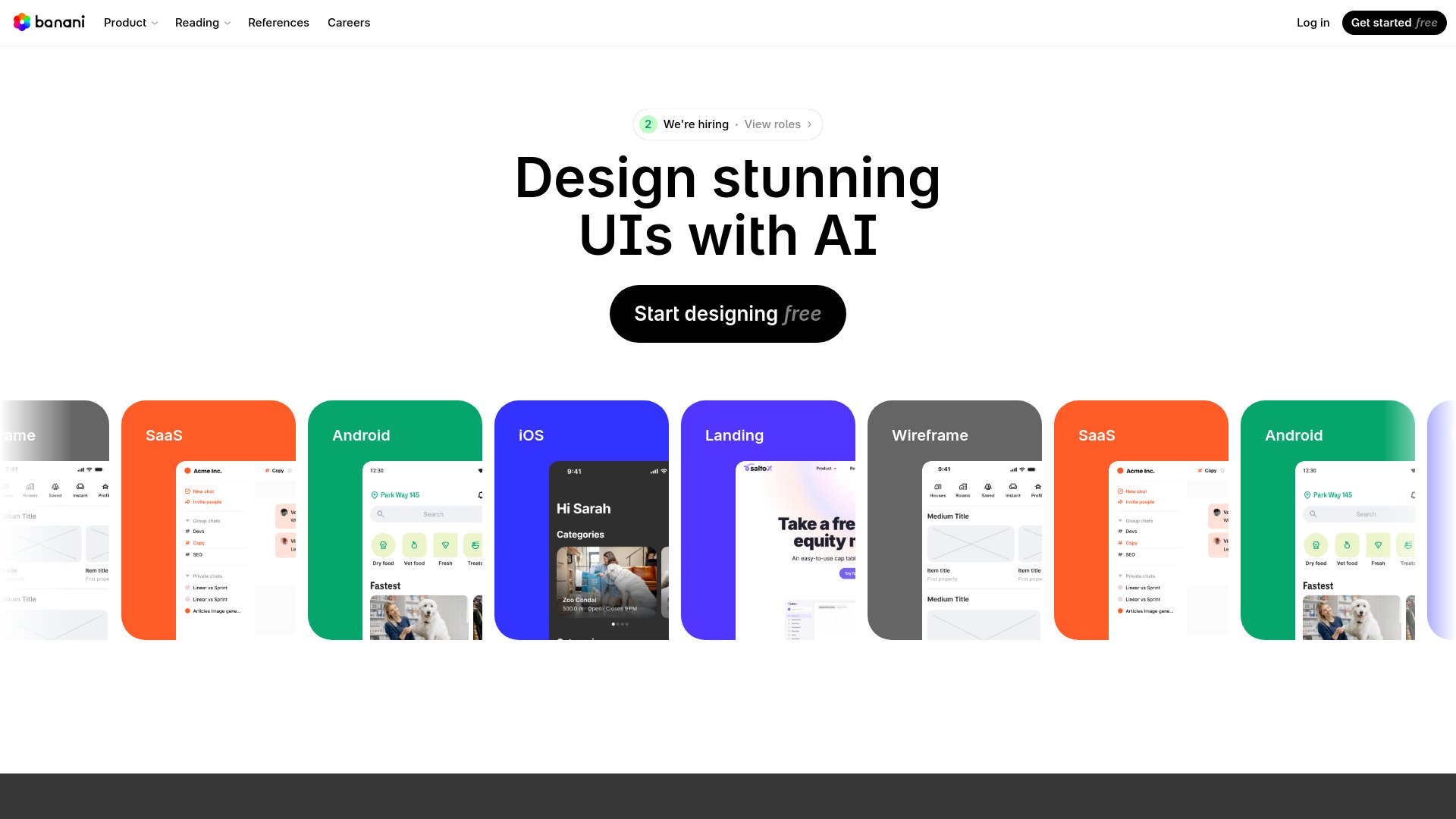
Banani AI is an AI-powered UI design tool that turns plain-language prompts into polished interfaces. It generates wireframes and high-fidelity layouts in seconds, then lets you refine structure, copy, and visual styles using more text prompts. By automating routine layout choices and component placement, Banani accelerates early ideation and reduces repetitive work while keeping you in control. It lowers the barrier for non-designers and helps teams prototype, validate, and communicate product ideas faster across landing pages, apps, and dashboards.
Banani AI Key Features
- Text-to-UI generation: Create screens from natural-language prompts for rapid prototyping.
- Wireframes and high-fidelity modes: Move from low-fi structures to detailed visual designs in one place.
- Prompt-based editing: Adjust layout, add sections, change components, and revise copy with simple text instructions.
- Layout intelligence: Automated composition helps maintain hierarchy, spacing, and visual coherence.
- Fast iteration: Generate multiple variations quickly to compare concepts and converge on a direction.
- Low learning curve: Friendly for non-designers while still useful for experienced UI/UX teams.
- Collaboration-friendly: Easy to share results to gather feedback and align stakeholders.
Who Should Use Banani AI
Banani AI suits startup founders, product managers, and developers who need quick mockups, as well as UI/UX designers seeking faster explorations. It also helps marketers and growth teams draft landing pages, educators and students learn UI patterns, and operations teams sketch internal tools without deep design expertise.
How to Use Banani AI
- Describe the screen you need with a clear prompt (goal, audience, key sections, tone).
- Generate an initial UI and review the wireframe or high-fidelity output.
- Refine via prompts: add components, change layout, tweak copy, or adjust visual style.
- Iterate with multiple variations to compare alternatives and improve clarity.
- Switch between wireframe and high-fidelity views to validate structure and aesthetics.
- Share the design with teammates or stakeholders for feedback and next steps.
Banani AI Industry Use Cases
A SaaS startup can prototype a dashboard and onboarding flow for user testing within a day. An e-commerce team can draft product pages and checkout screens to test messaging. Agencies can pitch multiple landing page variations to clients faster. Internal product teams can map admin panels and data views to streamline operations before committing to build.
Banani AI Pricing
Pricing and plan availability may change over time. Visit the official Banani AI website for the latest details on subscriptions, features included in each tier, and any free or trial options that may be offered.
Banani AI Pros and Cons
Pros:
- Speeds up wireframing and high-fidelity prototyping from text prompts.
- Lowers the barrier for non-designers to produce credible UI drafts.
- Prompt-based editing enables fast iteration without manual pixel work.
- Helps teams explore multiple concepts and align on direction quickly.
- Reduces repetitive layout tasks so designers can focus on UX strategy.
Cons:
- Output quality depends on prompt clarity and specificity.
- Complex or brand-specific polish may still require manual refinement.
- Granular control can be narrower than traditional design tools.
- Handoff workflows and exports vary by product capabilities.
Banani AI FAQs
-
Question 1: What can I build with Banani AI?
You can generate wireframes and high-fidelity screens for landing pages, web apps, mobile views, dashboards, and more starting from natural-language prompts.
-
Question 2: Do I need design skills to use it?
No. Banani AI is designed to be accessible to non-designers, while still supporting designers who want to accelerate exploration.
-
Question 3: Can I edit designs after generation?
Yes. You can refine structure, components, and copy using additional text prompts and iterate until the result matches your goals.
-
Question 4: How is it different from traditional UI tools?
Unlike manual-first tools, Banani AI focuses on text-to-UI generation and prompt-based editing to speed up early-stage design and iteration.
-
Question 5: Is my project data private?
Refer to the official privacy policy for details on data usage, storage, and security practices before uploading sensitive information.