
- Home
- AI Avatar Generator
- aiAllure
aiAllure
Open Website-
Tool Introduction:Build AI companions and virtual girlfriends; chat and make SFW/NSFW images.
-
Inclusion Date:Oct 21, 2025
-
Social Media & Email:


Tool Information
What is aiAllure
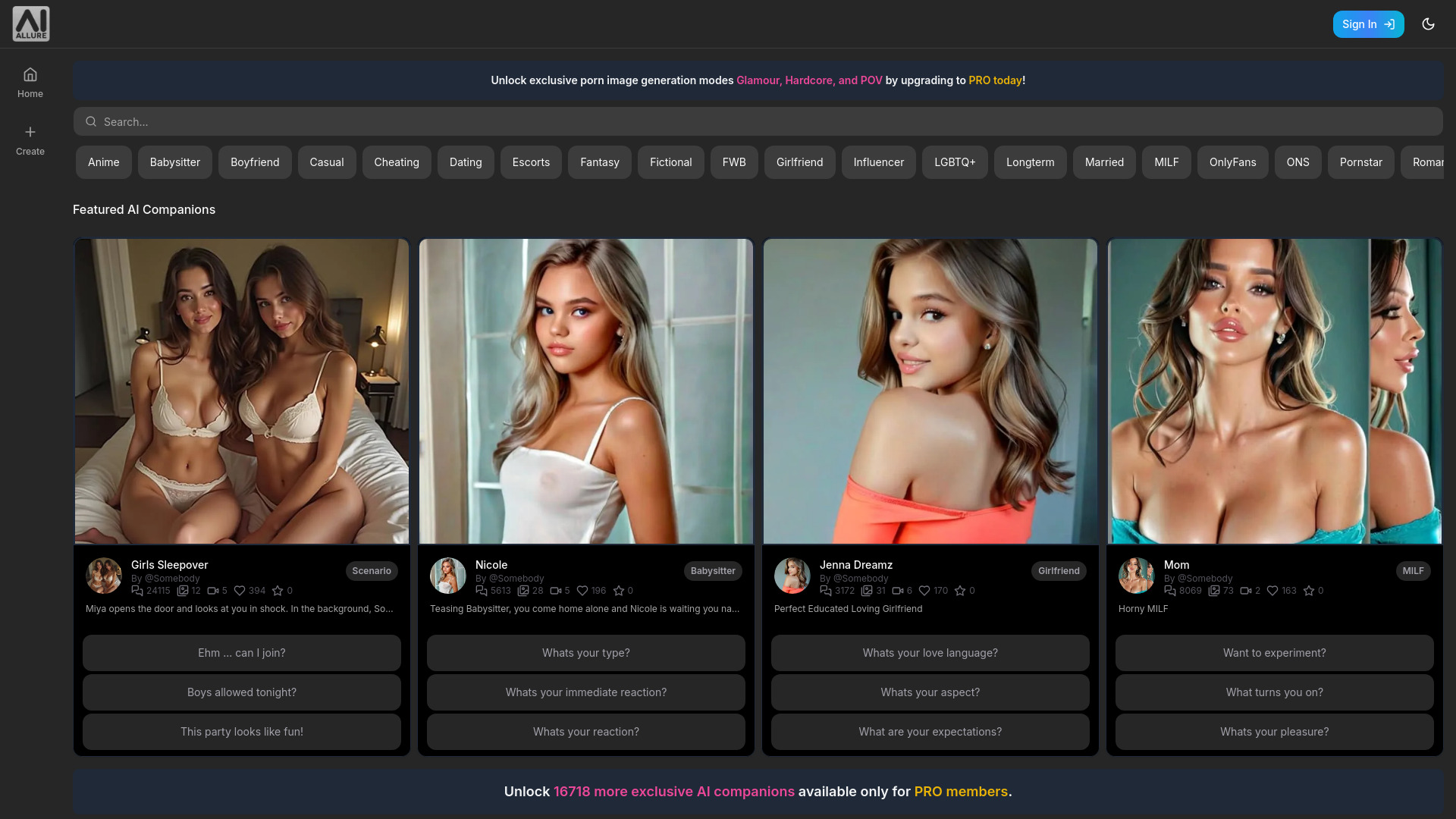
aiAllure is an AI companion platform for creating personalized virtual girlfriends and character partners. Users customize looks and personality traits, then chat, roleplay, and co-create media within a consent-first environment. The service supports SFW interactions as well as adult-oriented modes like AI sexting and NSFW AI image generation, with content filters to manage boundaries. Upload images and detailed descriptions to shape a unique partner, generate custom images, and refine traits over time for a tailored virtual romance experience.
aiAllure Features
- Customizable companions: Define appearance, backstory, and personality to build an AI partner aligned with your preferences.
- Photo-based avatar seeding: Upload images to inform visual styles and generate custom companion imagery.
- Adaptive chat and roleplay: Engage in natural conversations, guided scenarios, and character-driven roleplay.
- SFW and NSFW modes: Switch between safe-for-work chat and adult features such as AI sexting, with content filters to control output.
- NSFW AI image generation: Create custom images with style, pose, and prompt control; optional SFW outputs for broader use.
- Persona tuning: Adjust traits, boundaries, and behavior over time to improve alignment and conversational consistency.
- Privacy and consent settings: Manage what you share, set interaction limits, and curate your gallery and chat history.
- Multi-character experiences: Create multiple companions or scenarios for varied roleplay and storytelling.
Who Should Use aiAllure
aiAllure suits adult users seeking a personalized AI companion, virtual girlfriend experiences, or roleplay-based conversation. It is also useful for creators who want to prototype character personas, individuals exploring imaginative storytelling with SFW boundaries, and users interested in generating custom companion images in a private, configurable environment.
How to Use aiAllure
- Create an account and complete age verification if prompted; review the platform’s content and community guidelines.
- Start a new companion: choose a name, define personality traits, and write a short backstory or description.
- Customize appearance: upload images or choose style references to guide avatar and image generation.
- Set boundaries: select SFW or NSFW modes, enable filters, and define consent and interaction preferences.
- Begin chatting and roleplaying: provide prompts, scene cues, or traits to guide the conversation.
- Generate images: write prompts, select styles, and refine outputs to create a visual gallery for your companion.
- Iterate and refine: adjust traits, prompts, and settings to improve alignment and overall experience.
- Manage data: curate chat history and images, and review privacy controls to manage what is stored or shared.
aiAllure Industry Use Cases
- Independent creators: Build branded AI companion personas for private communities, offering personalized chat and curated image packs.
- Roleplay communities: Host SFW narrative sessions with configurable personas to facilitate collaborative storytelling.
- Prototyping characters: Writers and designers test character voices and aesthetics before commissioning artwork or scripts.
- Adult entertainment R&D: Explore consent-first, customizable experiences for mature audiences within policy and legal boundaries.
aiAllure Pricing
For current plans, limits, and regional availability, refer to the official aiAllure website. Access to features such as NSFW chat or image generation may vary by plan and local laws.
aiAllure Pros and Cons
Pros:
- Highly customizable appearance and personality for tailored AI companions.
- Dual SFW/NSFW modes with filters to manage boundaries and comfort levels.
- Integrated chat, roleplay, and image generation in one platform.
- Photo-based seeding for more personalized visual outputs.
- Persona tuning to improve consistency and alignment over time.
Cons:
- Adult features may be restricted by regional policies or platform rules.
- Output quality depends on prompt clarity and model limitations.
- Privacy and data stewardship require careful review of settings and retention.
- Risk of emotional over-attachment; users should set healthy boundaries.
- Creating content based on real individuals raises consent and rights concerns.
aiAllure FAQs
-
Is aiAllure only for adult content?
No. aiAllure supports SFW chat and images. Adult features (e.g., AI sexting, NSFW image generation) are available to eligible users in permitted regions.
-
Can I upload photos to customize my companion?
Yes. You can upload images and provide descriptions to guide visual style. Only use content you have rights to and explicit consent for.
-
Does aiAllure remember past conversations?
Companions may maintain conversational context for continuity. You can typically reset or edit traits to refresh behavior.
-
Can I create a companion based on a real person?
Do not create companions modeled on real individuals without their informed consent. Follow platform policies and local laws.
-
How is safety handled?
Use SFW/NSFW settings, content filters, and consent preferences to define boundaries. Comply with age restrictions and community guidelines.