
- Home
- AI Animation Generator
- VividHubs
VividHubs
Open Website-
Tool Introduction:Transform photos into romantic AI kissing videos with custom scenes.
-
Inclusion Date:Nov 01, 2025
-
Social Media & Email:

Tool Information
What is VividHubs AI
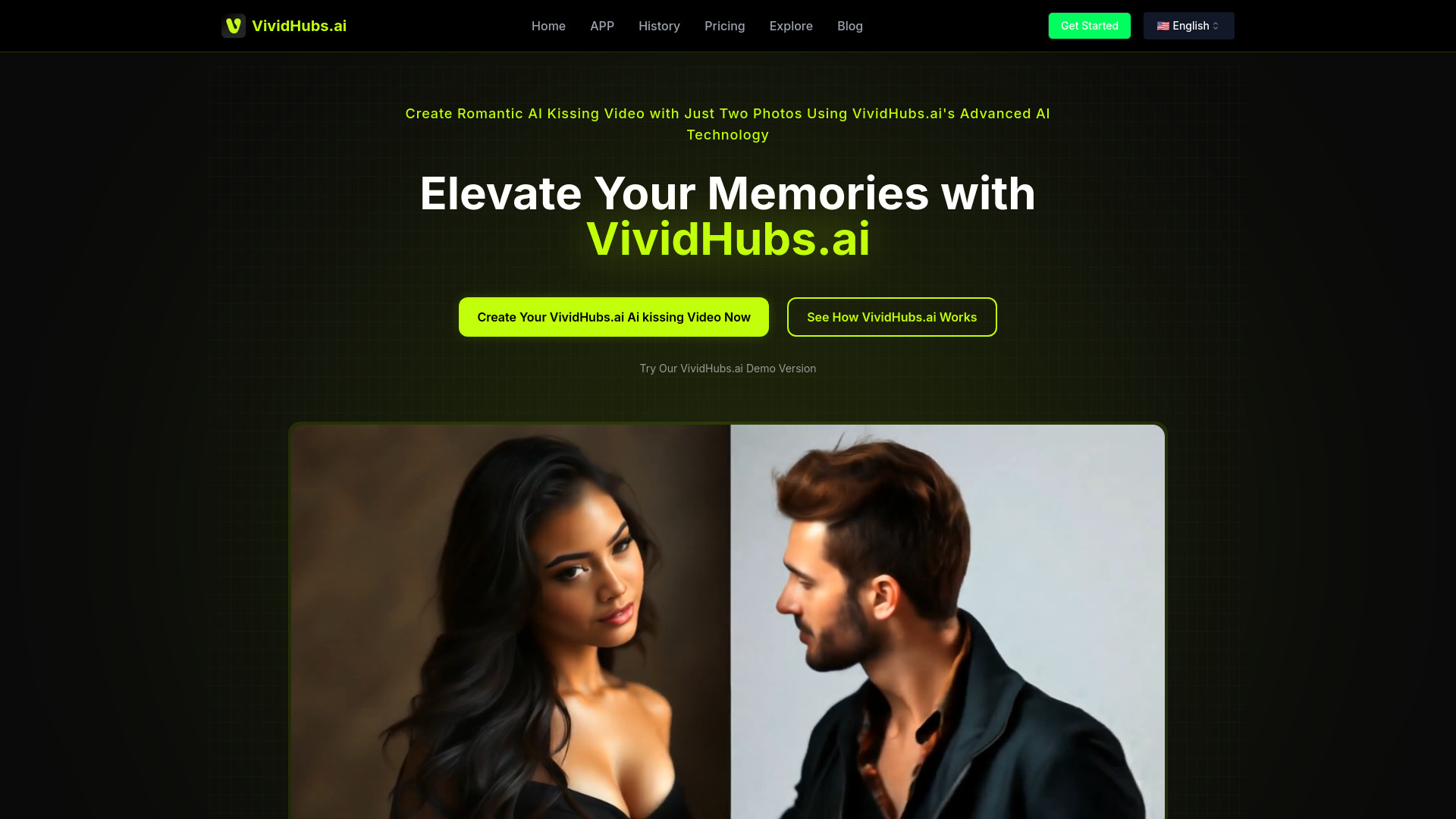
VividHubs AI is an AI kissing video generator that transforms still photos into short, romantic clips. Powered by Vidu AI, Luma AI, and Pixverse AI, it uses face animation and motion transfer to simulate natural kissing moments between couples, friends, or family, and even playful pet scenes. Users can pick themed scenarios, backgrounds, and camera styles, add personal messages, align timing to music, and preview edits before exporting. Designed for greetings, celebrations, and social posts, it combines ease of use with creative control and emphasizes consent-focused, responsible content creation.
Main Features of VividHubs AI
- Image-to-video face animation: Turn single or paired photos into realistic kissing animations using advanced motion and lip-sync techniques.
- Scenario presets: Choose romantic, playful, or seasonal kissing scenes with customizable poses, angles, and transitions.
- Background options: Swap or generate backgrounds; blur, studio, outdoor, and festive environments are available to match the mood.
- Personalized overlays: Add text captions, names, and messages; control fonts, colors, and timing.
- Music and timing: Sync clips to a soundtrack or select beat-matched templates for smooth motion.
- Multi-model rendering: Leverages Vidu AI, Luma AI, and Pixverse AI for flexible quality and speed profiles.
- Aspect ratios and quality: Export in social-friendly formats with portrait, square, or landscape options.
- Preview and refine: Frame-by-frame preview with adjustable motion intensity, lighting, and camera depth.
- Privacy and consent tools: Guidance and settings to support ethical, consent-based content creation.
- Web-based workflow: No installation required; upload, edit, and render in the browser.
Who Can Use VividHubs AI
VividHubs AI suits individuals and couples creating romantic greetings, social media creators producing short-form content, event planners or wedding vendors designing invites and highlights, small brands running seasonal campaigns, and gift or greeting-card sellers offering personalized video add-ons. Families and friends can craft playful moments, and pet owners may create light-hearted clips. Always ensure the people featured consent to animated content.
How to Use VividHubs AI
- Sign in and open a new project, selecting the AI kissing video template.
- Upload one or two images; align faces using the on-screen guides for best results.
- Pick a scenario preset, then choose or generate a background and camera style.
- Add captions or personal messages, and optionally select music to sync motion timing.
- Adjust motion intensity, lighting, and duration; use preview to check lip and head movement.
- Render a draft, review, and iterate with minor tweaks to pose, timing, or text overlays.
- Export in your preferred aspect ratio and quality, then download for sharing.
VividHubs AI Use Cases
Common uses include anniversary or Valentine greetings, wedding invitations or save-the-date teasers, social media reels celebrating milestones, personalized e-cards for birthdays and engagements, brand promotions during romance-themed holidays, and playful content for friends or family. Creators can also use it to prototype storyboard ideas or test motion concepts before full video production.
VividHubs AI Pricing
Pricing is typically tiered by export quality, video length, and usage limits, with credit-based rendering for higher-end models. Plans may differentiate by features such as background generation, soundtrack syncing, or commercial usage rights. Visit the official pricing page to compare current tiers and any available trials or promotional credits.
Pros and Cons of VividHubs AI
Pros:
- Easy image-to-video workflow with guided face alignment.
- Diverse scenarios, backgrounds, and caption options for personalization.
- Multiple AI engines enable a balance of speed and quality.
- Preview-and-refine loop reduces guesswork before final render.
- Ethics-focused guidance to support consent and responsible use.
Cons:
- Results can vary with image quality; low-resolution photos may look less natural.
- Subtle artifacts or uncanny motion can occur in complex angles or occlusions.
- Rendering times increase with higher quality and longer durations.
- Some export features or rights may require higher-tier plans.
FAQs about VividHubs AI
-
Do I need two photos, or can I use one?
You can animate a single image or combine two images; alignment tools help position faces for best results.
-
What image quality works best?
High-resolution, well-lit, front-facing photos with unobstructed faces produce the most natural motion.
-
Can I customize the background and add text?
Yes. Choose from preset or generated backgrounds and add captions, names, and timed messages.
-
Is commercial use allowed?
Commercial permissions depend on your plan and rights; review the license terms for your subscription.
-
How do you ensure ethical use?
The platform provides consent guidelines and privacy tools; always obtain permission from people featured in your videos.