
- Home
- AI Subtitle Generator
- Transcri
Transcri
Open Website-
Tool Introduction:AI audio-to-text & subtitles in 50+ languages, editor, exports, team tools.
-
Inclusion Date:Nov 04, 2025
-
Social Media & Email:


Tool Information
What is Transcri AI
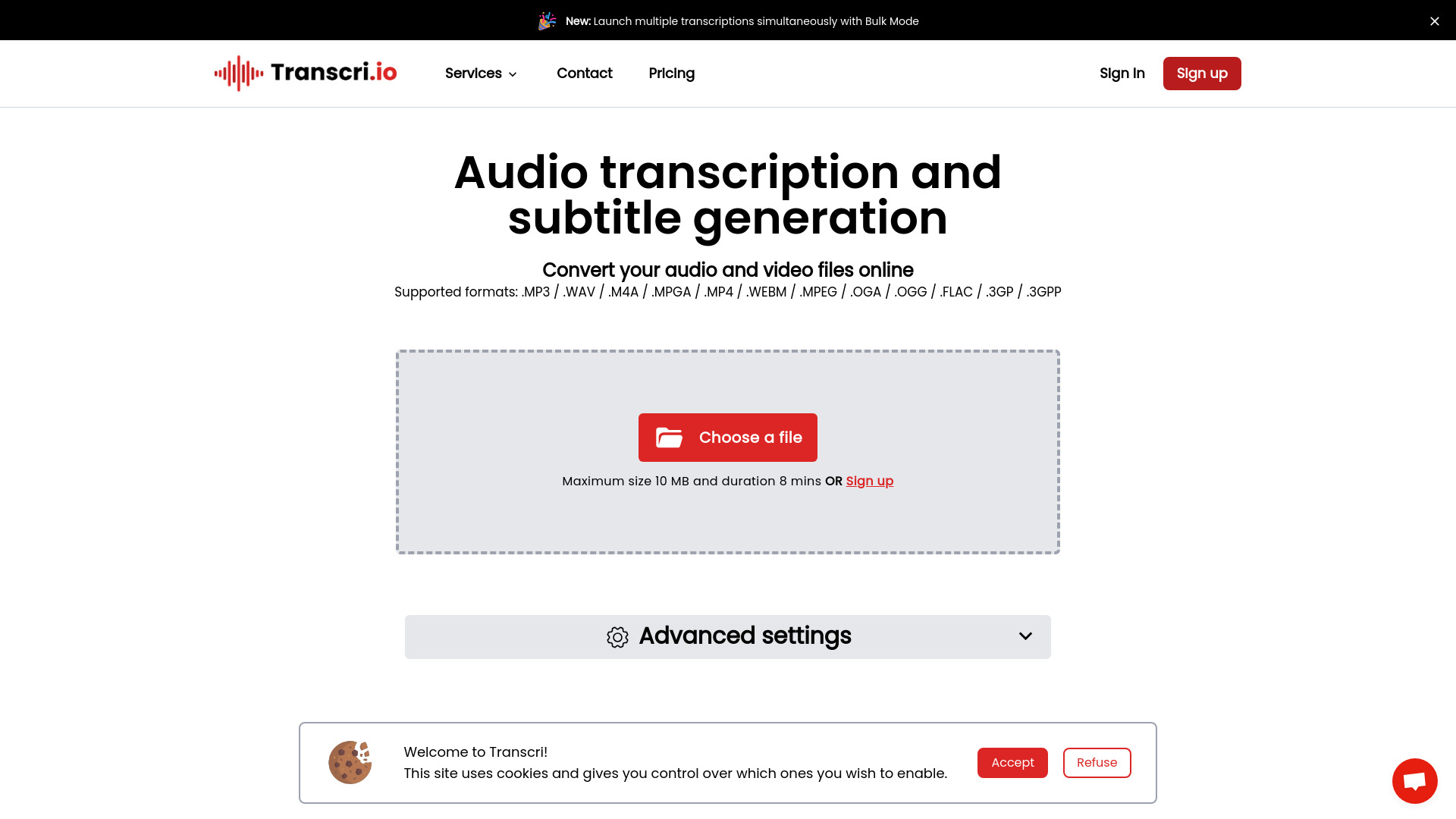
Transcri AI is an online AI transcription and subtitle generator that converts audio and video into accurate, editable text. Powered by advanced speech-to-text models, it supports multilingual transcription in 50+ languages and creates time-aligned captions ready for publishing. With automatic transcription, a built-in correction tool, and project collaboration, teams can review, refine, and export results in popular subtitle and document formats. From interviews to tutorials, Transcri AI streamlines audio to text workflows, reducing manual effort and speeding up delivery.
Main Features of Transcri AI
- Automatic transcription: Convert audio and video to text quickly with AI-driven speech-to-text for fast turnaround.
- Multilingual support (50+ languages): Transcribe global content and generate captions across many languages.
- Built-in correction tool: Edit transcripts in-browser, fix errors, and polish punctuation for publication-ready text.
- Subtitle generation: Produce time-synced captions and export in multiple subtitle formats for platforms and players.
- Project collaboration: Invite teammates to review, edit, and manage projects together in one workspace.
- Flexible exports: Download clean transcripts or subtitles in widely used file formats for easy distribution.
- Browser-based workflow: No installs required—upload, transcribe, edit, and export directly online.
Who Can Use Transcri AI
Transcri AI is ideal for content creators, YouTubers, podcasters, and filmmakers who need reliable audio to text and captions. Educators and e-learning teams use it to deliver accessible lessons and lecture transcripts. Journalists and researchers benefit from quick interview transcriptions. Marketers and social media teams repurpose webinars and product demos with subtitles. Agencies and multilingual teams streamline captioning and localization across projects.
How to Use Transcri AI
- Sign up and create a new project in the web app.
- Upload your audio or video file to start.
- Select the spoken language and choose transcript and/or subtitle output.
- Run automatic transcription to generate the initial draft.
- Open the built-in correction tool to review and edit the text.
- Collaborate by sharing the project with teammates for feedback.
- Export your transcript or captions in your preferred file format.
Transcri AI Use Cases
Media and entertainment teams create broadcast-ready captions for videos. Podcasters turn episodes into searchable transcripts and show notes. E-learning platforms add subtitles for accessibility and global learners. Marketing teams caption social videos for higher engagement across feeds. Event and webinar organizers publish recordings with accurate captions. Multilingual teams transcribe regional content to support localization and compliance.
Transcri AI Pricing
For the latest details on plan tiers, usage limits, and any free trial or free version, please visit the official Transcri AI website. Pricing typically varies by features, transcription minutes, and collaboration needs.
Pros and Cons of Transcri AI
Pros:
- Fast, automated speech-to-text with a simple web interface.
- Supports 50+ languages for global transcription and captioning.
- Built-in editor streamlines corrections and final polish.
- Multiple subtitle export formats for broad platform compatibility.
- Project collaboration improves team review and workflows.
Cons:
- Accuracy depends on audio quality, accents, and background noise.
- Manual review is recommended for critical or public-facing content.
- Some features or higher usage may require paid plans.
- Requires a stable internet connection for uploads and edits.
FAQs about Transcri AI
-
Does Transcri AI support multiple languages?
Yes. It supports transcription and subtitle generation in over 50 languages.
-
Can it create subtitles as well as transcripts?
Yes. Transcri AI generates time-aligned captions and lets you export them in popular subtitle formats.
-
How accurate are the transcripts?
Accuracy is high for clear audio but varies with recording quality. You can refine results using the built-in correction tool.
-
Is team collaboration available?
Yes. You can collaborate on projects, allowing teammates to review and edit content together.
-
Which file types are supported?
Transcri AI works with common audio and video files. For a complete and current list, check the official website.