
- Home
- AI Image Generator
- Shakker
Shakker
Open Website-
Tool Introduction:Generate and refine AI images; style, blend, inpaint—no GPU needed.
-
Inclusion Date:Oct 21, 2025
-
Social Media & Email:
Tool Information
What is Shakker AI
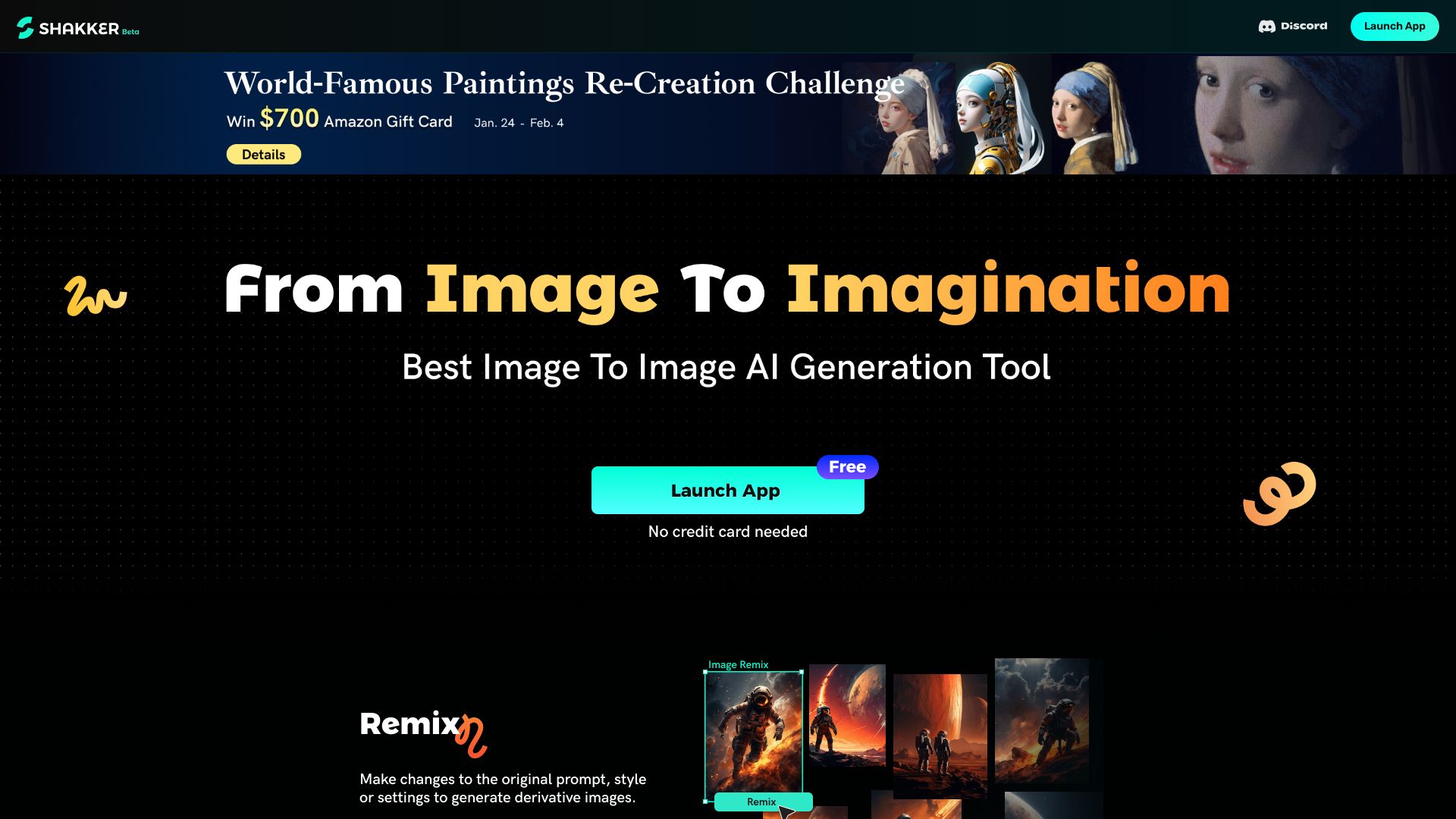
Shakker AI is an AI image generation platform designed to make creative production smooth and accessible. It streamlines visual creation with prompt suggestions, intuitive style changes, component composition, and precise inpainting to fix or add details. Beyond generation, Shakker provides online model training tools for various model types, letting you build and fine-tune custom models without a GPU. Guided prompts, consistent styling, and cloud-based training help teams move from concepts to polished, on-brand images directly in the browser.
Shakker AI Main Features
- Prompt-assisted generation: Guided prompt suggestions help users craft clearer inputs, reducing trial-and-error and speeding up AI image creation.
- Style control and changes: Apply or switch visual styles to maintain brand consistency or explore new aesthetics across assets.
- Component composition: Combine subjects, backgrounds, and elements to build complex scenes or reusable design systems.
- Precise inpainting: Edit selected regions to remove artifacts, add objects, or refine details without regenerating the entire image.
- Online model training (no GPU): Train and fine-tune various model types in the browser, managing datasets and iterations without specialized hardware.
- Workflow efficiency: From concept to export, an integrated toolset minimizes context switching and accelerates visual production.
Who Should Use Shakker AI
Shakker AI suits designers, artists, marketers, content creators, and product teams who need fast, consistent visual output. it's helpful for social media managers, e‑commerce sellers, indie game developers, and educators who want to prototype ideas or train custom models without investing in GPUs or complex infrastructure.
How to Use Shakker AI
- Create an account and choose a workspace for image generation or model training.
- For generation, enter a prompt and select a style preset or adjust style parameters as needed.
- Optionally add components (subjects, backgrounds) and mark regions for inpainting to refine specific areas.
- Generate results, review variations, and iterate by tweaking prompts, styles, or masks.
- For training, upload and organize your dataset, select a model type, and start a cloud-based training run.
- Test the trained model, then use it to generate on-brand images; export final assets for your workflow.
Shakker AI Industry Use Cases
E‑commerce teams can create product images with consistent styles, swap backgrounds, and inpaint defects. Marketing teams can quickly generate campaign concepts and refine hero visuals with region-specific edits. Indie game studios can iterate character concepts by mixing components and applying stylistic changes. Educators and researchers can prototype custom models in the browser to explore datasets and techniques without GPU hardware.
Shakker AI Pros and Cons
Pros:
- Accessible AI image generation with helpful prompt suggestions.
- Precise inpainting and component composition for controlled edits.
- Style controls support consistent branding across assets.
- Online model training without requiring a GPU or local setup.
- Speeds up concepting and production in a single, web-based workflow.
Cons:
- Output quality depends on prompt clarity and dataset quality.
- Browser-based training may be slower or more constrained than dedicated GPU environments.
- Advanced controls can have a learning curve for new users.
- Users must manage rights and compliance for training data and generated content.
Shakker AI FAQs
-
Does Shakker AI require a GPU for training?
No. Shakker AI offers online training tools that let you train various model types without a GPU.
-
Can I change the style of an existing image?
Yes. You can apply style changes and refine results with prompts to achieve a consistent look.
-
What is inpainting in Shakker AI?
Inpainting lets you select specific regions to add, remove, or fix details without regenerating the entire image.
-
Can I train a custom model for my brand?
Yes. Upload your dataset, choose a model type, and run cloud-based training to generate on-brand visuals.