
- Home
- AI Summarizer
- Toolsmart YouTube to MP3 Converter
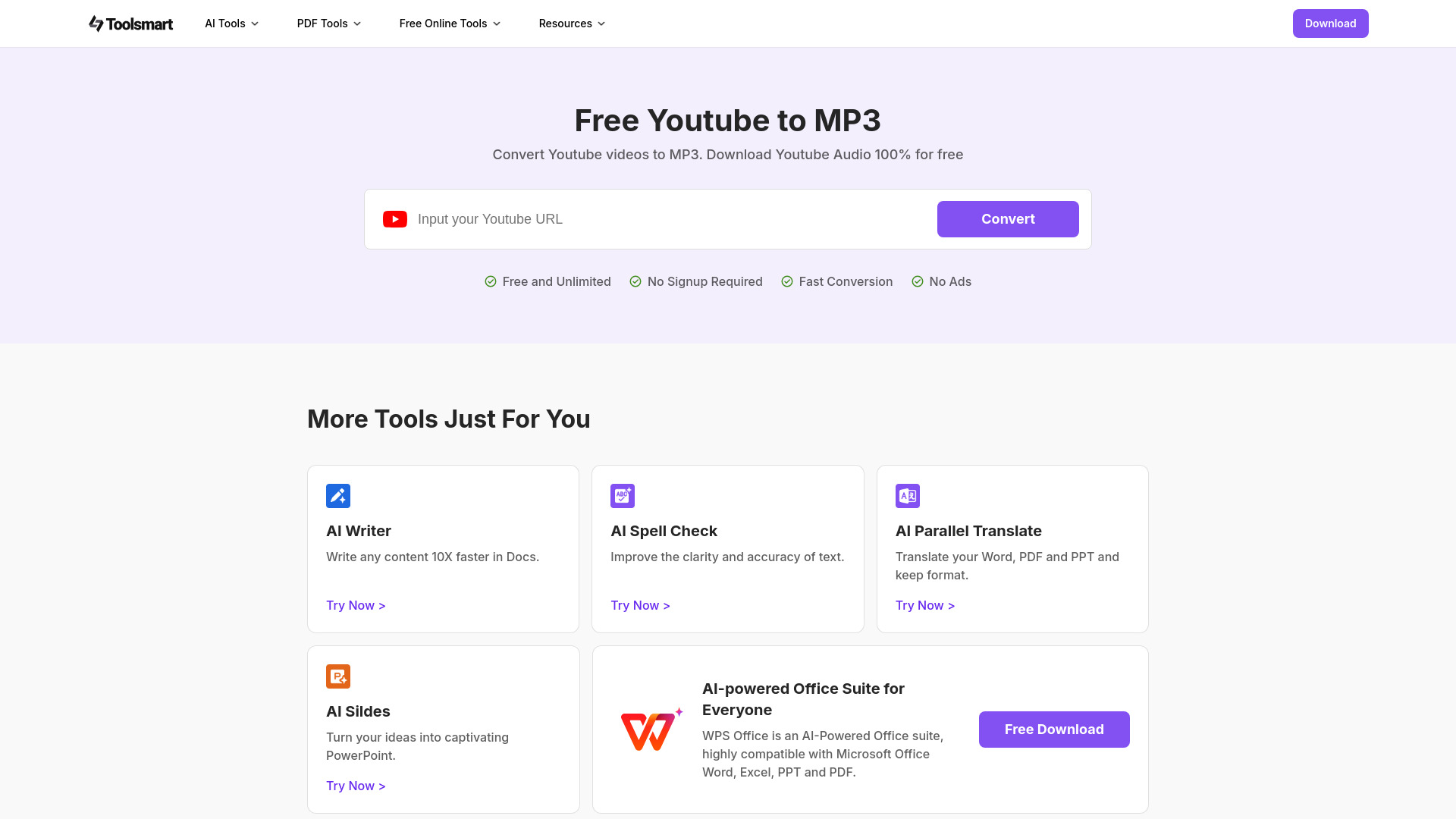
Toolsmart YouTube to MP3 Converter
Open Website-
Tool Introduction:Fast, free YouTube to MP3—no sign-up, no ads, unlimited, on any device.
-
Inclusion Date:Oct 21, 2025
-
Social Media & Email:
Tool Information
What is Toolsmart YouTube to MP3 Converter AI
Toolsmart YouTube to MP3 Converter AI is a free, browser-based converter that turns YouTube videos into MP3 audio without sign-ups, limits, or intrusive ads. It delivers fast, reliable conversions so you can save tracks for offline listening on any device. Use it to extract lectures, interviews, podcasts, music you own, or your own uploads. The workflow is simple: paste a link, convert, and download. With a lightweight design and broad compatibility, it streamlines YouTube to MP3 conversion for quick, everyday, lawful use.
Toolsmart YouTube to MP3 Converter AI Main Features
- Free and unlimited: Convert as many YouTube links to MP3 as you need at no cost.
- No sign-up, no intrusive ads: Start converting immediately without creating an account.
- Fast online conversion: Optimized workflow reduces waiting time from link to download.
- Browser-based, no install: Works in modern browsers on desktop and mobile devices.
- Universal MP3 output: MP3 audio plays on virtually any player or device.
- Simple link workflow: Paste a YouTube URL, click convert, and download your file.
- Accessible offline listening: Keep audio handy for flights, commutes, or study sessions.
- Use responsibly: Intended for content you own, have permission to use, or is public domain/Creative Commons.
Who Should Use Toolsmart YouTube to MP3 Converter AI
This tool suits students saving lectures, creators archiving their own uploads, marketers repurposing brand videos, podcasters extracting talk tracks, and travelers building offline playlists from lawful sources. Anyone who needs a quick, no-sign-up YouTube to MP3 converter for cross-device playback will find it useful.
How to Use Toolsmart YouTube to MP3 Converter AI
- Copy the URL of the YouTube video you own or are authorized to convert.
- Open the Toolsmart YouTube to MP3 Converter AI in your browser.
- Paste the YouTube link into the input field.
- Select MP3 (and quality options if available).
- Click convert and wait for processing to complete.
- Download the MP3 file and enjoy offline listening on any device.
- Respect copyright and YouTube’s Terms of Service when converting content.
Toolsmart YouTube to MP3 Converter AI Industry Use Cases
In education, instructors archive lecture audio for students to review offline. Marketing teams extract voiceovers from their published videos to create podcast teasers. Corporate trainers convert internal YouTube-hosted sessions into MP3 for on-the-go learning. Journalists capture interview audio from their own channel uploads to speed up transcription and editorial workflows.
Toolsmart YouTube to MP3 Converter AI Pricing
The converter is offered free of charge with no registration required and no intrusive ads. Users can perform unlimited conversions. Availability and terms may change over time, so check the official site for the latest details.
Toolsmart YouTube to MP3 Converter AI Pros and Cons
Pros:
- Free, unlimited conversions without sign-up.
- Fast, straightforward link-to-MP3 workflow.
- Works on desktop and mobile browsers; no installation.
- Universal MP3 format for broad compatibility.
- Minimal friction experience without intrusive ads.
Cons:
- Audio quality depends on the source video.
- Conversion speed may vary with network conditions.
- Access may be affected by regional or platform restrictions.
- Designed for lawful use only; copyrighted content may require permission.
- Advanced options (metadata, playlists, batch) may be limited.
Toolsmart YouTube to MP3 Converter AI FAQs
-
Is it legal to convert YouTube to MP3?
Converting content you own, have permission to use, or that is public domain/Creative Commons is generally acceptable. Do not convert copyrighted material without the rights to do so, and always follow YouTube’s Terms of Service.
-
Do I need to create an account?
No. The tool works without sign-ups, enabling quick conversions right from your browser.
-
Does it work on mobile?
Yes. It runs in modern mobile browsers, so you can convert and download MP3 files on phones and tablets.
-
Are there limits on conversions?
The service is described as free and without limitations for normal use. Performance can still depend on your connection and source availability.
-
What affects audio quality?
Output quality primarily depends on the original YouTube video’s audio. Higher-quality source audio typically yields better MP3 results.