
- Home
- AI Story Generator
- AIFreeBox
AIFreeBox
Open Website-
Tool Introduction:One plan for top AIs; compare results side‑by‑side in real time.
-
Inclusion Date:Oct 21, 2025
-
Social Media & Email:

Tool Information
What is AIFreeBox
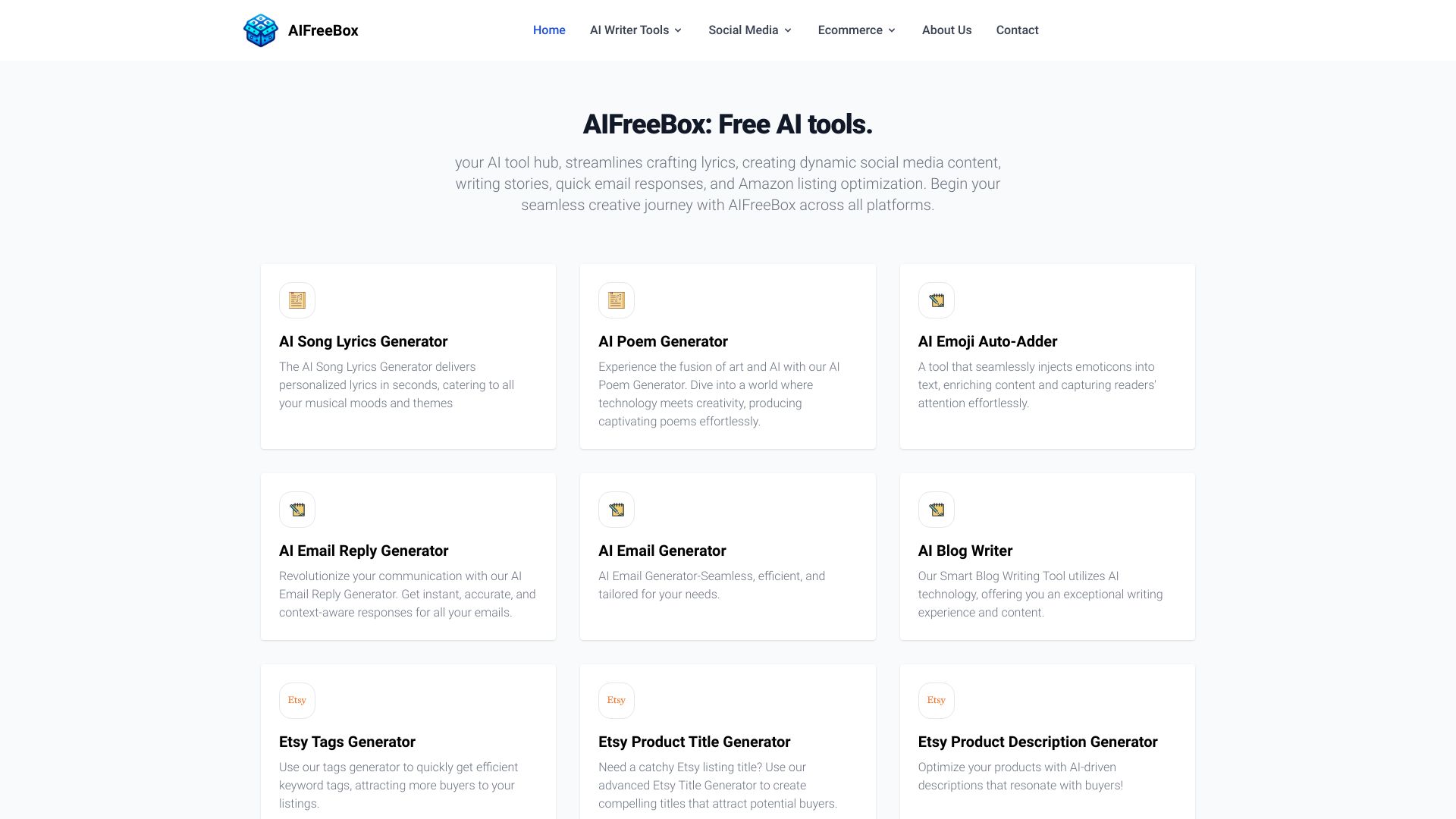
AIFreeBox is an AI tool hub that brings together a set of free, browser-based creators for everyday content tasks. It helps you draft lyrics, brainstorm story ideas, craft social media captions, generate quick email replies, and optimize Amazon listings from one place. With unlimited access across tools, AIFreeBox streamlines creative workflows, reduces repetitive writing, and speeds up experimentation, making it easier for students, freelancers, marketers, and sellers to turn simple prompts into polished outputs in minutes.
AIFreeBox Main Features
- Unified hub of free AI tools: Access multiple content generators in one platform, reducing app-switching and setup time.
- Lyrics creator: Quickly generate lyric ideas to overcome writer’s block, explore themes, and refine lines.
- Social media content generator: Produce short-form copy for posts and captions suitable for major social platforms.
- Story writing assistant: Brainstorm plots, characters, and outlines to jumpstart creative writing.
- Email response helper: Draft concise, context-aware replies to accelerate daily communication.
- Amazon listing optimization: Create or refine titles, bullet points, and descriptions for clearer, more compelling listings.
- Prompt-driven workflow: Input goals and key details to get targeted outputs fast, then iterate easily.
- Unlimited access: Explore and generate without usage friction, supporting rapid testing and learning.
AIFreeBox Suitable For
AIFreeBox suits marketers, social media managers, indie creators, authors, students, educators, freelancers, and e-commerce sellers who need fast, reliable content generation. It fits scenarios like daily posting, story ideation, email triage, and product listing refinement, helping users draft, iterate, and polish content efficiently.
AIFreeBox Usage Steps
- Open AIFreeBox in your browser.
- Browse categories and select a tool (Lyrics, Social Media, Story, Email, Amazon Listing, etc.).
- Describe your goal and audience, and add key details or keywords in the prompt.
- Generate a draft and review the output for tone, clarity, and relevance.
- Refine by re-prompting or editing; iterate until the result matches your intent.
- Copy the content into your editor, inbox, CMS, or marketplace listing.
- Repeat across tools to maintain consistent messaging and style.
AIFreeBox Industry Use Cases
An e-commerce seller refines Amazon product titles and bullets for clearer positioning. A marketing team drafts social captions and quick variations for A/B testing. An indie musician explores lyric themes to spark creativity. An author builds a story outline and character prompts. A support rep or coordinator speeds up routine email responses while maintaining professionalism.
AIFreeBox Pricing
AIFreeBox positions itself as a platform of free AI tools with unlimited access to its built-in creators. Availability, usage limits, or any optional upgrades may change over time; refer to the official site for the most current terms.
AIFreeBox Pros and Cons
Pros:
- Free, unlimited access supports rapid experimentation and learning.
- Wide range of tools covers lyrics, stories, social posts, emails, and listings.
- Simple, prompt-based workflow accelerates content creation.
- Helps overcome writer’s block and produce first drafts quickly.
- Useful for consistent messaging across multiple content formats.
Cons:
- Outputs may require human editing for accuracy, tone, and brand voice.
- Quality can vary by prompt complexity and task type.
- Less specialized than dedicated niche tools for advanced use cases.
- Requires clear prompts; vague inputs lead to generic results.
- As with any online tool, consider data sensitivity and privacy practices.
AIFreeBox FAQs
-
Question 1: Is AIFreeBox really free and unlimited?
It is positioned as a hub of free AI tools with unlimited access. For any current limits or changes, check the official platform terms.
-
Question 2: Can I use AIFreeBox outputs for commercial purposes like Amazon listings?
Yes, you can draft and refine commercial content. Always review marketplace guidelines and the platform’s terms, and edit for originality and compliance.
-
Question 3: How do I get higher-quality results?
Provide a clear prompt with audience, goal, key points, tone, and constraints. Iterate by asking for rewrites, shorter/longer versions, or alternative angles.
-
Question 4: Does AIFreeBox support multiple languages?
You can attempt prompts in different languages and review the output quality. Evaluate fluency and accuracy before publishing.
-
Question 5: Will AIFreeBox replace human writers?
No. It accelerates drafting and ideation, but human judgment is essential for nuance, brand voice, fact-checking, and final edits.