
- Home
- AI Essay Writer
- super Ai
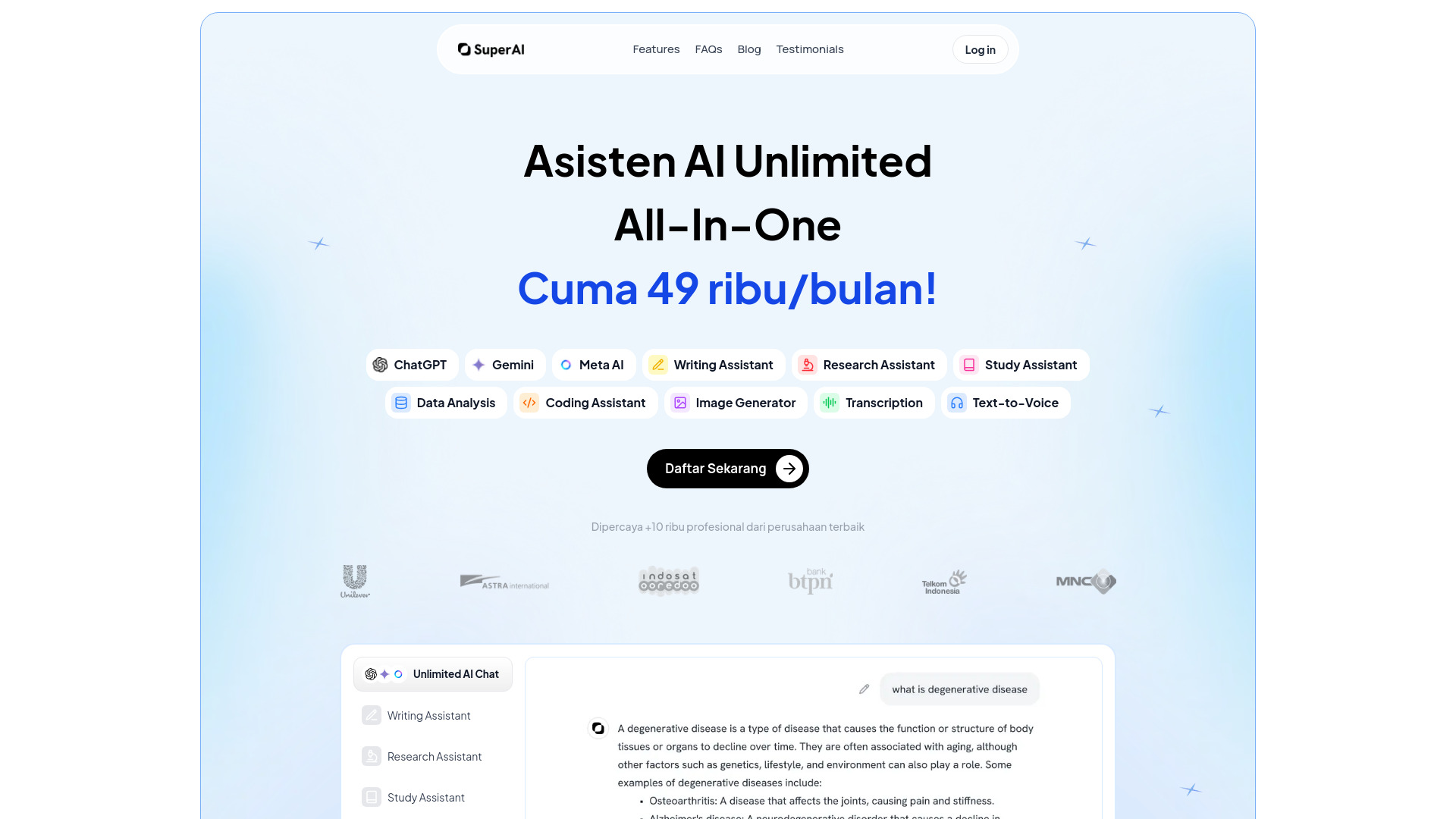
super Ai
Open Website-
Tool Introduction:AI teammate for slides, papers, resumes, and email—much faster.
-
Inclusion Date:Oct 28, 2025
-
Social Media & Email:


Tool Information
What is super Ai
super Ai is an AI teammate that helps you create presentations, write papers, filter CVs, and send emails with minimal friction. By combining multiple AI models, it routes each task to a suitable engine for drafting, summarizing, and structuring content, so you move from idea to deliverable much faster. Use it to turn outlines into slide decks, refine academic writing, shortlist candidates with configurable criteria, and draft personalized outreach. With always-on assistance across tasks, super Ai streamlines routine work and frees time for higher-value decisions.
super Ai Key Features
- Presentation generation: Turn an outline or brief into clear slide content, with suggested structure, headlines, bullets, and speaker notes.
- Paper and report writing: Draft sections, improve clarity and tone, summarize references, and iterate on revisions to reach a polished manuscript.
- CV filtering: Parse resumes, match skills to role requirements, and rank candidates based on criteria you define.
- Email drafting: Compose, personalize, and refine emails for outreach, follow-ups, and customer communications.
- Multi-model intelligence: Access assistance powered by various AI models to balance accuracy, creativity, and speed for different tasks.
- Task-driven workflows: Move from prompt to draft to refinement in a focused flow that reduces context switching.
- Editing and iteration: Quickly regenerate sections, adjust tone, and apply feedback until the output fits your goals.
Who Should Use super Ai
super Ai suits students and researchers drafting papers, recruiters and HR teams screening resumes, marketers and sales teams creating decks and outreach, founders preparing pitch materials, and busy professionals who need reliable help with writing, summarization, and communication.
How to Use super Ai
- Start a new task and choose what you want to create: presentation, paper, CV screening, or email.
- Provide inputs such as an outline, job description, candidate criteria, or message goals.
- Generate a first draft and review the structure, tone, and key points.
- Refine by asking for changes, adding details, or supplying additional context or files.
- Finalize the content and prepare it for your destination tool or channel.
- Repeat or branch into related tasks, reusing context to accelerate follow-up work.
super Ai Industry Use Cases
Marketing teams convert briefs into client-ready slide decks and email campaigns. HR teams screen large pools of resumes by aligning role criteria with candidate profiles. Sales teams craft personalized outreach at scale. Academic users draft and refine literature reviews or methods sections. Operations teams summarize long email threads and generate clear action items for stakeholders.
super Ai Pros and Cons
Pros:
- Speeds up presentations, writing, resume screening, and email drafting.
- Leverages multiple AI models to suit different task types and styles.
- Unifies varied tasks in one assistant, reducing context switching.
- Supports iterative editing to reach clear, consistent outputs.
- Configurable criteria help surface more relevant CVs faster.
Cons:
- Quality depends on the clarity of prompts and the data you provide.
- Human review is needed for factual accuracy, compliance, and tone.
- May struggle with niche domain knowledge or strict formatting rules.
- Users should consider data privacy policies when handling CVs and emails.
super Ai FAQs
-
Question 1: How does super Ai create presentations?
It transforms your outline or brief into slide-ready content with structured sections, headlines, and bullets. You can iterate to adjust tone, depth, and talking points before exporting or transferring the content to your slide tool.
-
Question 2: Can it filter resumes effectively?
Yes. Define role requirements and evaluation criteria, then super Ai parses CVs, highlights relevant skills, and ranks candidates for review. Always apply human judgment before making hiring decisions.
-
Question 3: Which AI models does it use?
super Ai draws on various AI models and routes tasks to those suited for drafting, summarization, or reasoning. Model selection aims to balance quality and speed for each workflow.
-
Question 4: Is it suitable for academic writing?
It can help structure sections, improve clarity, and summarize sources. Users should follow institutional policies, verify facts, and provide proper citations as required.
-
Question 5: Can it handle email personalization?
Yes. Provide audience details and goals, and super Ai will draft and refine personalized emails for outreach, follow-ups, or support, ready for your final review.