
- Home
- AI Writing
- AskingTips
AskingTips
Open Website-
Tool Introduction:All-in-one AI hub for content, images, audio, and transcripts via GPT-4.
-
Inclusion Date:Oct 28, 2025
-
Social Media & Email:

Tool Information
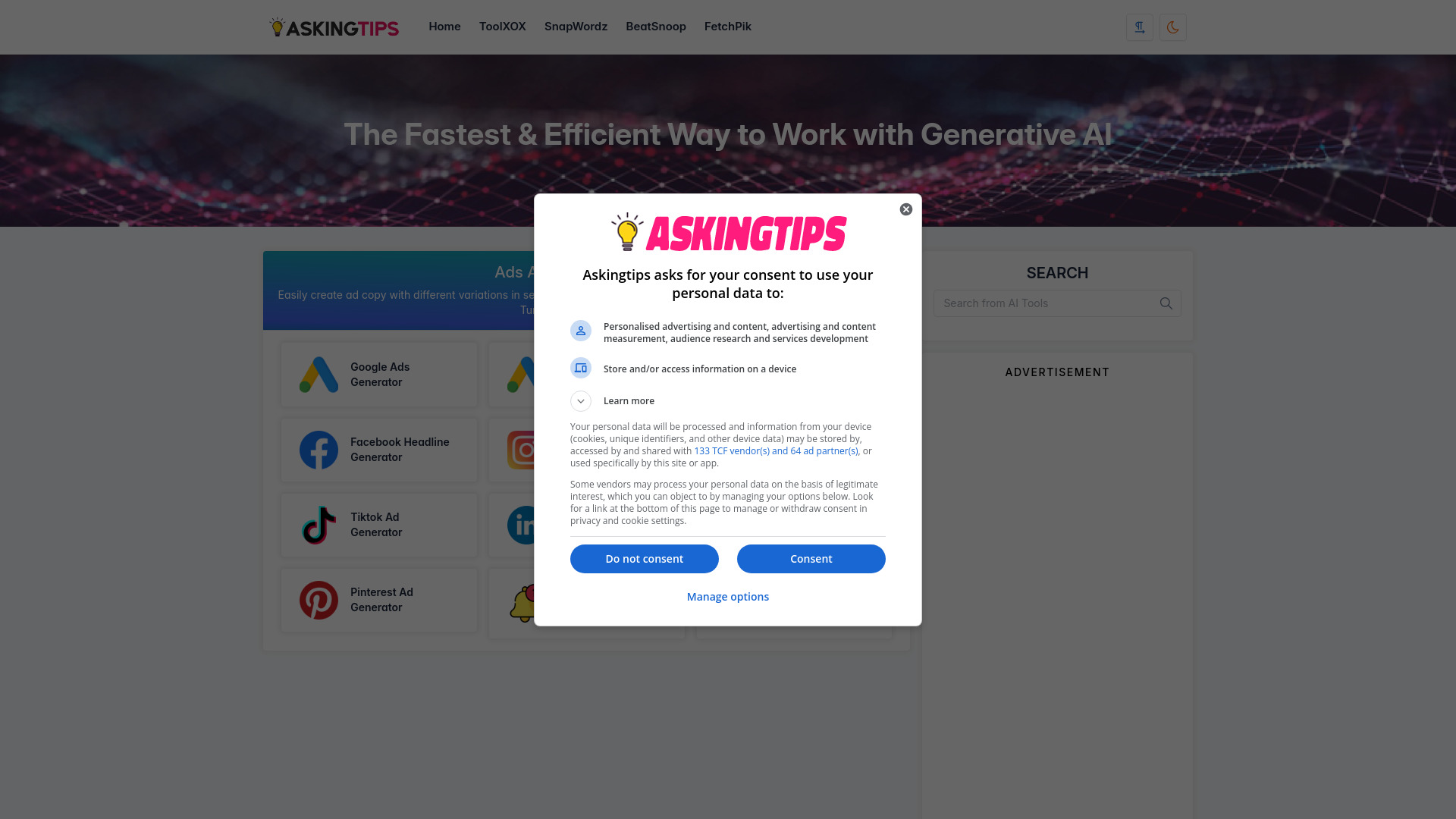
What is AskingTips AI
AskingTips AI is a unified platform that curates leading AI tools and digital marketing utilities, giving creators a one-stop workspace for text, images, audio, and transcription. Powered by ChatGPT 3.5, ChatGPT 4, and multiple premium APIs, it helps you draft articles, social captions, ads, and emails, generate on-brand visuals, synthesize voiceovers, and turn recordings into clean text. By centralizing multimodal creation in a single interface, AskingTips AI streamlines workflows, reduces app-hopping, and accelerates content production without extra technical setup.
AskingTips AI Features
- Multimodal creation suite: Produce written content, images, audio voiceovers, and AI-powered transcripts from one platform.
- GPT-powered writing: Generate blogs, product descriptions, emails, ad copy, and summaries with controllable tone, style, and length using ChatGPT-3.5 or ChatGPT-4.
- Image generation: Create visuals from prompts with adjustable styles and sizes to match campaign needs.
- Audio generation: Turn scripts into natural-sounding voiceovers for videos, reels, and product demos.
- AI transcription: Convert recordings, interviews, or podcasts into clean, editable text for quick repurposing.
- Model flexibility: Choose between speed-focused and quality-focused models to balance cost, latency, and output fidelity.
- Prompt-first workflow: Clear input fields and guidance help non-technical users get consistent results without complex setup.
- Cross-tool handoff: Reuse outputs across modules, such as transforming a transcript into a blog post or script into a voiceover.
Who is AskingTips AI for
AskingTips AI suits content marketers, social media managers, SEO writers, e-commerce sellers, agencies, podcasters, YouTubers, and solo creators who need fast, reliable AI content creation, image generation, audio generation, and AI transcription in one place. It is also helpful for startups and small teams seeking a scalable digital marketing toolkit without stitching together multiple apps.
How to use AskingTips AI
- Sign up and log in to access the unified dashboard.
- Select a module: Content (text), Image, Audio (voiceover), or Transcription.
- Pick a model (e.g., ChatGPT-3.5 or ChatGPT-4 where available) and enter your prompt, or upload media for transcription.
- Adjust settings such as tone, length, style, image dimensions, or audio options as needed.
- Generate a draft or preview and review the output.
- Refine with edits or regenerate sections until the result fits your brief.
- Export, copy, or download your assets and repurpose them across channels.
- Optionally chain tools: turn a transcript into an article, then create visuals and a voiceover for the same campaign.
AskingTips AI Industry Use Cases
Marketing teams plan product launches by drafting landing copy with ChatGPT-4, generating matching images for social ads, and producing voiceovers for promo videos. E-commerce sellers create optimized product descriptions, lifestyle visuals, and quick transcripts of influencer reviews. Podcasters and media publishers transcribe episodes to produce show notes, blog summaries, and short-form scripts. Educators convert lecture recordings into readable notes, then add illustrative images and narration for online lessons.
AskingTips AI Pros and Cons
Pros:
- All-in-one platform for text, image, audio, and transcription.
- High-quality outputs via ChatGPT-3.5, ChatGPT-4, and premium API integrations.
- Time-saving workflows with cross-tool reuse of assets.
- Accessible interface for non-technical users and busy marketers.
- Flexible model choices to balance speed and quality.
Cons:
- Output quality can vary based on prompts and input clarity.
- Fine-grained control over image or voice styles may be limited compared to specialist tools.
- Access to certain models or higher usage levels may depend on plan and quotas.
- Requires a stable internet connection and careful review for brand consistency.
- Costs can scale with heavy usage and high-volume generation.
AskingTips AI FAQs
-
What can I create with AskingTips AI?
You can generate written content, create images from prompts, synthesize voiceovers, and convert audio into text transcripts within one platform.
-
Which models power AskingTips AI?
It is powered by ChatGPT 3.5, ChatGPT 4, and multiple premium APIs to support text, image, audio, and transcription tasks.
-
Do I need technical skills to use it?
No coding is required. Clear prompts and guided inputs help you generate high-quality outputs quickly.
-
Can I customize tone and style?
Yes. You can set tone, length, and style for text, and adjust key parameters for image and audio generation.
-
How do I repurpose content across tools?
Use the output from one module as input for another, such as turning a transcript into an article or a script into a voiceover and matching visuals.
-
Is my data shared with third parties?
Requests are processed by integrated models and APIs. Review the platform’s privacy policy and terms to understand data handling and retention.