
- Home
- AI Writing Assistants
- Word Studio
Word Studio
Open Website-
Tool Introduction:Template-driven AI for writing, research, and visuals—no prompts.
-
Inclusion Date:Nov 07, 2025
-
Social Media & Email:

Tool Information
What is Word Studio AI
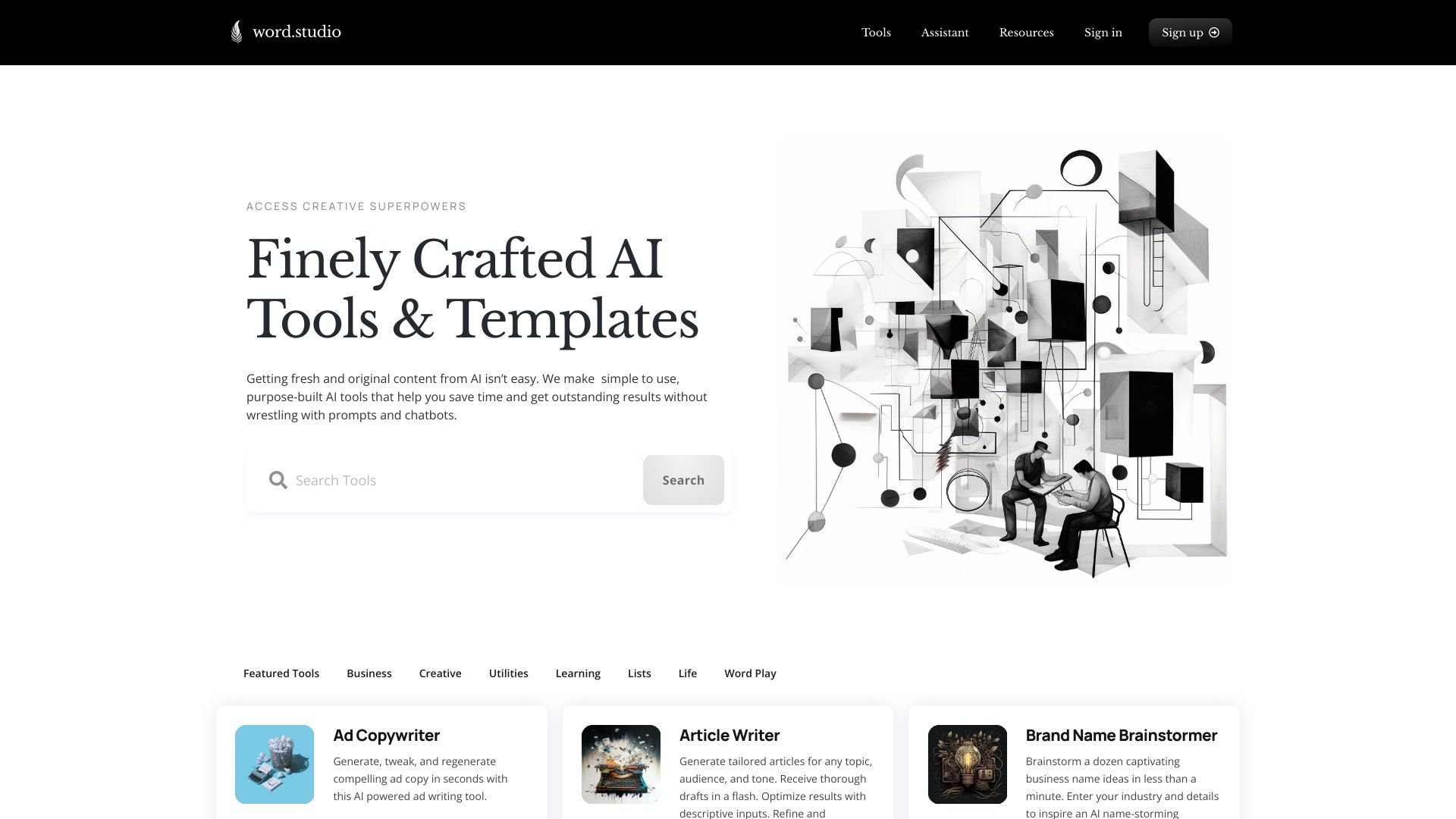
Word Studio AI (Word.Studio) is a collection of AI-powered tools and templates that streamline writing, brainstorming, editing, researching, and idea refinement. Built to deliver clear results without complex prompts or chatbot back-and-forth, it offers purpose-built modules for business documents, academic writing, career development, creative word play, and image generation. By turning short briefs into structured drafts with tone and length controls, it helps users produce consistent, high-quality content faster while maintaining their voice and intent.
Main Features of Word Studio AI
- Template-based workflows: Ready-made tools for business, academic, career, creative writing, and image generation.
- Guided brief input: Provide goals, audience, tone, and length to shape output without prompt engineering.
- Draft and refine: Generate outlines, summaries, rewrites, paraphrases, headlines, and structured documents.
- Brainstorming and research support: Ideation helpers to explore angles, questions, and topic framing.
- In-editor polishing: Expand, shorten, and adjust style within an integrated editing interface.
- Consistent tone controls: Align voice across emails, reports, essays, and marketing copy.
- Organization and reuse: Save outputs and iterate on versions for fast updates.
- Image generation: Turn ideas into visuals with style options to complement written content.
- No learning curve: Purpose-built tools replace complex prompts with simple forms.
Who Can Use Word Studio AI
Word Studio AI suits marketers, content creators, students, researchers, entrepreneurs, and job seekers who need reliable, structured outputs. It supports marketing teams drafting campaigns, educators preparing materials, HR and career coaches refining resumes and cover letters, and small businesses producing emails, proposals, and product descriptions. Creators can experiment with word play and visuals, while academics benefit from outlining, summarizing, and editing assistance.
How to Use Word Studio AI
- Sign up and open the dashboard.
- Select a template (e.g., business email, research outline, resume, blog post, or image generator).
- Enter your brief: goals, audience, tone, length, and key points.
- Generate a draft and review the structured output.
- Refine with rewrite, expand, shorten, or style tools to match your voice.
- Iterate as needed, then export, copy, or save your final content.
Word Studio AI Use Cases
Marketing teams create campaign briefs, ad copy, landing page sections, and social captions. Educators and students outline essays, summarize readings, and polish academic writing. HR and job seekers draft resumes, cover letters, and interview follow-ups. Startups and SMBs produce proposals, investor summaries, and customer emails. E-commerce teams write product descriptions and FAQs. Creators combine written content with AI-generated images for posts, newsletters, and presentations.
Pros and Cons of Word Studio AI
Pros:
- Purpose-built templates remove the need for complex prompts.
- Broad toolset for business, academic, career, creative, and visual tasks.
- Consistent tone and structure across different content types.
- Fast drafting with intuitive refinement tools.
- Helpful for brainstorming and outlining ideas.
Cons:
- Template boundaries may limit highly custom or niche workflows.
- Outputs still require human review and fact-checking for accuracy.
- Results depend on the clarity and completeness of the brief.
FAQs about Word Studio AI
-
Is Word Studio AI a chatbot?
No. It focuses on template-based tools with guided inputs rather than open-ended chat.
-
Do I need prompt engineering skills?
No. You fill in structured fields (goal, audience, tone), and the tool handles the rest.
-
Can it generate images?
Yes. It includes an image generation tool to create visuals that complement your content.
-
Is the content editable after generation?
Yes. You can rewrite, expand, shorten, and adjust style directly in the editor and iterate as needed.