
- Home
- AI Text-to-Speech
- Wavel AI
Wavel AI
Open Website-
Tool Introduction:AI video editing, dubbing, voice cloning, subtitles, localization.
-
Inclusion Date:Oct 21, 2025
-
Social Media & Email:


Tool Information
What is Wavel AI
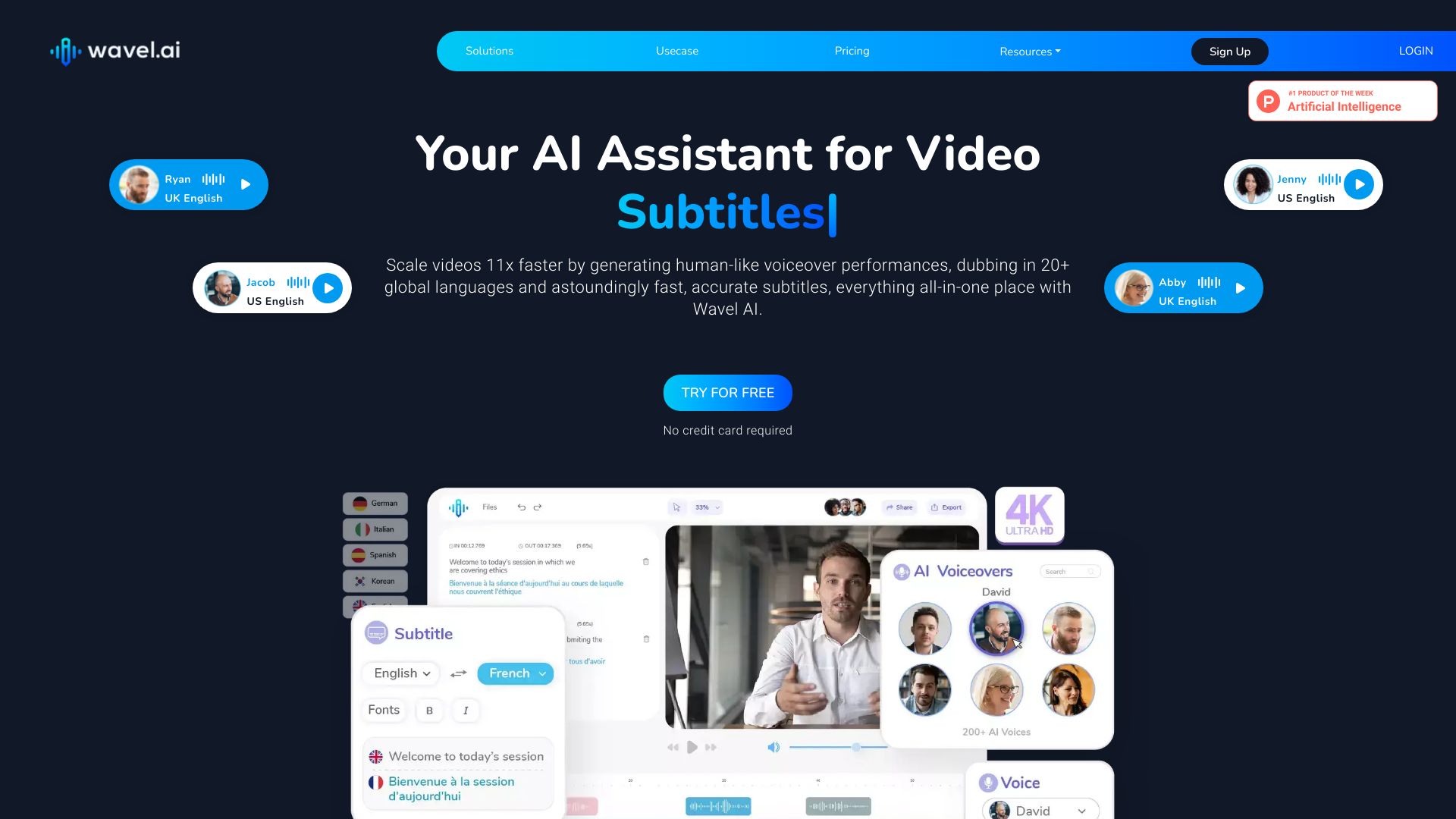
Wavel AI is an AI-powered platform for video creation and localization that brings video editing, text-to-speech, voice cloning, translation, and subtitle generation into one streamlined workflow. It helps teams turn scripts and footage into multilingual videos with natural voiceovers and timed captions, cutting post-production time and costs. With tools for AI dubbing, automatic subtitles, voice replacement, and lightweight edits, Wavel AI supports end-to-end delivery from content planning to export, making professional video production accessible to creators, marketers, educators, and businesses of all sizes.
Wavel AI Key Features
- AI Dubbing: Generate multilingual voiceovers for existing videos to reach global audiences without reshoots.
- Text-to-Speech (TTS): Convert scripts into natural-sounding speech with selectable voices and adjustable pacing.
- Voice Cloning: Create a custom voice model (with proper consent) to keep branding and speaker identity consistent.
- Translation: Translate spoken and on-screen content to multiple languages for international distribution.
- Subtitle Generation: Auto-create time-aligned captions and edit them for accuracy, style, and readability.
- Video Editing Basics: Trim, cut, and arrange clips; align audio and captions to polish final outputs.
- Localization Workflow: Manage language versions, keep assets organized, and maintain brand consistency across markets.
- Export Options: Produce localized videos and download subtitles in standard caption formats for major platforms.
Who Should Use Wavel AI
Wavel AI suits content creators, social media teams, marketers, educators, and product teams who need fast, multilingual video output. It is useful for e-learning courses, product demos, explainer videos, ads, webinars, and customer support libraries, especially when scaling content across regions and languages.
How to Use Wavel AI
- Sign in and create a new project for your video or script.
- Upload your source video, audio, or text script to the workspace.
- Choose a tool: AI dubbing, TTS voiceover, translation, or subtitle generation.
- Select target language(s) and pick a voice or a cloned voice if available.
- Generate audio, subtitles, or dubbed tracks and wait for initial processing.
- Review the transcript, timing, and pronunciations; edit where needed for clarity.
- Sync subtitles and voiceover with visuals; make light video edits if required.
- Preview the localized version, then export the video and captions in desired formats.
- Publish to your channels and manage different language variants within the project.
Wavel AI Industry Use Cases
EdTech providers localize lecture recordings and microlearning modules with AI dubbing and captions to improve accessibility. SaaS marketers translate product walkthroughs and feature demos for new regions without re-recording. Media teams adapt short-form social videos into multiple languages for global campaigns. Customer support teams convert help videos into localized knowledge base assets to reduce ticket volume.
Wavel AI Pricing
Wavel AI typically offers tiered plans for individuals, teams, and enterprises, with usage-based limits for features like voice generation, dubbing, and translations. Enterprise options usually include custom quotas and advanced support. For current pricing, plan details, and any trials, refer to the official Wavel AI website.
Wavel AI Pros and Cons
Pros:
- All-in-one suite for dubbing, TTS, translation, and subtitles reduces tool switching.
- Speeds up multilingual content production and lowers re-recording costs.
- Voice cloning helps maintain brand and speaker consistency (with consent).
- Time-aligned captions improve accessibility and engagement.
- Flexible exports support common workflows across platforms.
Cons:
- Quality can vary by language, domain jargon, and audio conditions.
- Manual review is often needed to perfect timing, names, and pronunciations.
- Costs may rise with large volumes or many language versions.
- Voice cloning requires strict consent and careful compliance practices.
- Cloud-based processing depends on stable internet connectivity.
Wavel AI FAQs
-
Does Wavel AI support multiple languages for dubbing and subtitles?
Yes. It is designed for multilingual workflows, enabling dubbing, translation, and captioning across many languages.
-
Can I clone a specific voice for my brand or speakers?
Wavel AI supports voice cloning with proper consent. Always ensure rights and permissions are in place before cloning.
-
How accurate are the automatic translations and captions?
Accuracy depends on language pair, audio quality, and domain terms. Human review is recommended for critical content.
-
What export options are available?
You can export localized videos and download subtitles in standard caption formats suitable for common platforms.
-
Do I need advanced editing skills to use Wavel AI?
No. The interface focuses on guided workflows, making it approachable for non-editors while still aiding professionals.