
- Home
- AI For Finance
- Pine
Pine
Open Website-
Tool Introduction:Pine AI handles support calls—negotiates bills, cancels subs.
-
Inclusion Date:Nov 08, 2025
-
Social Media & Email:
Tool Information
What is Pine AI
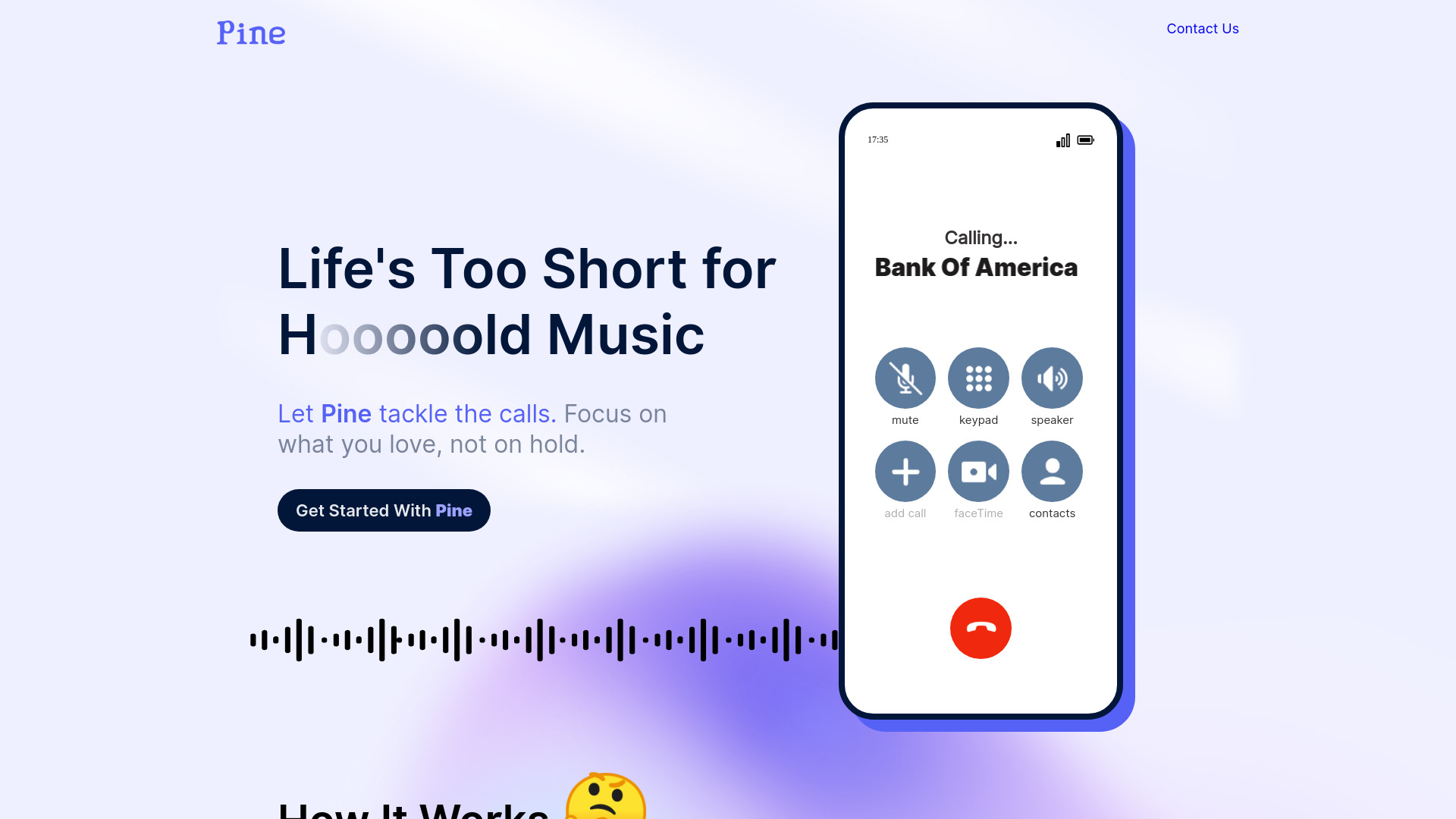
Pine AI is an AI assistant that handles customer service calls on your behalf. It navigates phone menus, waits on hold, and uses AI‑driven negotiation to resolve tasks like lowering bills, canceling subscriptions, disputing charges, and filing complaints. By combining conversation models with data‑based comparisons and policy knowledge, it advocates for outcomes you specify, then summarizes results for review. Pine AI helps users save time, reduce friction, and get consistent follow‑up without spending hours on the phone.
Main Features of Pine AI
- Autonomous call handling: Places calls, navigates IVR menus, waits on hold, and reaches the right department to address your issue.
- AI‑powered negotiation: Uses structured negotiation strategies to seek bill reductions, fee waivers, cancellations, and fair resolutions.
- Data‑driven comparisons: References market rates and plan benchmarks to support requests with evidence and alternatives.
- Outcome guardrails: Set goals, minimum acceptable offers, and boundaries so the agent acts within your instructions.
- Escalation logic: Detects dead‑ends and requests supervisor escalation when appropriate.
- Summaries and transcripts: Provides call recaps and conversation logs (where permitted) for clarity and record‑keeping.
- Status tracking: A dashboard to monitor active cases, follow‑ups, and results in one place.
- Privacy controls: Consent‑based access to the information needed for verification, with revocable permissions.
- Persistent follow‑up: Schedules callbacks and retries to prevent dropped cases or missed opportunities.
Who Can Use Pine AI
Pine AI suits busy consumers, freelancers, and small business owners who want to negotiate bills, cancel subscriptions, dispute fees, or file complaints without spending time on hold. It also helps caregivers managing family accounts and anyone who prefers a structured, evidence‑backed approach to customer service calls. Teams can use it to standardize vendor interactions and reduce operational overhead.
How to Use Pine AI
- Sign up and create your account.
- Describe the issue and goal (e.g., lower internet bill, cancel a membership, dispute a charge) and upload any relevant documents.
- Provide necessary verification details or one‑time permissions so the agent can pass security checks.
- Set preferences and guardrails, including target outcomes and minimum acceptable terms.
- Start the case; Pine AI places the call, negotiates, and escalates when needed.
- Track progress in the dashboard and receive real‑time updates.
- Review the summary or transcript and approve any changes or next steps.
Pine AI Use Cases
Common scenarios include negotiating lower rates for internet or mobile plans, canceling streaming or software subscriptions, resolving utility billing errors, requesting fee waivers, handling warranty or service disputes, and filing complaints with retailers or service providers. Businesses can use Pine AI to standardize vendor retention calls, reduce recurring costs, and streamline customer support escalations.
Pros and Cons of Pine AI
Pros:
- Saves time by managing hold queues and complex phone trees.
- Consistent, AI‑guided negotiation anchored in data and policy knowledge.
- Clear summaries and transcripts for transparency and follow‑up.
- Custom guardrails ensure actions align with user intent.
- Reliable follow‑ups reduce dropped cases and missed callbacks.
Cons:
- Some companies require the account holder to speak directly or provide one‑time verification.
- Success rates vary by provider policies and case complexity.
- Users must share limited account details for authentication, which may not suit all comfort levels.
- Highly nuanced disputes may still need human intervention.
FAQs about Pine AI
-
Can Pine AI negotiate a lower bill for me?
Yes. You set goals and boundaries, and the agent negotiates within those limits to seek better rates or credits.
-
What information does Pine AI need to make calls?
Typically your account details for verification and any documents that support your case. You control permissions and can revoke them.
-
Will every company accept third‑party calls?
Not always. If required, Pine AI can prompt a brief handoff so you can complete verification before it continues.
-
Do I get records of what happened on the call?
You receive a summary and, where allowed, a transcript to review outcomes and next steps.
-
Can Pine AI cancel subscriptions for me?
Yes, it can request cancellations and confirmations according to your instructions and provider policies.