
- Home
- AI For Finance
- OctoBot Cloud
OctoBot Cloud
Open Website-
Tool Introduction:[Automate crypto strategies with cloud AI, backtesting, 15+ exchanges.]
-
Inclusion Date:Nov 09, 2025
-
Social Media & Email:
Tool Information
What is OctoBot Cloud AI
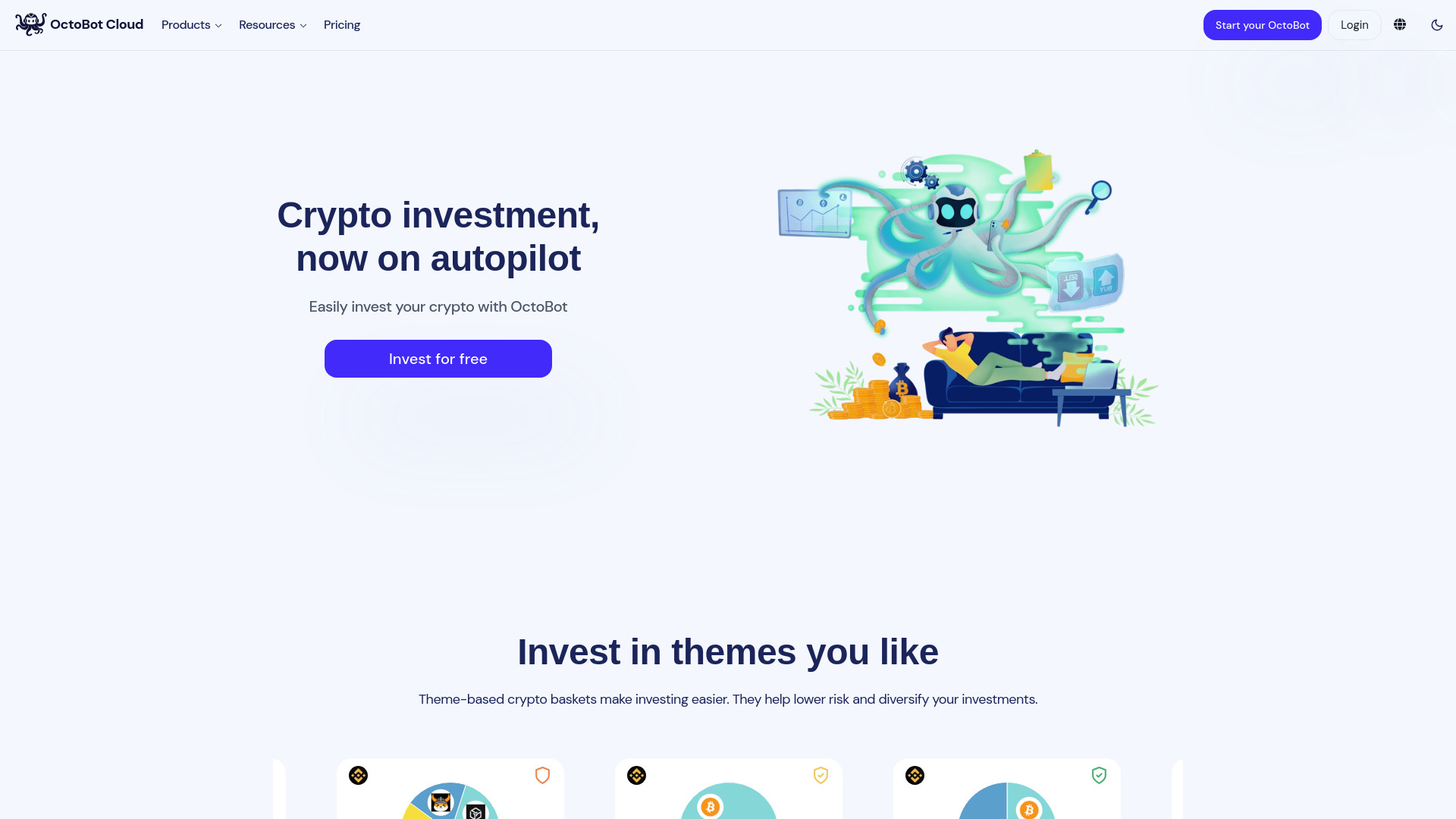
OctoBot Cloud AI is a cloud-based crypto trading platform that helps you automate and optimize your investment strategy across more than 15 exchanges. It offers AI-driven signals alongside ready-made Dollar-Cost Averaging (DCA), Grid, TradingView, Crypto Basket, and custom Python strategies, letting you start simple and scale to advanced workflows. With built-in backtesting, paper trading, and performance analytics, you can validate ideas before going live. Deploy 24/7 bots, manage risk, and monitor performance from a single, intuitive dashboard.
Main Features of OctoBot Cloud AI
- Multi-exchange connectivity: Connect API keys from 15+ popular crypto exchanges to trade and rebalance across markets from one place.
- Strategy templates: Launch proven DCA, Grid, TradingView alert, and Crypto Basket strategies without coding.
- AI-driven signals: Enhance entries and exits with machine-assisted insights to adapt to market regimes.
- Python strategy editor: Build and customize your own trading rules using Python for full flexibility.
- Backtesting and paper trading: Test ideas historically and in simulated markets before deploying live capital.
- Cloud automation 24/7: Run bots continuously with uptime, logging, and monitoring handled in the cloud.
- Risk and portfolio tools: Set position sizing, stop rules, and automate basket rebalancing to align with your goals.
- Performance analytics: Track returns, drawdowns, and per-strategy metrics to refine and optimize.
- TradingView integration: Turn alerts into executable orders through webhook-based strategies.
- Secure key management: Use exchange API keys with permissions you control and revoke at any time.
Who Can Use OctoBot Cloud AI
OctoBot Cloud AI suits retail crypto investors, active traders, and quant enthusiasts who want automated execution, as well as developers seeking a Python framework for custom strategies. It helps beginners use ready-made DCA or Grid bots, TradingView users convert alerts into trades, and portfolio builders automate crypto baskets and rebalancing across multiple exchanges.
How to Use OctoBot Cloud AI
- Sign up for an OctoBot Cloud account and choose a subscription plan that fits your needs.
- Connect your exchange accounts via API keys with appropriate permissions.
- Select a strategy template (AI, DCA, Grid, TradingView, Crypto Basket) or create a Python strategy.
- Configure parameters such as pairs, timeframes, sizing, and risk controls.
- Run a backtest to validate performance and adjust settings as needed.
- Start in paper trading to simulate execution without risking capital.
- Deploy live when satisfied, and monitor results from the dashboard.
- Iterate: review analytics, tweak parameters, and scale successful bots.
OctoBot Cloud AI Use Cases
Investors use OctoBot Cloud AI to automate DCA accumulation of major coins, run Grid trading in ranging markets, and rebalance diversified Crypto Baskets for index-like exposure. Algorithmic traders connect TradingView strategies to execute alerts instantly, while developers code Python strategies to test momentum, mean reversion, or arbitrage ideas. Portfolio managers operate multiple bots across exchanges to diversify execution and manage risk at scale.
OctoBot Cloud AI Pricing
OctoBot Cloud AI follows a tiered subscription model with plans designed for different investor profiles. Higher tiers typically include expanded features such as more concurrent bots, additional exchange connections, increased backtesting capacity, and priority support. Choose the plan that matches your automation needs, from getting started with templates to running advanced, multi-exchange strategies in the cloud.
Pros and Cons of OctoBot Cloud AI
Pros:
- Wide strategy coverage: AI, DCA, Grid, TradingView, and Python customization.
- Multi-exchange support enables diversified execution and portfolio rebalancing.
- Built-in backtesting and paper trading reduce live testing risk.
- Cloud-based uptime and monitoring simplify 24/7 automation.
- Beginner-friendly templates plus advanced tools for developers.
Cons:
- Market and exchange risks remain; results are not guaranteed.
- Learning curve for tuning strategies and risk parameters.
- Requires secure API key management and adherence to exchange limits.
- Subscription cost may not suit very casual users.
FAQs about OctoBot Cloud AI
-
Does OctoBot Cloud AI support paper trading?
Yes. You can simulate strategies in paper mode after backtesting to validate behavior before going live.
-
Can I execute TradingView alerts with OctoBot Cloud AI?
Yes. You can configure webhook-based strategies to turn TradingView alerts into orders on connected exchanges.
-
Do I need to code to use it?
No. You can start with ready-made DCA, Grid, AI, and Basket templates. Coding in Python is optional for custom logic.
-
Which exchanges does it support?
OctoBot Cloud AI connects to more than 15 popular crypto exchanges. Check the platform for the current list and requirements.
-
Is this financial advice?
No. OctoBot Cloud AI is a tool for automation and testing. Always assess risks and do your own research before trading.