
- Home
- AI Image Recognition
- Picarta
Picarta
Open Website-
Tool Introduction:AI photo geolocation to find where images were taken. EXIF, reverse search.
-
Inclusion Date:Oct 28, 2025
-
Social Media & Email:


Tool Information
What is Picarta AI
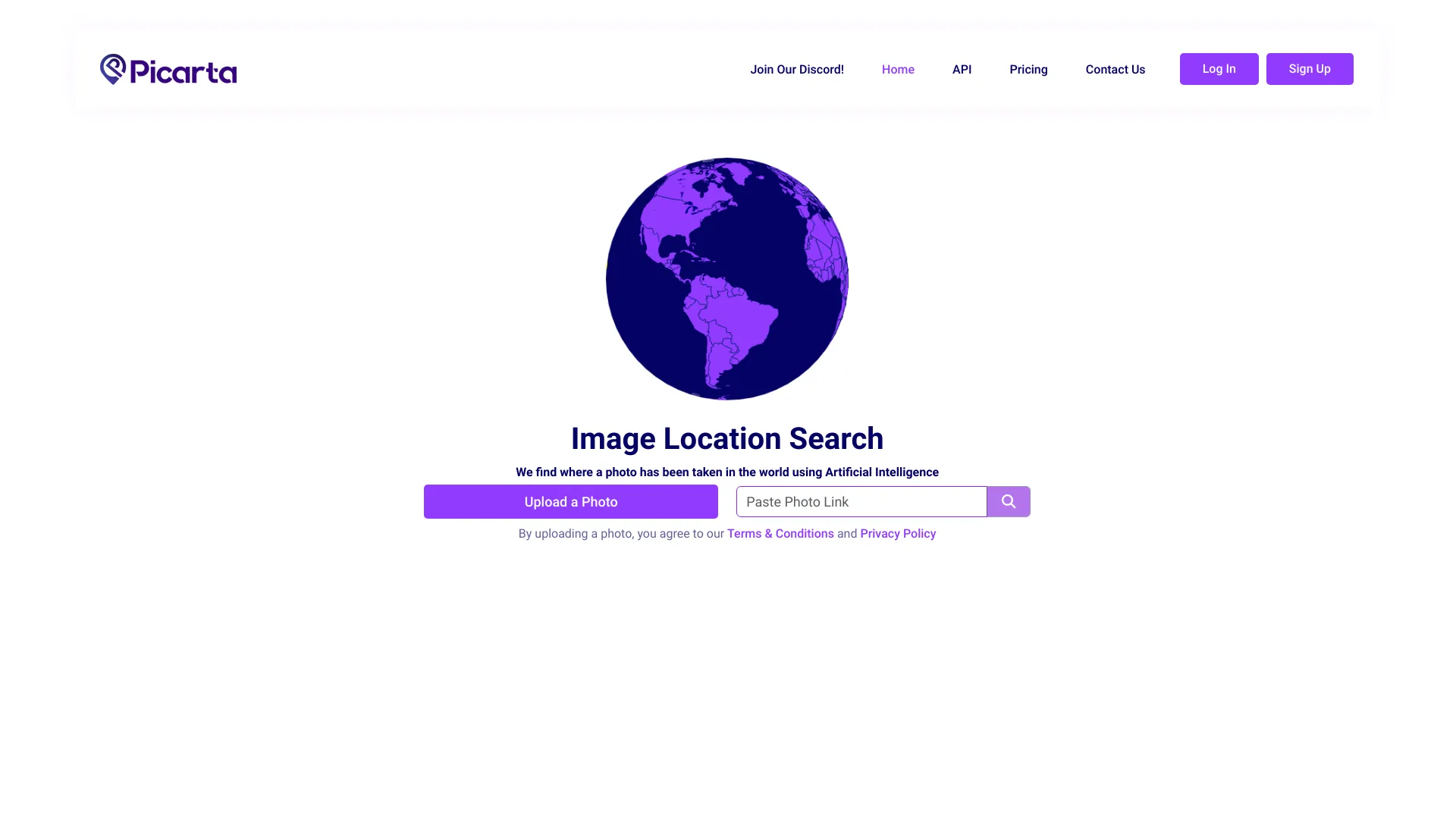
Picarta AI is an image geolocation platform that uses artificial intelligence to predict where a photo was taken. By analyzing visual cues in the image—such as landmarks, architecture, vegetation, road patterns, and skyline features—alongside available metadata, it estimates a likely GPS location. The tool also provides EXIF metadata viewing and reverse image search to validate or refine results. Picarta AI helps users verify photos, investigate provenance, and discover geographic context without relying solely on embedded geotags.
Picarta AI Main Features
- AI image geolocalization: Predicts likely locations from visual content, considering environmental and structural patterns.
- EXIF metadata viewer: Surfaces geotags, camera model, timestamp, and other embedded data when available to aid verification.
- Reverse image search: Finds visually similar images on the web to cross-check landmarks or scenes and corroborate locations.
- Hybrid verification workflow: Combines AI predictions, EXIF insights, and web matches to strengthen confidence in results.
- Forensic-friendly analysis: Helps flag inconsistencies between visual cues and metadata, supporting authenticity checks.
- Works with common image formats: Accepts standard photo files used across cameras and smartphones.
Who Should Use Picarta AI
Picarta AI suits journalists and fact-checkers verifying imagery, OSINT researchers and digital investigators, travel and culture writers identifying destinations, photographers and archives organizing collections, educators teaching geospatial literacy, and trust & safety teams reviewing user-generated content. It is also helpful for hobbyists curious about where a photo was taken when geotags are missing or unreliable.
How to Use Picarta AI
- Upload a photo with clear visual details (landmarks, terrain, signage if present).
- Run the geolocation analysis to receive predicted locations based on visual features.
- Open the EXIF viewer to check any embedded geotags or metadata for corroboration.
- Use reverse image search to find matching scenes online and compare with predictions.
- Cross-reference multiple signals (visual match, metadata, web results) to select the most plausible location.
- Document findings, noting evidence that supports the chosen location and any uncertainties.
Picarta AI Industry Use Cases
In digital journalism, Picarta AI helps confirm where breaking-news photos were taken before publication. OSINT analysts can geolocate images from social platforms to map events or verify claims. Cultural heritage projects use it to identify historic sites depicted in archival photos. Travel publishers and bloggers apply it to label destinations accurately. Trust & safety teams review listings or profiles by checking whether uploaded images align with claimed locations.
Picarta AI Pros and Cons
Pros:
- Combines AI geolocation with EXIF viewing and reverse image search in one workflow.
- Reduces reliance on geotags by extracting meaningful visual cues from images.
- Supports verification and provenance research for journalism, OSINT, and archives.
- Helps detect mismatches between image content and metadata.
Cons:
- Accuracy can vary for generic scenes lacking distinctive features.
- Edited, cropped, or low-resolution images may reduce prediction quality.
- EXIF data is often missing or stripped, limiting metadata-based corroboration.
- Ethical and privacy considerations require careful handling of sensitive images.
Picarta AI FAQs
-
How accurate is Picarta AI?
Accuracy depends on scene uniqueness, image quality, and available references. Distinctive landmarks typically yield better results than generic indoor or rural scenes.
-
Does it need EXIF geotags to work?
No. The AI can predict locations from visual cues alone, but EXIF geotags—when present—provide an additional signal for validation.
-
Can it handle edited or cropped images?
Yes, but heavy edits, filters, or tight crops may remove key cues, reducing confidence in the predicted location.
-
What types of images work best?
Photos with visible landmarks, signage, architectural styles, terrain, or skyline features provide stronger signals for geolocation.
-
How does reverse image search help?
It finds visually similar photos online so you can compare scenes and verify whether the predicted location matches documented references.
-
Is there a way to protect privacy?
Avoid uploading sensitive images and review metadata before sharing results. Remove EXIF geotags when necessary and follow organizational data policies.