
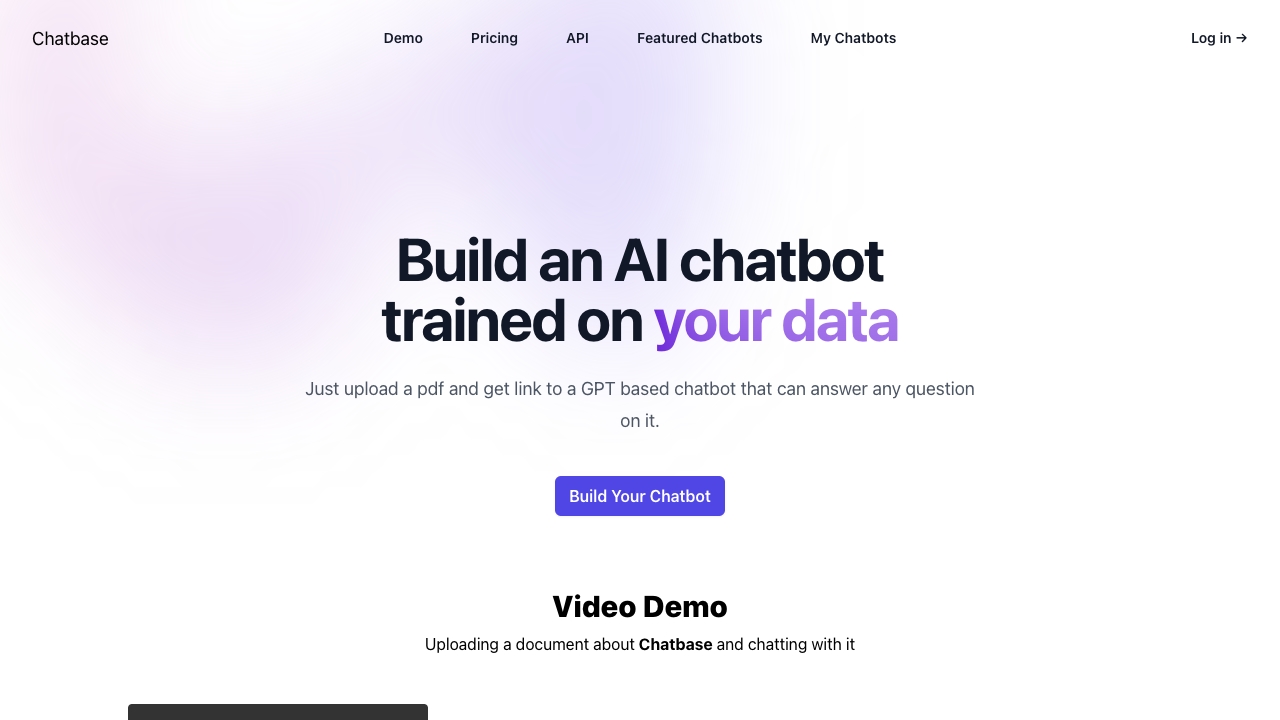
Chatbase
Open Website-
Tool Introduction:Build AI support agents from your data; deploy actions, sync in real time.
-
Inclusion Date:Oct 21, 2025
-
Social Media & Email:


Tool Information
What is Chatbase AI
Chatbase AI is an end-to-end platform for building, testing, and deploying AI agents that handle customer support and help drive revenue. Teams can train an agent on business data—FAQs, help docs, product catalogs—and define the actions it is allowed to take, from fetching order status to creating support tickets. With real-time data syncing, configurable actions, AI model comparison, smart escalation to humans, and advanced reporting, Chatbase AI helps companies deliver accurate, on-brand answers across channels while maintaining control and measurable outcomes.
Chatbase AI Main Features
- Business data training: Ingest FAQs, help center content, product data, and policies so the agent answers with company-specific knowledge.
- Real-time data syncing: Keep responses fresh as documentation and product information change, reducing stale or inaccurate replies.
- Action configuration: Define safe, permissioned actions (e.g., check order status, create tickets) to let agents complete tasks, not just answer.
- AI model comparison: Evaluate multiple models side-by-side to balance accuracy, speed, and cost before deploying.
- Smart escalation: Route complex conversations to human agents with full context to prevent customer repetition and reduce friction.
- Advanced reporting: Track usage, response quality, topics, and outcomes to monitor performance and guide continuous improvement.
- Flexible deployment: Configure and deploy agents to customer-facing touchpoints, embedding assistance where users need it.
Who Should Use Chatbase AI
Chatbase AI suits support and CX teams, e-commerce operators, SaaS and marketplace businesses, revenue and sales ops, and product teams seeking scalable, AI-powered customer assistance. It is useful for organizations that want to automate repetitive inquiries, enable self-service, integrate task execution, and measure impact with clear analytics while preserving human oversight for edge cases.
How to Use Chatbase AI
- Connect your data sources and upload key content (FAQs, help articles, product details) to train the agent.
- Configure allowed actions and permissions so the agent can safely perform tasks on behalf of users.
- Select and compare AI models to balance quality, latency, and cost for your use case.
- Set up smart escalation rules to hand off complex conversations to human agents with conversation context.
- Test the agent with real scenarios, refine instructions, and validate responses and actions.
- Deploy the agent to your desired channels and customer touchpoints.
- Monitor advanced reporting, review conversations, and iterate on data, actions, and settings.
Chatbase AI Industry Use Cases
E-commerce brands use Chatbase AI to answer product questions, manage returns and exchanges, and provide order tracking via automated actions. SaaS companies deploy it to handle account and billing queries, triage technical issues, and escalate prioritized tickets with context. Marketplaces leverage it for policy guidance, dispute workflows, and seller onboarding. Service providers use it for appointment management, lead qualification, and instant FAQs across web and in-app channels.
Chatbase AI Pricing
Pricing and plans are provided on the official website and typically scale with usage and capabilities, such as number of agents, data volume, and reporting depth. For the most current details, limits, and any available trials, please refer to the official pricing page.
Chatbase AI Pros and Cons
Pros:
- Rapid setup with business data and configurable actions for task completion.
- Real-time data syncing keeps responses accurate and up to date.
- AI model comparison enables evidence-based model selection.
- Smart escalation preserves context for smooth human handoff.
- Advanced reporting provides measurable insights and continuous improvement.
- Flexible deployment embeds support where customers engage.
Cons:
- Requires clean, well-structured data to achieve high accuracy.
- Action design and permissioning can add integration overhead.
- Performance depends on chosen AI model and tuning.
- Change management is needed to align automation with support workflows.
Chatbase AI FAQs
-
What data can Chatbase AI train on?
It can be trained on business knowledge such as FAQs, help center content, product catalogs, and policy documents to provide company-specific answers.
-
How do actions work and are they safe?
Admins define which actions are allowed and set permissions. The agent executes only those configured actions, ensuring controlled, auditable operations.
-
Can I compare different AI models before going live?
Yes. You can evaluate models to balance accuracy, latency, and cost, then deploy the best fit for your use case.
-
How does smart escalation help support teams?
When a conversation exceeds the agent’s scope, it routes to a human with the full chat context, reducing repetition and speeding resolution.
-
How do I measure performance?
Use advanced reporting to track usage trends, response quality, topics handled, and outcomes, then iterate on data, actions, and settings for improvement.