
- Home
- AI Developer Tools
- SuperAnnotate
SuperAnnotate
Open Website-
Tool Introduction:Central hub for multimodal labeling, eval, and RLHF-ready pipelines.
-
Inclusion Date:Oct 28, 2025
-
Social Media & Email:
Tool Information
What is SuperAnnotate AI
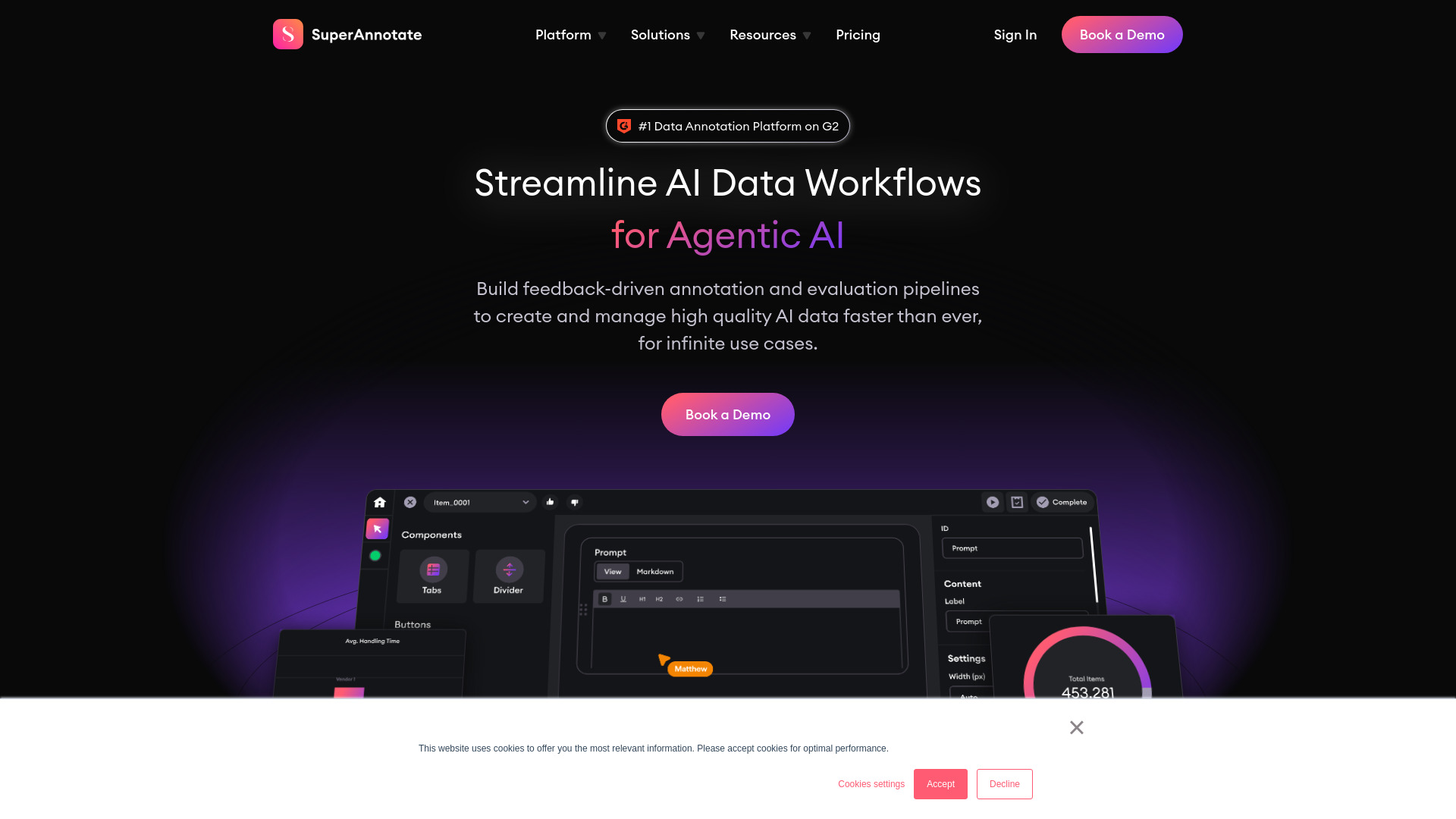
SuperAnnotate AI is a comprehensive platform for managing high-quality AI data across the full lifecycle. It centralizes annotation, evaluation, and feedback collection for multimodal datasets spanning image, video, text/NLP, and audio. Teams use it to build feedback-driven pipelines for RLHF, supervised fine-tuning (SFT), agents, RAG, and general model evaluation. With integrations to existing AI stacks, data sources, and training workflows, it reduces infrastructure friction while enabling scalable human-in-the-loop processes, robust collaboration, and measurable quality control.
SuperAnnotate AI Main Features
- Multimodal annotation: Rich tools for image, video, NLP/text, and audio labeling with support for bounding boxes, polygons, segmentation, transcripts, timestamped events, and sequence-level tasks.
- Feedback-driven pipelines: Build iterative workflows for RLHF, SFT, agents, and RAG that connect human feedback, data curation, and model evaluation.
- Model-in-the-loop: Use model-assisted pre-labeling, automatic suggestions, and active sampling to accelerate annotation while keeping humans in control.
- Quality assurance: Configure reviews, checklists, consensus checks, issue tagging, and escalations to enforce consistent, auditable quality.
- Ontology and schema management: Define, version, and evolve label taxonomies and instructions to keep datasets coherent as projects scale.
- Dataset versioning and governance: Track revisions, provenance, and approvals with clear lineage for training, validation, and evaluation splits.
- Workflow automation: Orchestrate tasks, queues, and SLAs; automate imports/exports via API/SDK and webhooks to fit existing MLOps processes.
- Integrations: Connect to common data sources and training pipelines, including cloud object storage and model training environments.
- Collaboration and roles: Manage teams, permissions, and workload distribution across internal labelers and external vendors.
- Evaluation and analytics: Run structured evaluations, track data and label quality metrics, and close the loop with model performance insights.
Who Should Use SuperAnnotate AI
SuperAnnotate AI suits ML engineers, data scientists, annotation leads, and MLOps teams who need reliable, scalable data labeling and evaluation. It is a strong fit for computer vision, NLP, and speech teams building LLMs and multimodal systems, as well as product and research groups running RLHF, SFT, agent testing, RAG evaluation, or continuous model monitoring across enterprise-scale datasets.
How to Use SuperAnnotate AI
- Sign in and create a workspace for your organization and projects.
- Connect data sources (e.g., cloud storage) or import datasets with metadata.
- Define your ontology: classes, attributes, guidelines, and acceptance criteria.
- Create a project, choose task types (image, video, text, audio), and configure tools.
- Set up workflows: queues, review stages, QA rules, and consensus thresholds.
- Invite team members, assign roles, and distribute tasks to annotators and reviewers.
- Enable model-in-the-loop to pre-label or suggest annotations where appropriate.
- Run annotation and review cycles; track progress and fix issues in context.
- Version datasets, generate eval splits, and export to your training pipeline via API/SDK.
- Collect feedback, run evaluations, and iterate to improve data quality and model performance.
SuperAnnotate AI Industry Use Cases
Computer vision teams annotate images and video for detection, segmentation, and tracking in areas like robotics, manufacturing inspection, and autonomous systems. NLP groups label intents, entities, and conversations, and run feedback loops for LLM alignment, safety evaluation, and prompt refinement. Audio teams transcribe and classify speech events for voice assistants. Search and knowledge teams use it to evaluate RAG responses and agent behavior, continuously curating datasets that reflect real user feedback.
SuperAnnotate AI Pricing
Pricing and packaging can vary by team size, features, and usage. For the latest plan details, enterprise options, and any available trials, consult the official website or contact the vendor. Costs in this category commonly depend on seats, data volumes, advanced workflow features, and optional managed services.
SuperAnnotate AI Pros and Cons
Pros:
- End-to-end data operations across annotation, evaluation, and feedback in one place.
- Strong multimodal support for image, video, text/NLP, and audio.
- Flexible workflows with model-in-the-loop and human-in-the-loop controls.
- Robust QA features, ontology management, and dataset versioning.
- APIs/SDKs and integrations that fit modern MLOps and training pipelines.
- Scales from small teams to complex, multi-project enterprise programs.
Cons:
- Initial setup and workflow design can have a learning curve for new teams.
- Large-scale projects may require careful cost and resource planning.
- Custom edge cases might need additional tooling or bespoke integrations.
- Centralizing sensitive data requires strong governance and access controls.
SuperAnnotate AI FAQs
-
What data types does SuperAnnotate AI support?
It supports multimodal datasets including images, video, text/NLP, and audio, enabling mixed workflows for complex AI systems.
-
Can it integrate with my existing training pipeline?
Yes. You can use the platform’s API/SDK and webhooks to connect cloud storage, automate imports/exports, and plug into CI/CD, notebooks, and MLOps tools.
-
How does it help with RLHF and SFT?
It supports feedback-driven loops to collect human evaluations, curate datasets, and iterate models, enabling alignment and fine-tuning workflows.
-
Is model-in-the-loop available?
Yes. Model-assisted pre-labeling and suggestions can speed up annotation while keeping human review and QA at the center.
-
How is data quality ensured?
Through configurable QA stages, consensus checks, review queues, clear guidelines, and analytics that spotlight quality and coverage gaps.
-
Who is SuperAnnotate AI best suited for?
ML, data science, and MLOps teams building computer vision, NLP, audio, and LLM applications that require reliable, scalable annotation and evaluation.