
- Home
- AI Question Generator
- Sendsteps
Sendsteps
Open Website-
Tool Introduction:AI presentation generator: auto slides, content, interactive polls.
-
Inclusion Date:Oct 28, 2025
-
Social Media & Email:


Tool Information
What is Sendsteps AI
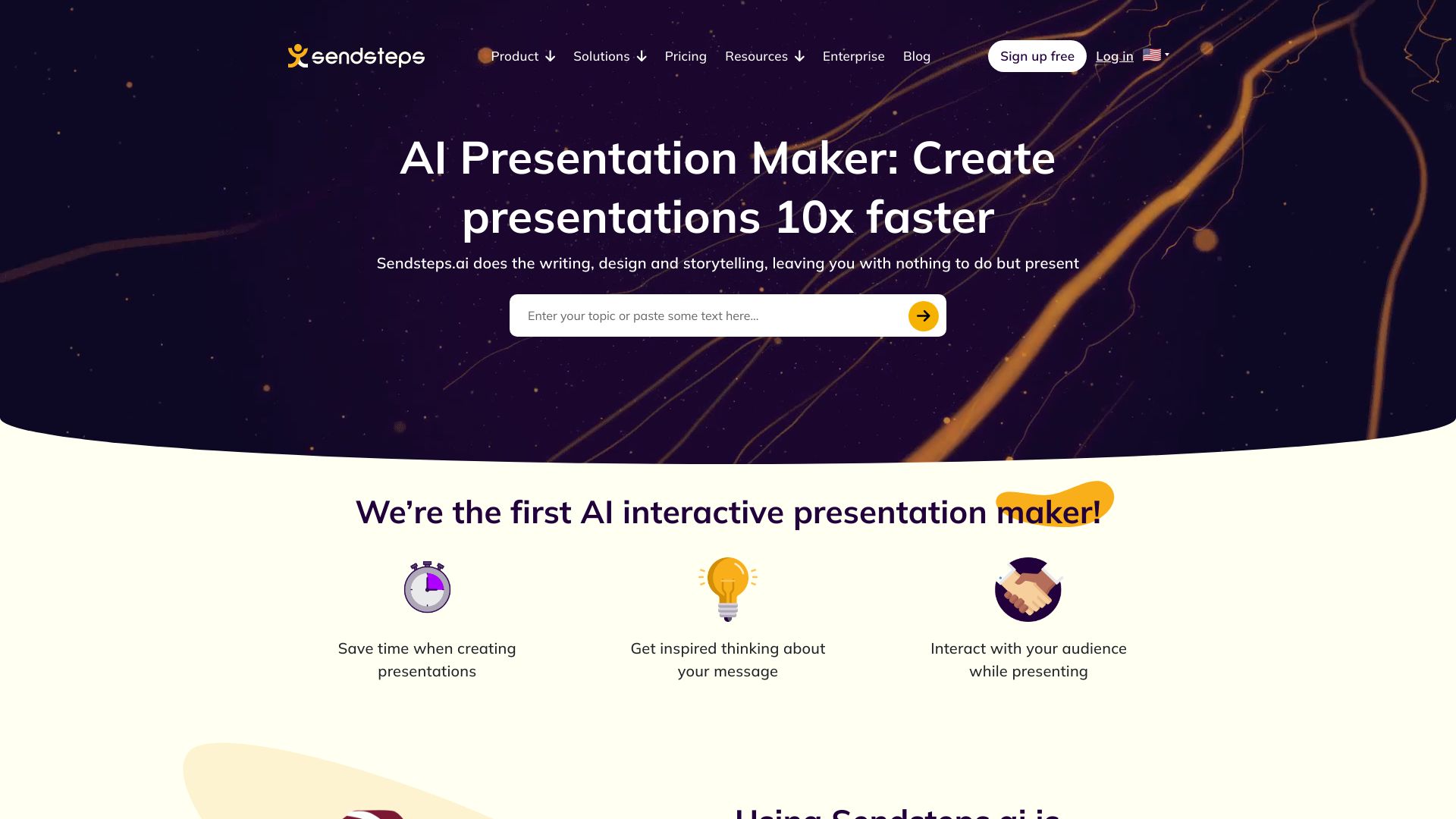
Sendsteps AI is an AI-powered presentation generator that creates slides, structured content, and interactive questions from a short prompt or outline. Designed to help teams and individuals save time, it automates topic research, slide outlines, speaker notes, and engagement elements so you can focus on delivery. With built-in audience interaction such as polls and Q&A, it turns passive decks into dynamic sessions for meetings, classes, and events. The tool streamlines preparation, improves clarity, and supports consistent messaging across presentations while reducing repetitive formatting work.
Sendsteps AI Features
- AI slide generation: Produce coherent slide outlines, headings, and talking points from a topic, brief, or agenda.
- Interactive questions: Add polls, quizzes, and Q&A to drive audience engagement and gather real-time feedback.
- Speaker notes: Auto-generate draft notes to support delivery and keep key messages on track.
- Templates and styling: Start with clean presentation templates and adjust tone, length, and emphasis to fit your context.
- Editing workflow: Refine slides, reorder sections, and customize interactive elements before presenting.
- Share and present: Present directly via the web or share a link so participants can respond on their devices.
Sendsteps AI Suitable Users
Sendsteps AI is ideal for educators, trainers, sales and marketing teams, HR and L&D departments, event hosts, and anyone who needs to build clear, engaging presentations fast. It suits recurring sessions like onboardings, product demos, workshops, town halls, and remote meetings where interactive questions and audience feedback add value.
Sendsteps AI How to Use
- Enter a topic, goals, or an outline to brief the AI on your presentation.
- Choose preferences such as tone, depth, and whether to include interactive questions.
- Generate a draft deck with slides, content, and suggested polls or Q&A prompts.
- Edit text, adjust slide order, and tailor interaction types to your audience.
- Start the session, share the presentation link, and collect live responses.
- Review results and refine the deck for future use or sharing.
Sendsteps AI Industry Use Cases
In education, instructors use Sendsteps AI to convert lesson plans into slides with comprehension checks and live Q&A. Sales teams create pitch decks with tailored talking points and quick polls to qualify interest during demos. HR teams build onboarding sessions that combine policy overviews with knowledge checks. Event facilitators run workshops with real-time audience input to prioritize topics and gather feedback.
Sendsteps AI Pricing
Sendsteps AI typically offers tiered plans that scale by features and usage, and may include a free trial or limited free access. For current packages, limits, and billing details, refer to the official pricing page.
Sendsteps AI Pros and Cons
Pros:
- Rapid creation of structured slides and speaker notes from minimal input.
- Built-in interactive questions increase audience engagement and retention.
- Consistent tone and formatting across recurring presentations.
- Flexible editing to tailor content for different audiences and contexts.
Cons:
- AI-generated content may require fact-checking and brand-specific refinement.
- Interactive features depend on participant device access and connectivity.
- Advanced customization or export options may vary by plan.
Sendsteps AI FAQs
-
Question 1: Can I customize the AI-generated slides?
Yes. You can edit text, rearrange slides, adjust tone and length, and modify interactive questions before presenting.
-
Question 2: What types of interactive questions are supported?
Common options include polls, multiple-choice quizzes, rating scales, and open-ended Q&A to capture live feedback.
-
Question 3: Do participants need an account to respond?
Typically, attendees join via a shared link and respond from their devices without creating an account.
-
Question 4: Is the content editable after generation?
Absolutely—treat the AI output as a starting point and refine it to match your messaging and audience needs.
-
Question 5: Can I present directly from the browser?
Yes, you can run the presentation online and collect responses in real time, or share a link for asynchronous input.