
- Home
- AI Anime Generator
- Komiko
Komiko
Open Website-
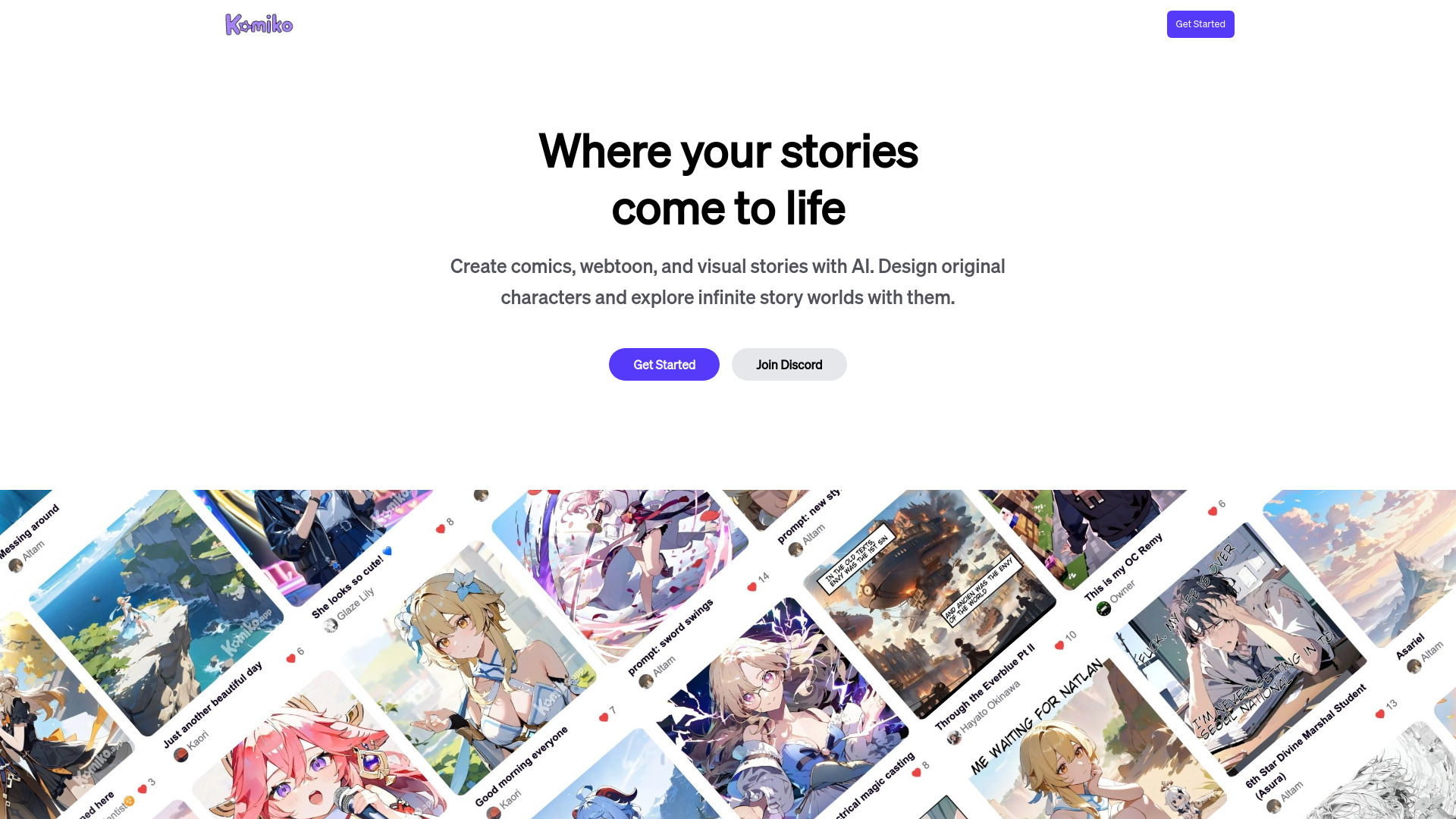
Tool Introduction:Create manga, comics, and anime with AI—design, color, animate fast.
-
Inclusion Date:Oct 21, 2025
-
Social Media & Email:

Tool Information
What is Komiko AI
Komiko AI is an all-in-one creative platform for AI comics, manga, illustrations, and anime. It combines character design, comic layout, and assistive animation so artists can move from idea to finished pages in minutes. With text-to-anime generation, reference-guided character creation, and automatic line-art coloring, Komiko streamlines each stage of visual storytelling. Storyboarding and scene-building help plan panels and pacing, while colorization, upscaling, and consistency controls keep style cohesive across pages—ideal for solo creators, studios, and content teams.
Komiko AI Main Features
- AI Character Design: Generate characters from prompts or references, define traits, outfits, and poses, and maintain visual consistency across panels.
- Comic and Manga Workflow: Panel layout tools, gutters, and layering help assemble pages; add speech balloons, captions, and SFX for clear storytelling.
- AI Anime Illustration: Text-to-image generation focused on anime and manga styles, with style controls, variations, and quality upscaling.
- Line-Art Colorization: Auto color with palette guidance, then refine flats and shading for clean, print-ready pages.
- Storyboard and Scene Builder: Plan shots, pacing, and compositions before rendering final panels to reduce rework.
- Assistive Animation: Turn key panels into short animations; set timing and transitions for loops, GIFs, and previews.
- Backgrounds and Inpainting: Generate environments, extend canvases, or fix details while preserving composition.
- Asset Management: Organize characters, scenes, versions, and exports for repeatable series production.
Who Should Use Komiko AI
Komiko AI suits illustrators, manga and webtoon creators, indie comic artists, content marketers, educators, streamers, and small studios that need fast concepting and production. It is also useful for game developers and writers creating character sheets, pitch decks, animatics, and visual prototypes.
How to Use Komiko AI
- Create an account and start a new project for an illustration, comic, or short animation.
- Draft a concept: outline your story, mood, and style reference.
- Design characters using prompts or image references; save consistent looks for reuse.
- Build a storyboard with key shots and panel arrangements to set pacing.
- Generate scenes and backgrounds, place characters and props, and refine composition.
- Add speech balloons, captions, and SFX; adjust lettering for readability.
- Auto-color line art, then tweak palettes, shading, and textures as needed.
- Animate selected panels or loops with timing controls; preview and refine.
- Export pages or clips (e.g., PNG, PDF, GIF/MP4) and publish or share.
Komiko AI Industry Use Cases
A webtoon creator accelerates weekly episodes by generating consistent characters and auto-coloring line art. A marketing team produces anime-style explainer strips for social media in hours instead of days. Educators turn lesson plans into visual comics to boost engagement. Game studios iterate character concepts, environment tests, and animatics to validate art direction before full production.
Komiko AI Pros and Cons
Pros:
- End-to-end workflow from character design to comic layout and short animations.
- Rapid iteration with text-to-anime generation and automated colorization.
- Consistency tools help keep recurring characters and styles cohesive.
- Scene planning reduces rework and improves storytelling clarity.
- Flexible exports for print, web, and social platforms.
Cons:
- Outputs may require manual clean-up to meet professional publishing standards.
- Learning curve for complex, multi-step comic and animation workflows.
- Licensing and commercial-use terms should be reviewed for each project.
- High-resolution generation and animation can be resource-intensive.
Komiko AI FAQs
-
Does Komiko AI keep character designs consistent across panels?
Yes, it supports reference-guided creation and reusable character settings to maintain consistent looks throughout a series.
-
Can I use Komiko AI for both illustrations and full comics?
Komiko is designed for single illustrations, page-based comics, and short animations, making it suitable for mixed workflows.
-
What export formats are available?
Typical exports include images for pages and social posts, PDFs for print-ready issues, and short animated clips such as GIF or video.
-
Is commercial use allowed?
Commercial permissions depend on the platform’s license and your source assets. Review the official terms before publishing or selling work.