
Jan
Open Website-
Tool Introduction:100% offline on Windows/Mac/Linux; privacy‑first, OpenAI‑compatible API.
-
Inclusion Date:Oct 21, 2025
-
Social Media & Email:


Tool Information
What is Jan AI
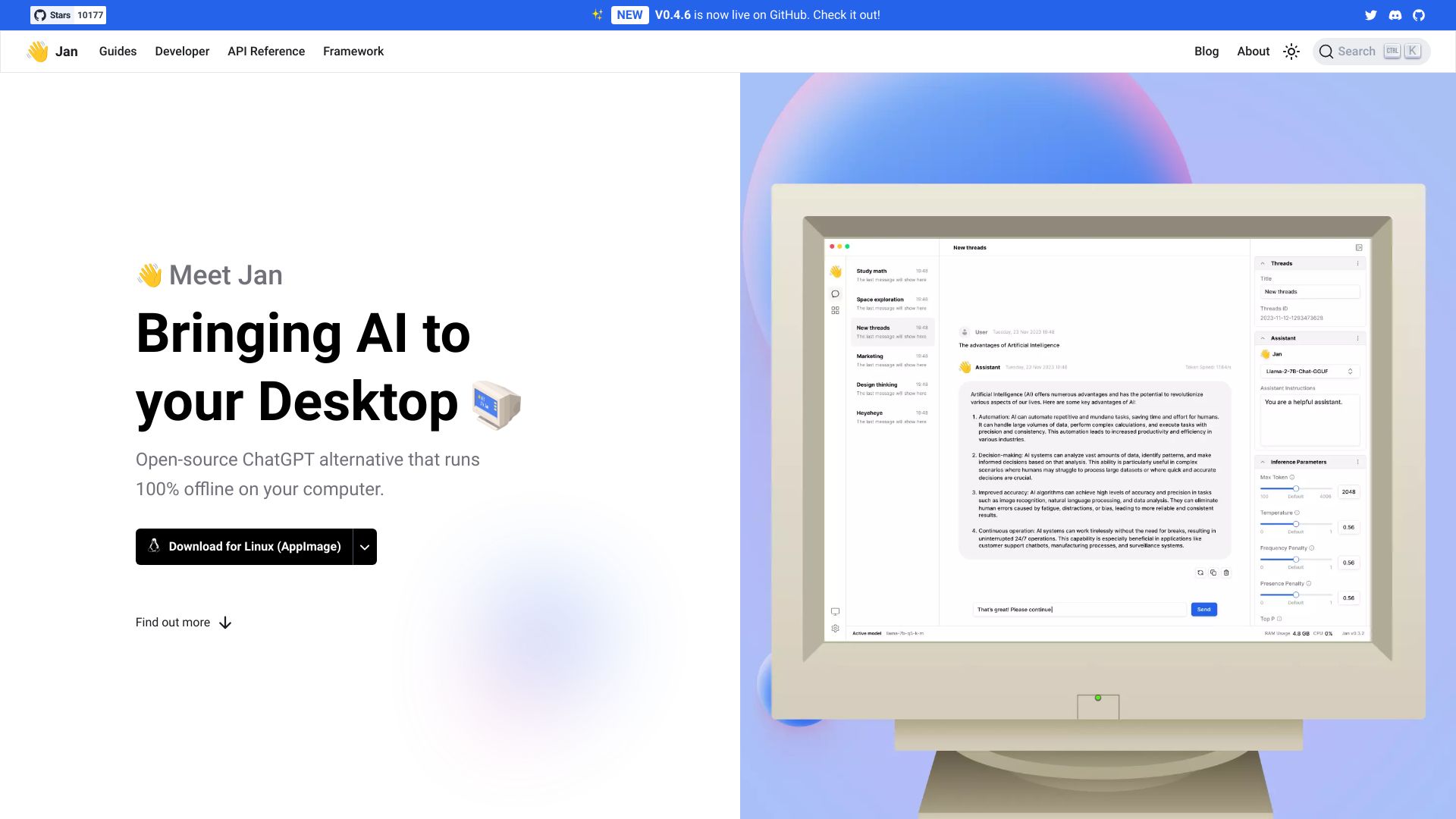
Jan AI is an open-source, privacy-first ChatGPT alternative that runs entirely offline on your computer. Available for Windows, macOS, and Linux, it loads compatible open-source language models so every prompt and response stays on device. Jan also exposes an OpenAI-equivalent local API and server, letting existing apps point to localhost with minimal changes. With flexible configuration and model choice, it gives developers, teams, and individuals control, security, and adaptability without sending sensitive data to the cloud. A mobile version is planned.
Jan AI Features
- 100% offline operation: Run conversations and inference locally to keep data on your machine.
- Open-source models: Use community LLMs for transparent, customizable AI.
- OpenAI-compatible API: Drop-in local server that mirrors OpenAI-style endpoints for easy integration.
- Local server and API usage: Host a local endpoint for apps and scripts without external calls.
- Cross-platform desktop app: Native builds for Windows, macOS, and Linux.
- Customizable behavior: Adjust prompts and generation parameters to fit your workflow.
- Privacy by design: No default cloud dependency or vendor lock-in.
- Model flexibility: Load and switch among compatible local models as your needs evolve.
- Coming soon: Mobile version for on-the-go, offline assistance.
Who is Jan AI for
Jan AI suits privacy-conscious professionals, developers who need a local OpenAI-compatible API, teams operating under strict compliance policies, researchers evaluating open models, educators teaching AI without internet, and users who work in low-connectivity environments or prefer full control over their data and stack.
How to use Jan AI
- Download and install the Jan AI desktop app for Windows, macOS, or Linux.
- Launch the app and add or select a compatible open-source language model.
- Configure key parameters (e.g., temperature, max tokens) and your system prompt as needed.
- Start a local chat session to run fully offline and verify responses stay on device.
- Enable the local API/server within Jan to expose an OpenAI-equivalent endpoint on localhost.
- Point your apps or SDKs to the local base URL to use Jan as a drop-in replacement.
- Iterate by switching models or tuning settings to optimize quality and speed for your tasks.
Jan AI Industry Use Cases
Compliance-focused teams can draft reports and summaries offline to keep regulated data in-house. Legal and finance departments can prototype assistants for document review without third-party transmission. Software teams can route internal tools to Jan’s local API to avoid external dependencies. Educators and labs can provide hands-on LLM training in classrooms without internet. Field teams operating in remote locations can generate notes and instructions completely offline.
Jan AI Pricing
Jan AI is open-source and available with no licensing fees. You run models locally on your own hardware, so costs relate to your compute resources and power usage. Individual models may carry their own licenses; evaluate any model’s terms before use, especially in commercial settings.
Jan AI Pros and Cons
Pros:
- Runs 100% offline for strong privacy and data control.
- Open-source stack and models reduce vendor lock-in.
- OpenAI-compatible local API simplifies integration.
- Cross-platform desktop support (Windows, macOS, Linux).
- Highly customizable prompts and generation parameters.
Cons:
- Quality and speed depend on your local hardware and chosen model.
- May require manual model selection and management.
- Can lag behind top-tier cloud models in some benchmarks.
- Lacks built-in cloud collaboration or syncing features.
- Mobile version is not yet available at the time of writing.
Jan AI FAQs
-
Question 1: Does Jan AI work without an internet connection?
Yes. Jan runs inference locally, so chats and API calls can be fully offline after installation and model setup.
-
Question 2: What models can I use with Jan AI?
Jan supports compatible open-source language models that run locally. Choose models based on your performance and quality needs.
-
Question 3: How do I integrate Jan with OpenAI-based tools?
Enable Jan’s local server and set your application’s base URL to the localhost endpoint that mirrors OpenAI-style routes.
-
Question 4: Is my data sent to external servers?
No. By design, prompts and responses stay on your device when using Jan locally.
-
Question 5: What hardware do I need?
Requirements vary by model. Lighter models run on modest machines, while larger models may need more memory and compute.