
- Home
- Image to Image
- Imagetocartoon
Imagetocartoon
Open Website-
Tool Introduction:Turn photos into stylish cartoons fast with AI; multiple art styles.
-
Inclusion Date:Nov 08, 2025
-
Social Media & Email:

Tool Information
What is Imagetocartoon AI
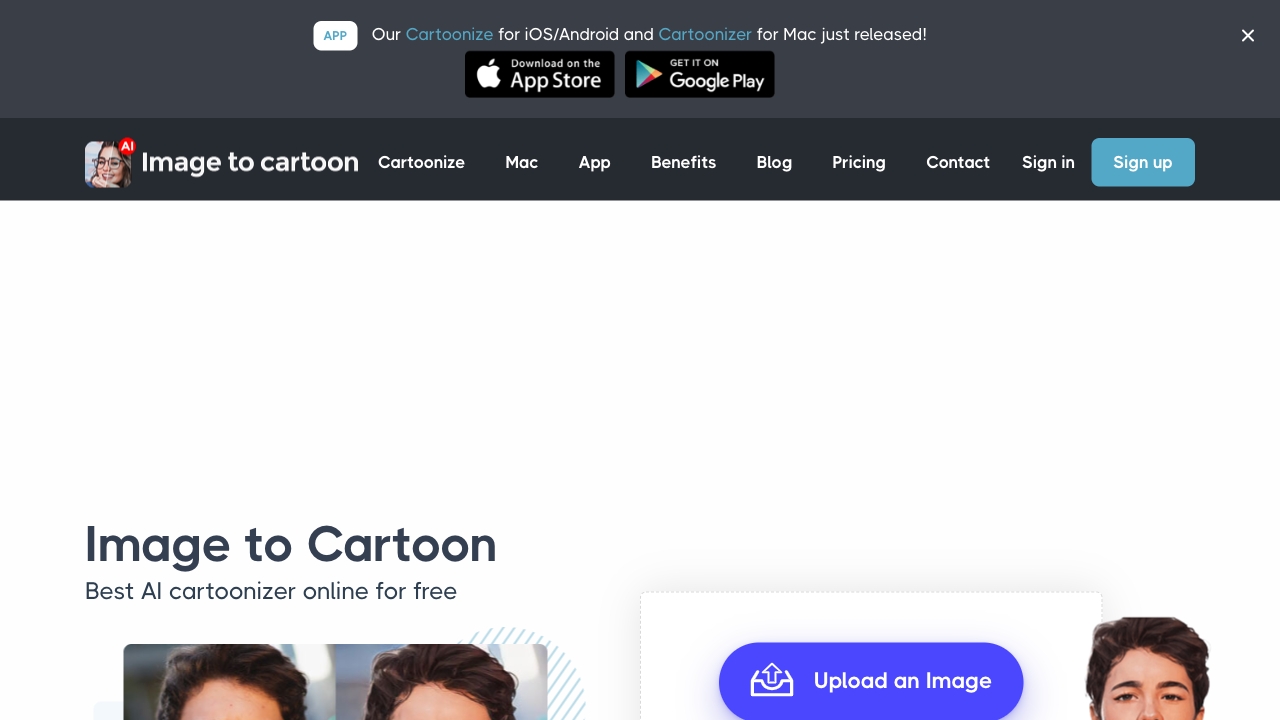
Imagetocartoon AI is an online photo-to-cartoon converter that uses artificial intelligence to turn portraits and full-body photos into stylized cartoons within seconds. Designed with a clean, beginner-friendly interface, it produces multiple avatar variations from a single upload and supports a range of looks, including traditional cartoon, watercolour, and sketch styles. Ideal for profile pictures, social media, and creative projects, the tool streamlines cartoon avatar creation without the need for professional design skills or complex software.
Main Features of Imagetocartoon AI
- AI cartoonizer: Automatically converts photos into polished cartoon images with minimal effort.
- Multiple styles: Choose from traditional, watercolour, and sketch aesthetics to match different visual moods.
- Avatar variations: Generates several cartoon avatars from a single image so you can pick your favorite look.
- Fast processing: Creates results in seconds, enabling quick iterations and comparisons.
- Simple web interface: No installation required; works directly in the browser for easy access.
- Share-ready outputs: Produces images suitable for social profiles, messaging apps, and digital content.
- Beginner-friendly: Streamlined workflow that avoids complex settings or manual editing.
Who Can Use Imagetocartoon AI
Imagetocartoon AI suits anyone who needs quick, creative avatars or stylized visuals. Typical users include social media enthusiasts, content creators, marketers, streamers, and community managers seeking eye-catching profile pictures. Designers and educators can use it to prototype concepts or enrich presentations, while individuals can create fun cartoon portraits for messaging apps, forums, and personalized gifts.
How to Use Imagetocartoon AI
- Open the Imagetocartoon AI website in your browser.
- Click to upload a photo (portrait or full-body works best with clear lighting).
- Select a preferred style such as traditional, watercolour, or sketch.
- Let the AI process the image; multiple cartoon avatars will be generated.
- Preview the results and choose the versions you like most.
- Download the selected avatars and use them on social media or in your projects.
Imagetocartoon AI Use Cases
Brands and creators use Imagetocartoon AI to craft on-brand avatars for team bios, community profiles, and influencer pages. Marketing teams generate playful visuals for campaign assets and thumbnails. Educators and e-learning creators add character-style imagery to slides. Streamers and gamers design distinctive channel icons. Individuals create personalized cartoon portraits for messaging apps, invitations, or printed gifts like stickers and posters.
Imagetocartoon AI Pricing
Imagetocartoon AI is available as a web-based tool. Access may include free usage for basic needs with optional upgrades for expanded capabilities. For current plan details and any limitations, please refer to the official website.
Pros and Cons of Imagetocartoon AI
Pros:
- Quick, AI-driven photo to cartoon conversion with multiple avatar outputs.
- Varied styles including traditional, watercolour, and sketch.
- Web-based and easy to use—no design skills required.
- Great for social media, branding, and creative projects.
Cons:
- Stylization may reduce fine details compared to the original photo.
- Results depend on input quality (lighting, framing, and clarity).
- Limited manual control compared with full-featured graphic editors.
- Export resolution or usage limits may vary by access level.
FAQs about Imagetocartoon AI
What image types work best?
Clear, well-lit portraits or full-body photos with the subject centered typically yield the most consistent cartoon avatars.
How fast are the results?
Processing usually completes in seconds, though timing can vary based on image size and server load.
Which file formats are supported?
Common formats such as JPG and PNG are generally supported for upload and download.
Can I use the avatars commercially?
Usage rights can depend on the platform’s terms. Check the official licensing and terms of service for commercial use guidance.
Are my photos stored?
Data handling varies by service. Review the privacy policy to understand how uploads are processed and retained.