
- Home
- AI Rewriter
- Humanize AI
Humanize AI
Open Website-
Tool Introduction:Humanize AI text to sound natural, with grammar, spelling, and style checks.
-
Inclusion Date:Nov 10, 2025
-
Social Media & Email:
Tool Information
What is Humanize AI
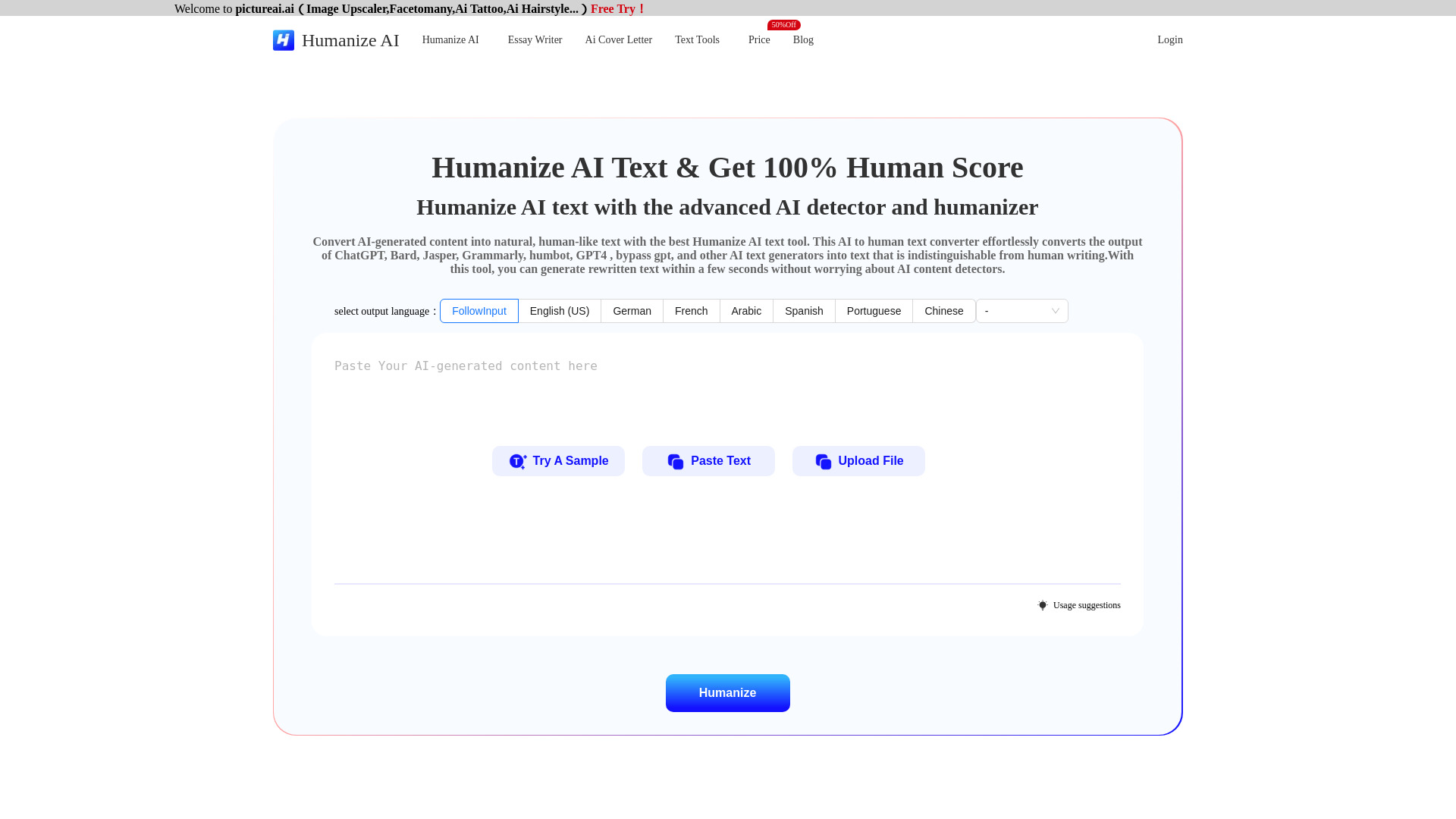
Humanize AI is an AI humanizer that transforms machine‑generated drafts into clear, natural‑sounding writing. Built to refine outputs from tools like ChatGPT, Bard, Jasper, Grammarly, and GPT‑4, it reshapes text with varied sentence structures, authentic tone, and smoother flow. Beyond humanization, it functions as an AI writing checker with integrated grammar, spelling, and style assessments across essays, paragraphs, and sentences. The result is readable, engaging copy that reflects a human voice while preserving your original meaning and intent.
Main Features of Humanize AI
- Humanization Engine: Rewrites AI text to sound natural, adding rhythm, variation, and a consistent voice.
- AI Writing Checker: Analyzes readability, repetitiveness, and robotic patterns to guide revisions.
- Grammar and Spell Checker: Fixes grammar, spelling, punctuation, and common style issues.
- Essay/Paragraph/Sentence Checker: Evaluates structure, clarity, and coherence at every level.
- Tone and Style Controls: Adjusts formality, warmth, and domain‑appropriate phrasing.
- Context‑Preserving Rewrites: Improves flow while keeping the original meaning intact.
- Multi‑tool Compatibility: Easily paste drafts from ChatGPT, Bard, Jasper, Grammarly, GPT‑4, and more.
- One‑Click Polishing: Generate alternatives, compare versions, and select your preferred copy.
Who Can Use Humanize AI
Humanize AI suits content marketers, SEO specialists, bloggers, copywriters, social media managers, and product teams who want AI‑assisted drafts to read more naturally. It also helps educators, students, and researchers refine clarity and structure for essays and reports, and supports customer support, sales, and HR teams in producing accessible, on‑brand communications. Use responsibly and follow your organization’s or institution’s guidelines.
How to Use Humanize AI
- Paste your AI‑generated or original draft into the editor.
- Select the desired tone, reading level, or humanization intensity.
- Run the humanize and AI writing checker functions to generate suggestions.
- Review grammar, spelling, and structure recommendations and apply edits.
- Compare alternative rewrites and choose the version that fits your voice.
- Copy or export the final text and perform a quick human review before publishing.
Humanize AI Use Cases
Marketing teams polish blog posts, landing pages, and email campaigns for a more authentic tone. E‑commerce managers refine product descriptions and FAQs for clarity and readability. Publishers and editors shape contributed articles into smooth, consistent prose. Customer support and success teams improve help center content and template responses. In education, users enhance essay structure and paragraph flow while preserving original arguments and citations.
Pros and Cons of Humanize AI
Pros:
- Produces natural, reader‑friendly prose from AI‑generated drafts.
- Integrated grammar, spelling, and style checks reduce errors.
- Supports essay, paragraph, and sentence‑level refinement.
- Tone controls help match brand voice and audience expectations.
- Keeps core meaning while improving flow and coherence.
Cons:
- Over‑editing may alter nuance; human review is still recommended.
- Outcomes with third‑party AI detectors can vary and are not guaranteed.
- Highly technical or citation‑heavy content may need domain expert edits.
- Very long documents may require section‑by‑section processing.
FAQs about Humanize AI
-
Is Humanize AI just a paraphrasing tool?
It goes beyond paraphrasing by improving tone, rhythm, clarity, and structure, with built‑in grammar and style checks.
-
Can it guarantee passing AI detection tools?
No. It aims to produce natural writing, but detector results vary by method and dataset.
-
Will it change my meaning?
It is designed to preserve intent, but you should review and confirm facts, citations, and terminology.
-
Does it work with text from different AI models?
Yes. Paste drafts from ChatGPT, Bard, Jasper, Grammarly, GPT‑4, or other generators and refine them.
-
Is it suitable for academic use?
It can help improve clarity and structure. Always follow your institution’s academic integrity policies.