
- Home
- AI Text-to-Speech
- All Voice Lab
All Voice Lab
Open Website-
Tool Introduction:AI voice changer, TTS, and cloning for creators: dubbing, books.
-
Inclusion Date:Oct 28, 2025
-
Social Media & Email:


Tool Information
What is All Voice Lab AI
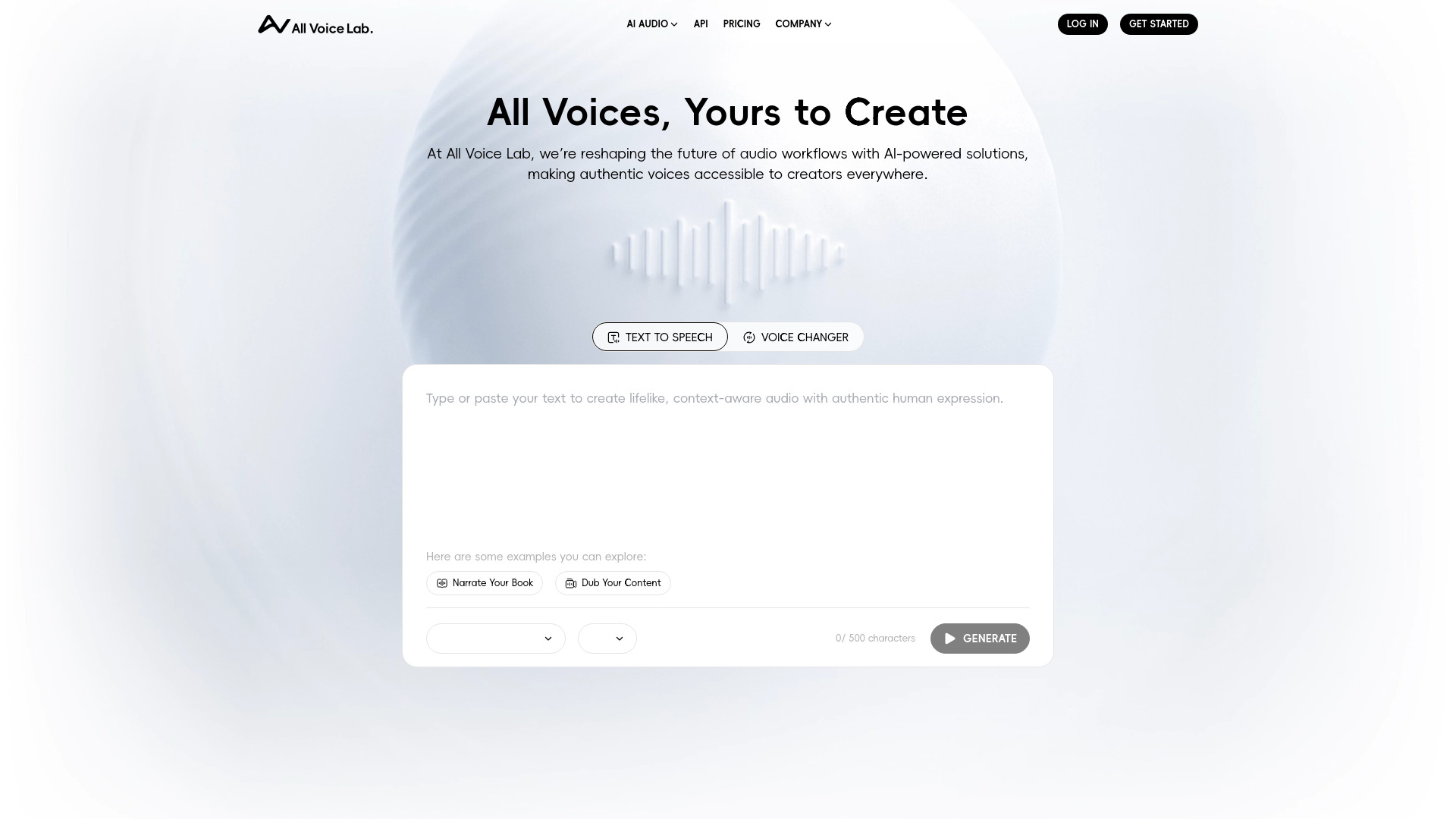
All Voice Lab AI is an AI-powered audio platform that unifies a voice changer, text-to-speech (TTS), and voice cloning in one streamlined workspace. It helps creators narrate books, dub videos, and polish sound with lifelike voices that fit brand and story. With intuitive controls for tone, pace, and timbre, it reduces tedious editing and expands creative options. From quick drafts to studio-ready output, the tool enables consistent, natural speech for podcasts, trailers, explainers, and more—reshaping audio workflows so authentic-sounding voices are accessible to teams of any size.
All Voice Lab AI Main Features
- AI Voice Changer: Transform spoken or recorded input with adjustable character, age, intensity, and style to match scenes, roles, or brand personas.
- Text-to-Speech (TTS): Convert scripts into natural speech with controls over speed, pauses, emphasis, and tone for clear narration and dialogue.
- Voice Cloning: Create custom voices with appropriate consent to maintain a consistent identity across podcasts, videos, and long-form content.
- Dubbing and Narration: Generate timing-consistent performances for audiobooks and video localization to streamline multi-market releases.
- Audio Enhancement: Refine output with tools that help clean, balance, and sweeten sound for a more polished mix.
- Workflow Efficiency: Draft quickly, iterate with previews, and export production-ready audio for editors and sound designers.
Who Should Use All Voice Lab AI
All Voice Lab AI suits creators and teams seeking scalable, high-quality voice output: video editors, YouTubers, podcasters, indie filmmakers, game developers, e-learning designers, publishers, and marketing teams. it's ideal for audiobook narration, dubbing social clips and trailers, localizing training materials, prototyping character voices, and keeping brand voice consistent across campaigns.
All Voice Lab AI Steps to Use
- Sign up and create a new project for narration, dubbing, or voice transformation.
- Select a capability: voice changer, text-to-speech, or voice cloning (with proper consent where required).
- Import a script or upload/record audio you want to transform or enhance.
- Choose a voice or custom clone, then adjust pace, pitch, emphasis, and style to match your brief.
- Enable audio enhancement options to clean and balance the output as needed.
- Preview, iterate on sections, and align narration or dialogue to cues in your timeline.
- Export finalized audio in a suitable format and integrate it into your editing or publishing workflow.
- Organize versions and maintain a library of approved voices for future projects.
All Voice Lab AI Industry Use Cases
In publishing, teams can turn manuscripts into consistent audiobook performances while preserving a defined brand voice. E-learning providers can produce clear course narration and rapidly localize lessons for different regions. Game studios can prototype and refine character voices to accelerate writing and casting. Marketing teams can dub product videos for new markets and repurpose webinars into short-form clips with on-brand voiceovers. Independent creators can replace scratch reads with polished TTS to speed editing and client reviews.
All Voice Lab AI Pros and Cons
Pros:
- Lifelike speech synthesis that elevates narration and dialogue quality.
- Integrated toolset (voice changer, TTS, cloning) that streamlines audio workflows.
- Consistent brand or character voice across multi-episode and multi-market projects.
- Time savings from fast drafting, previews, and export-ready output.
- Flexible controls over delivery, pacing, and tone for creative precision.
Cons:
- Voice cloning requires proper consent and compliance with local laws and usage rights.
- Certain edge cases (unusual names, acronyms, niche jargon) may need manual corrections.
- Highly emotive or complex performances might still require post-production or human direction.
- Quality depends on input assets and careful parameter tuning.
All Voice Lab AI Popular Questions
-
Q1: What’s the difference between voice changer, TTS, and voice cloning?
The voice changer reshapes existing speech, TTS converts written scripts into speech, and voice cloning creates a custom voice profile (with consent) for consistent outputs.
-
Q2: Can I use the generated audio commercially?
Commercial use depends on the platform’s licensing and your content rights. Review the terms of use and ensure you have permissions for any cloned or source voices.
-
Q3: Does it work for long-form projects like audiobooks?
Yes. It supports book narration workflows by letting you segment scripts, preview sections, adjust delivery, and export chapter-by-chapter for easier editing.
-
Q4: How can I improve pronunciation and emphasis?
Provide clear scripts, add stage directions, break lines into logical beats, and refine pacing, pauses, and emphasis controls during preview and iteration.
-
Q5: What should I consider for ethical voice cloning?
Obtain explicit permission from the voice owner, follow stated usage limits, and document consent. Avoid cloning without rights and comply with relevant regulations.