
- Home
- AI Title Generator
- Thumblytics
Thumblytics
Open Website-
Tool Introduction:Test YouTube thumbnails and titles with real viewers to boost CTR & views
-
Inclusion Date:Nov 08, 2025
-
Social Media & Email:

Tool Information
What is Thumblytics AI
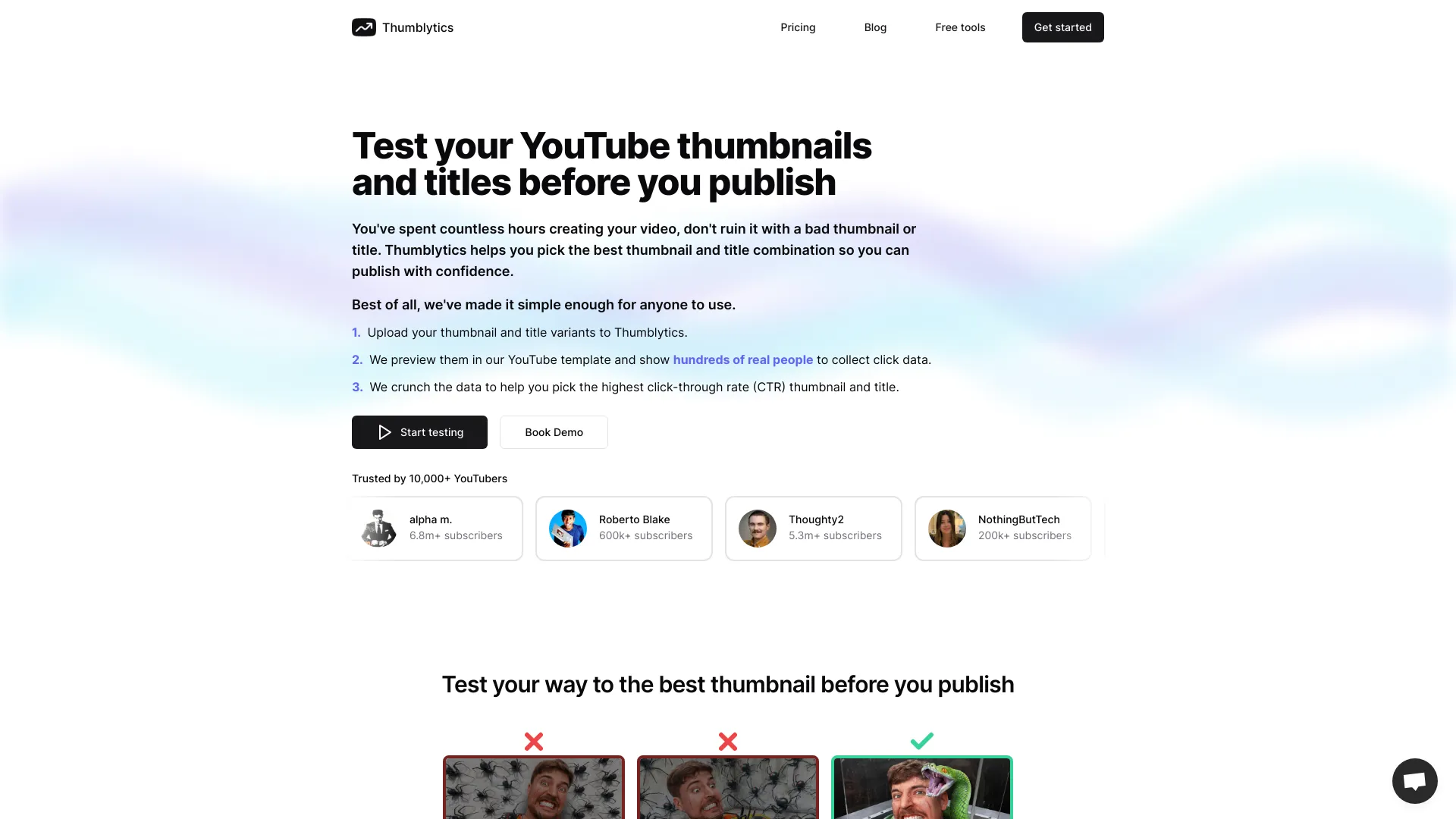
Thumblytics AI is a testing platform for YouTube creators that validates thumbnails, titles, and content ideas with real people before you publish. Upload multiple variations, run audience polls, and compare preferences to find the combination most likely to improve click‑through rate (CTR) and views. With structured feedback and clear winner insights, it removes guesswork from creative decisions so you can release videos with confidence. By optimizing creative elements pre‑launch, Thumblytics AI supports steady channel growth while reducing costly post‑publish edits and underperforming uploads.
Main Features of Thumblytics AI
- Thumbnail A/B testing: Run side‑by‑side comparisons of thumbnail designs to identify the image that drives higher intent and potential CTR.
- Title testing: Evaluate multiple headline variations for clarity, curiosity, and relevance to maximize click potential.
- Real audience feedback: Collect qualitative comments explaining why people chose a specific thumbnail or title to inform creative direction.
- Preference scoring and rankings: See clear winners, aggregated scores, and comparative results to support data‑driven decisions.
- Idea validation polls: Test content angles or video concepts before production to prioritize topics with stronger audience appeal.
- Targeting options: Reach relevant testers by interest or demographic criteria to better mirror your intended YouTube audience.
- Iteration workflow: Refine designs quickly using feedback loops, version history, and repeat tests for continuous improvement.
- Collaboration: Share results with teammates or clients to align on creative choices and streamline approval.
Who Can Use Thumblytics AI
Thumblytics AI is ideal for YouTubers, creators, and channel managers who want to improve CTR and views with evidence‑based creative decisions. it's also useful for video editors, thumbnail designers, growth teams, and agencies managing multiple channels. Brands, publishers, and educators can use it to validate video ideas, optimize titles, and select thumbnails that resonate with target audiences before launch.
How to Use Thumblytics AI
- Sign up and create a new test for a thumbnail, title, or content idea.
- Upload your variations (e.g., multiple thumbnails) or enter title options.
- Choose your target audience parameters and set the number of respondents.
- Launch the test to collect votes and qualitative feedback from real people.
- Review results, compare preference scores, and read comments for insights.
- Select the winning variant, implement it on your YouTube video, and monitor performance.
- Iterate with additional rounds if you want to refine designs or try new concepts.
Thumblytics AI Use Cases
Entertainment channels test face‑centric versus product‑centric thumbnails to boost curiosity. Education creators compare straightforward titles against curiosity‑driven hooks for better CTR. Gaming and tech channels evaluate color palettes, font sizes, and emoji usage to improve readability at small sizes. News and publishers validate headline angles to reduce bounce. Brands launching product videos test messaging emphasis (benefits vs. features) to align with audience intent before going live.
Pros and Cons of Thumblytics AI
Pros:
- Data‑driven thumbnail and title optimization that can lift YouTube CTR.
- Real audience feedback reveals the “why” behind preferences.
- Reduces guesswork and speeds up creative iteration.
- Supports pre‑publish decisions, minimizing underperforming uploads.
- Useful for teams and agencies handling multiple channels.
Cons:
- Results depend on the relevance and quality of the tester audience.
- Testing adds time to the publishing workflow.
- Winning variants are indicative, not a guarantee of performance on every channel.
- May require budget allocation for repeated tests at scale.
FAQs about Thumblytics AI
-
Does Thumblytics AI test both thumbnails and titles?
Yes. You can run separate tests for thumbnails, titles, or evaluate both to find the best-performing combination.
-
Can I target a specific audience for my tests?
You can set targeting preferences to better approximate your channel’s viewers and get more relevant feedback.
-
How many variations should I test at once?
Start with 2–4 variations to keep comparisons clear, then iterate based on feedback and performance.
-
Will a winning thumbnail guarantee higher CTR?
No tool can guarantee results, but audience testing reduces risk and often improves click‑through rates.
-
Can teams collaborate on tests?
Yes. Results can be shared so designers, editors, and managers can align quickly on creative decisions.