
- Home
- AI Music Generator
- MixAudio
MixAudio
Open Website-
Tool Introduction:Royalty‑free AI music from text/image/audio; stems editor + 24/7 AI Radio.
-
Inclusion Date:Nov 08, 2025
-
Social Media & Email:


Tool Information
What is MixAudio AI
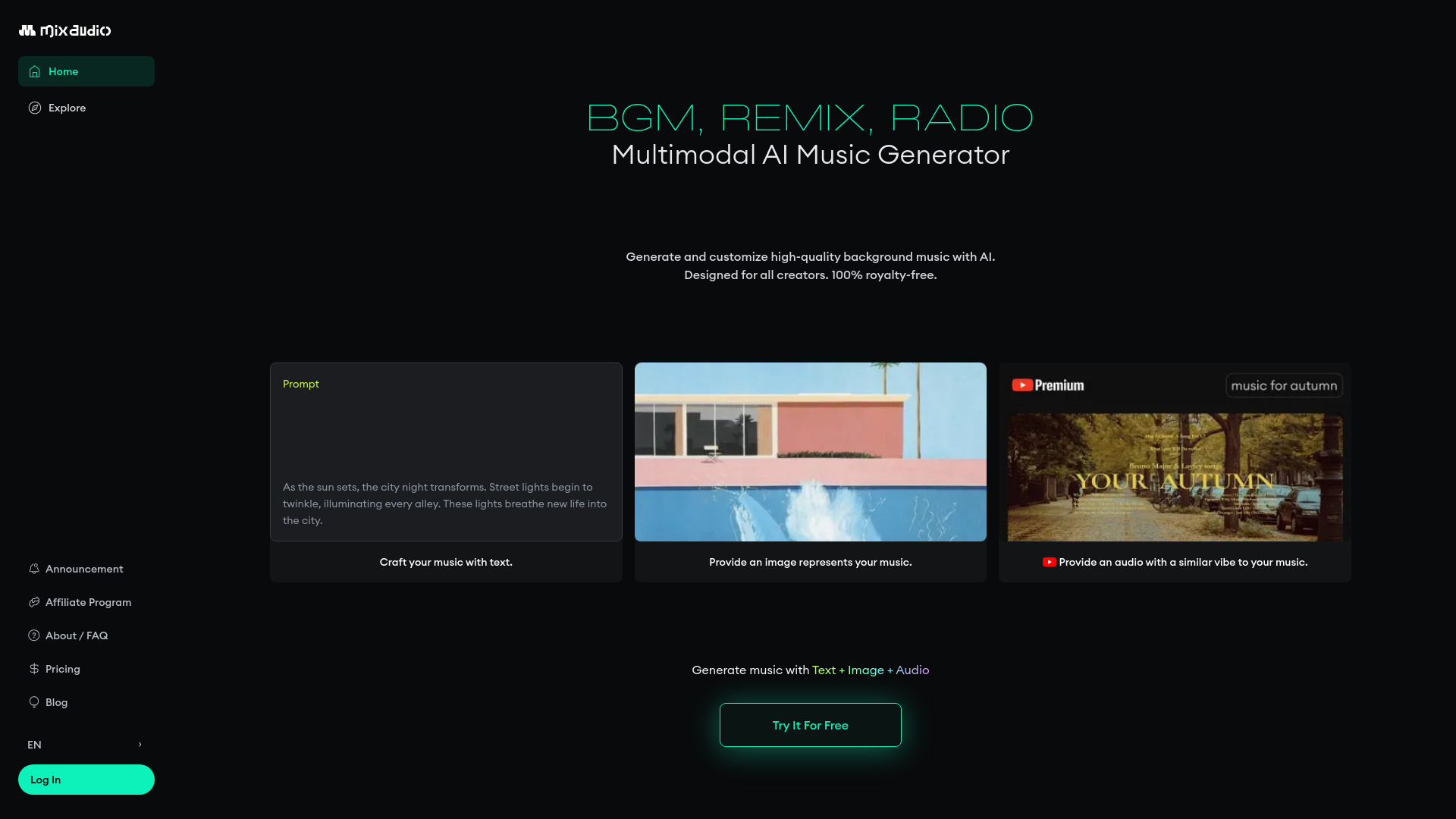
MixAudio AI is a multimodal AI music generator built for creators who need original soundtracks fast. It turns text, image, and audio prompts into full songs and cues in seconds, supporting workflows like AI Soundtrack, AI Radio, and AI Remix. With its Blockmusic AI engine, you can edit sections, arrange structure, and layer stems to shape mood, energy, and instrumentation. The result is flexible, copyright‑free music suited for videos, games, podcasts, ads, and more—without complex DAW setups or licensing hurdles.
Main Features of MixAudio AI
- Multimodal generation: Create music from text-to-music prompts, image-inspired cues, or audio inputs for fast ideation.
- AI Soundtrack: Generate cinematic cues, background beds, and loops tailored to mood, genre, and intensity.
- Blockmusic AI editor: Edit song sections, rearrange structure, and stack or swap stem blocks using natural-language prompts.
- AI Remix: Rework ideas or references into fresh variations while preserving vibe and pacing.
- Layered stem control: Fine-tune rhythm, bass, harmony, and lead elements for clearer mixes and transitions.
- AI Radio (24/7): Stream an endless session of AI-generated music for discovery, inspiration, or ambient listening.
- Copyright-free output: Produce tracks designed to be safe for use across content and platforms.
- Fast iteration: Generate multiple takes, compare versions, and refine with concise prompts.
Who Can Use MixAudio AI
MixAudio AI suits content creators, filmmakers, game developers, podcasters, advertisers, social media marketers, educators, streamers, and indie musicians. it's ideal for quickly producing background music for videos, trailers, and livestreams; crafting game loops and ambience; building podcast beds and stingers; and generating ad-ready tracks without lengthy licensing or scouting stock libraries.
How to Use MixAudio AI
- Sign in and choose a mode: AI Soundtrack, AI Remix, or AI Radio.
- Enter a prompt with mood, genre, instruments, and energy; optionally attach an image or audio reference.
- Generate and preview multiple versions, then select a starting point.
- Open Blockmusic AI to edit sections, adjust arrangement, and layer or replace stems via prompts.
- Refine transitions, intensity, and instrumentation until the cue matches your scene or brand.
- Save your project; use AI Radio for continuous inspiration or ambient playback.
MixAudio AI Use Cases
Video editors create copyright-free background beds for YouTube and social clips. Game studios generate adaptive loops and ambient soundscapes for levels and menus. Podcasters craft intro/outro stingers and chapter cues. Marketers quickly produce genre-specific tracks for ads and product demos. Educators and trainers build focus music and learning atmospheres. Live streamers use AI Radio for continuous, claim-safe background music.
Pros and Cons of MixAudio AI
Pros:
- Multimodal prompts enable flexible text, image, and audio-driven composition.
- Blockmusic AI offers granular section editing and stem-level control.
- Fast, iterative generation suitable for tight production timelines.
- AI Radio provides nonstop inspiration and ambient listening.
- Designed to deliver copyright-free tracks for broad content use.
Cons:
- AI output may lack the nuance of a human composer for complex briefs.
- Learning curve for prompt crafting and stem arrangement.
- Style or genre breadth may vary depending on model training.
- Final mastering and detailed mix decisions might require external tools.
FAQs about MixAudio AI
-
Can MixAudio AI generate music from text, images, and audio?
Yes. It supports multimodal prompts, letting you guide composition with text, visual references, or audio inputs.
-
What is Blockmusic AI?
it's MixAudio AI’s section-based editor that lets you rearrange song structure, layer stems, and import new stem blocks via prompts.
-
Is the music copyright-free?
The platform is designed to produce copyright-free tracks. Always review the service terms for specific usage rights.
-
What does AI Radio do?
AI Radio streams a 24/7, endless session of AI-generated music for discovery, ambience, and inspiration.
-
Can I remix existing ideas?
Yes. Use the AI Remix mode to generate fresh variations while keeping the overall vibe and pacing.