
- Home
- AI Image Generator
- Lexica
Lexica
Open Website-
Tool Introduction:Search, generate, and save AI images with Lexica’s Stable Diffusion.
-
Inclusion Date:Oct 21, 2025
-
Social Media & Email:
Tool Information
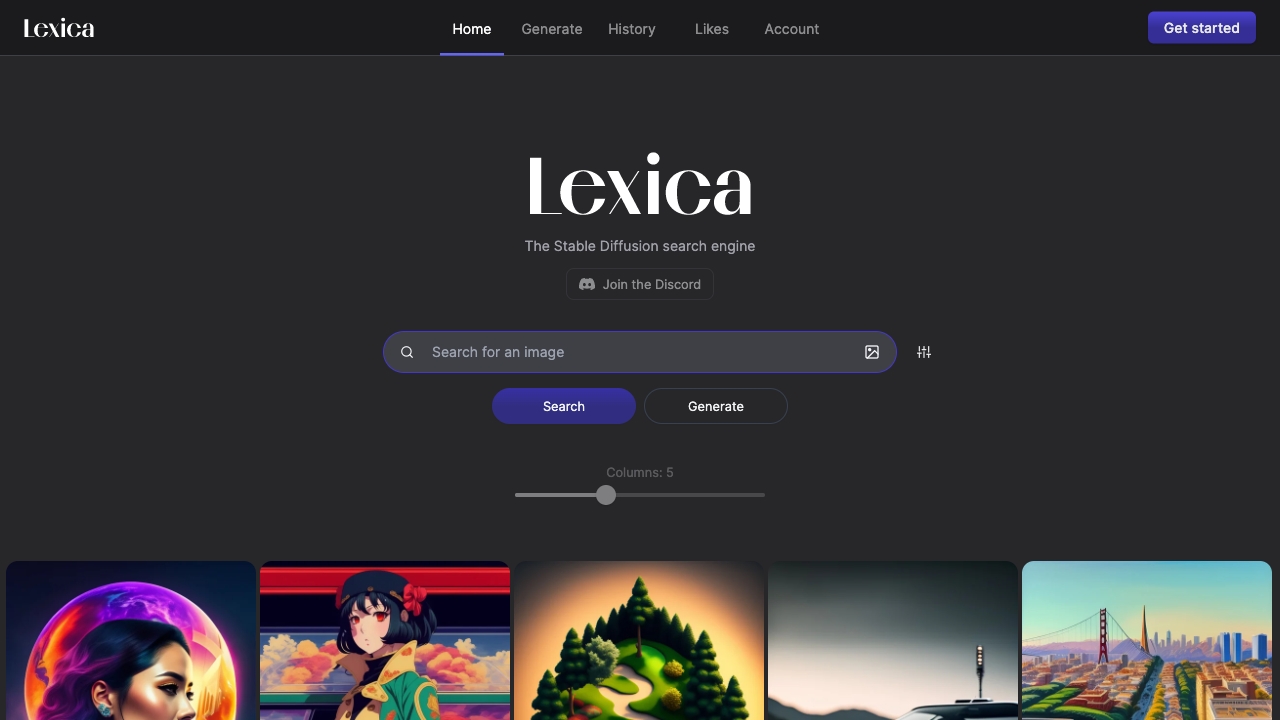
What is Lexica AI
Lexica AI is a Stable Diffusion search engine and AI image generator that helps you discover prompt ideas and create visuals from text. It offers a large index of AI images with their prompts, enabling you to explore styles, learn prompt patterns, and reuse or remix ideas. When you are ready to generate, Lexica provides a streamlined text-to-image workflow with adjustable settings, image history, likes, and account management. it's ideal for brainstorming, mood boards, and rapid concept exploration across many visual use cases.
Lexica AI Main Features
- Prompt and image search: Browse a wide library of Stable Diffusion images and see the prompts that produced them for quick inspiration.
- Text-to-image generation: Turn written prompts into images with configurable parameters such as style and aspect ratio.
- Prompt reuse and remix: Copy, adapt, and iterate on proven prompts to accelerate creative workflows.
- History and likes: Keep track of past generations, mark favorites, and revisit iterations without losing your work.
- Account management: Create an account to sync activity, manage preferences, and organize your creative library.
- Download and sharing: Export images for use in prototypes, decks, and social posts, or share links for feedback.
Who Should Use Lexica AI
Lexica AI suits designers, marketers, content creators, product teams, and hobbyists who need fast visual ideation. it's also helpful for educators and researchers studying prompt engineering or visual trends, and for agencies producing mood boards, concept art, and campaign mockups.
How to Use Lexica AI
- Create or sign in to your account to enable history, likes, and saved work.
- Use search to explore reference images and study associated prompts and styles.
- Enter your own text prompt, describing subject, style, and desired composition.
- Adjust available settings (for example, style strength or aspect ratio) as needed.
- Generate images and review the results; refine the prompt to improve fidelity.
- Save to likes, organize your selections, and download the chosen outputs.
Lexica AI Industry Use Cases
Marketing teams prototype ad visuals and social assets before commissioning photos. E-commerce sellers draft product hero shots and lifestyle mockups. Game and film studios explore character looks and environments during preproduction. Media and editorial teams illustrate articles on tight deadlines. Educators demonstrate prompt writing and visual storytelling in class.
Lexica AI Pricing
Lexica AI typically follows a freemium model: a free tier for basic exploration and limited generations, with paid subscriptions that unlock higher generation limits, faster processing, and additional features. Availability of trials and exact quotas may change; check the official pricing page for current details.
Lexica AI Pros and Cons
Pros:
- Robust prompt and image search for fast inspiration and learning.
- Streamlined text-to-image generation with an accessible interface.
- History and likes simplify versioning, curation, and collaboration.
- Useful for rapid prototyping, mood boards, and early concept work.
Cons:
- Output quality depends heavily on prompt clarity and iteration.
- Free tiers often include usage caps or slower generation speeds.
- May require external tools for advanced editing or compositing.
- Licensing and content policies must be reviewed before commercial use.
Lexica AI FAQs
-
Is Lexica AI free?
It offers a free tier for basic use, with paid plans for higher limits and additional features. Check the pricing page for current options.
-
Do I need an account to generate images?
You can explore without an account, but signing in enables history, likes, and better management of your creations.
-
Can I use generated images commercially?
Commercial use depends on Lexica’s licensing and terms. Review the latest policies on the official site before publishing or selling assets.
-
What model does Lexica use?
Lexica is centered on Stable Diffusion–based text-to-image generation and provides a streamlined interface for prompt-driven creation.
-
How do I improve my results?
Study prompts from search, add precise descriptors (subject, lighting, style), iterate in small steps, and compare variations using your history.