
- Home
- AI Text Generator
- Jetpack
Jetpack
Open Website-
Tool Introduction:Live transcripts, smart summaries, and AI search across meetings
-
Inclusion Date:Oct 21, 2025
-
Social Media & Email:


Tool Information
What is Jetpack AI
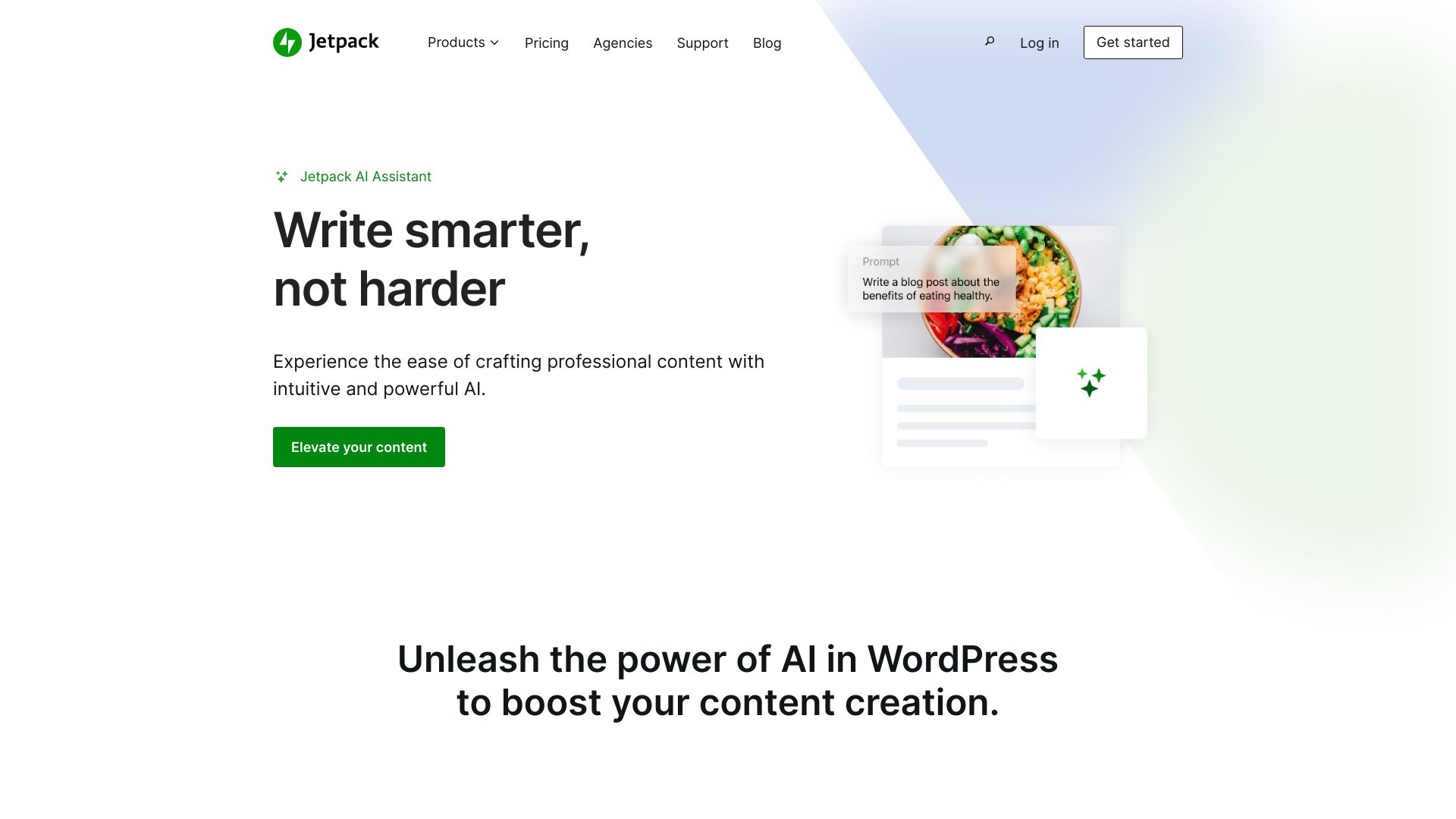
Jetpack AI is an in-editor writing assistant for WordPress that helps teams draft, edit, and refine posts and pages without leaving the block editor. Built into the Jetpack plugin suite, it accelerates content creation with prompt-based generation, intelligent rewriting, summarization, translation, and tone control. By working natively in Gutenberg, it keeps your workflow fast, organized, and consistent with your site’s style. Jetpack AI reduces blank-page time, supports multilingual publishing, and delivers structured outputs you can review, edit, and publish under full editorial control.
Jetpack AI Key Features
- In-editor content generation: Create outlines, paragraphs, intros, and conclusions directly inside the WordPress block editor.
- Rewrite and tone adjustments: Rephrase copy, switch between formal or casual tone, expand or shorten text, and fix grammar.
- Summarization: Turn long posts or notes into concise summaries and highlights for quick publishing.
- Translation: Translate draft content to support multilingual sites and global audiences.
- Structured outputs: Ask for lists, tables, and FAQs to speed up information architecture and readability.
- Title and excerpt suggestions: Generate alternative headlines and snippets to improve engagement.
- Native WordPress integration: Works as a block within Gutenberg, avoiding copy-paste between tools.
- Editorial control: Keep revisions, collaborate with roles and permissions, and publish only after human review.
Who is Jetpack AI for
Jetpack AI suits bloggers, editors, and content marketers who publish regularly on WordPress; ecommerce teams writing product descriptions for WooCommerce; agencies producing client content at scale; educators and nonprofits preparing summaries and newsletters; and site owners who need fast, consistent copy in multiple languages without leaving the block editor.
How to use Jetpack AI
- Install and activate the Jetpack plugin on your WordPress site, then connect your site as prompted.
- Enable the Jetpack AI Assistant feature in your WordPress dashboard if it is not already active.
- Open the WordPress block editor for a post or page where you want to generate content.
- Add the Jetpack AI Assistant block, then enter a clear prompt describing the topic, audience, tone, and length.
- Review the generated draft, and refine it by asking for changes such as “shorten,” “make it more formal,” or “translate.”
- Insert the result into your document, edit for accuracy and brand voice, and organize with headings, lists, or tables.
- Finalize the post with images, links, and SEO details, then publish as usual in WordPress.
Jetpack AI Industry Use Cases
Publishers can turn briefs into first drafts and produce quick news summaries. Ecommerce teams generate consistent product descriptions and FAQs across large catalogs. SaaS companies outline release notes, feature pages, and support articles. Agencies create proposals and content calendars faster. Local businesses draft service pages and location-specific copy. Education and nonprofits prepare newsletters, lesson summaries, and grant-ready narratives in a fraction of the time.
Jetpack AI Pricing
Jetpack AI is offered as an add-on within the Jetpack suite. Many sites can try it with a limited free allowance, while higher usage typically requires a paid plan billed monthly or annually. Availability and pricing can vary by region and Jetpack plan. For the latest details, check the official Jetpack pricing page.
Jetpack AI Pros and Cons
Pros:
- Deep WordPress and Gutenberg integration; no tab switching.
- Speeds up drafting, rewriting, summarizing, and translation.
- Structured outputs (lists, tables, FAQs) improve readability.
- Tone and length controls support brand consistency.
- Supports multilingual workflows for global sites.
- Works alongside Jetpack’s existing security and performance stack.
Cons:
- Requires WordPress and the Jetpack plugin; not a standalone tool.
- AI-generated text must be fact-checked and edited by humans.
- Free usage may be limited by prompt caps or rate limits.
- Highly specialized topics may need substantial manual refinement.
- Relies on an internet connection and external AI services, which can affect latency.
Jetpack AI FAQs
-
Does Jetpack AI work in the WordPress block editor?
Yes. It functions as a block inside Gutenberg, so you can generate, refine, and insert content without leaving the editor.
-
Can I control tone and length?
You can ask Jetpack AI to rewrite content to be more formal or casual, expand or shorten sections, and improve clarity and grammar.
-
Does it help with multilingual content?
Yes. It can translate drafts and help you adapt posts for different languages and audiences.
-
Will it change my post automatically?
No. It generates suggestions that you review and insert. You keep full editorial control and can use WordPress revisions as needed.