
- Home
- AI Copilot
- GPT Workspace
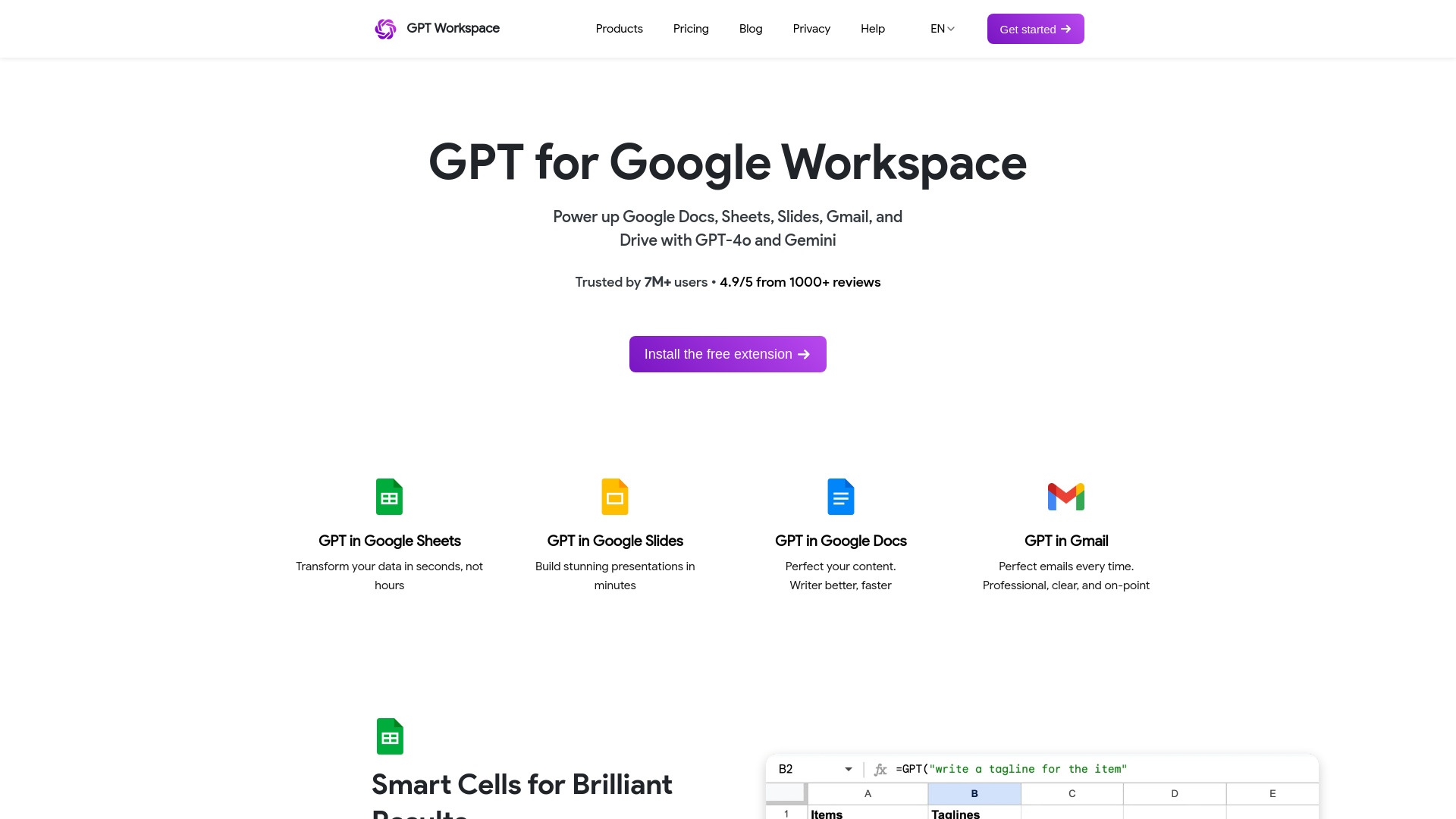
GPT Workspace
Open Website-
Tool Introduction:ChatGPT + Gemini inside Google Workspace for Sheets, Docs, Slides, Gmail.
-
Inclusion Date:Oct 28, 2025
-
Social Media & Email:


Tool Information
What is GPT Workspace AI
GPT Workspace AI integrates ChatGPT and Google’s Gemini directly into Google Workspace, bringing AI assistance to Sheets, Docs, Slides, Gmail, and Drive. It streamlines data transformation, drafting, presentation building, and email optimization with GPT‑4o and Gemini, so teams can clean data, generate insights, polish content, and reply faster without leaving their files. By embedding natural‑language prompts and reusable templates, it reduces context switching and helps produce accurate, consistent results across everyday workflows.
GPT Workspace AI Features
- Multi‑model choice: Switch between GPT‑4o and Gemini to match tasks like data cleanup, summarization, or creative drafting.
- Sheets AI for data work: Transform, classify, extract, summarize, and format data from ranges; generate formulas and plain‑English steps to document your process.
- Docs writing assistant: Draft from prompts, rewrite for clarity, adjust tone and length, and translate or summarize content while preserving structure.
- Slides generation: Turn outlines or docs into slide drafts with titles, bullets, and speaker notes; refine sections with targeted prompts.
- Gmail optimization: Compose emails from bullet points, rewrite for tone, summarize threads, and generate quick replies tailored to recipients.
- Reusable templates: Save prompts and settings as templates to standardize tasks like briefs, reports, and status updates.
- In‑context editing: Work inside Sheets, Docs, Slides, and Gmail to reduce copy‑paste and keep formatting consistent.
- Collaboration friendly: Produce consistent outputs that teammates can review, comment on, and iterate within the same files.
Who Should Use GPT Workspace AI
GPT Workspace AI suits teams that live in Google Workspace and want faster, higher‑quality outputs without leaving their documents. It is valuable for analysts and operators working in Sheets, marketers and writers in Docs and Slides, sales and support teams in Gmail, HR and recruiting for job materials and outreach, educators preparing course content, and any knowledge workers seeking reliable AI assistance across everyday files.
How to Use GPT Workspace AI
- Install the add‑on for the Google Workspace apps you use and complete any required sign‑in or authorization.
- Open a file in Sheets, Docs, Slides, or Gmail and launch the GPT Workspace AI sidebar.
- Select a model (GPT‑4o or Gemini) based on your task.
- Highlight text, choose a cell range, or provide an outline, then write a clear prompt or pick a saved template.
- Set constraints such as tone, length, format, or column targets for structured outputs.
- Run the assistant, review suggestions, and insert, replace, or regenerate content as needed.
- Save effective prompts as templates and share them with teammates to standardize workflows.
GPT Workspace AI Industry Use Cases
Marketing teams convert campaign briefs into polished copy and slide decks, while summarizing research in Docs. Sales teams draft personalized outreach in Gmail and build discovery call decks in Slides. Operations and finance clean messy CSVs in Sheets, categorize entries, and generate summary tables. HR creates job descriptions, interview rubrics, and candidate emails. Educators draft lesson plans and condense readings for quick reference.
GPT Workspace AI Pros and Cons
Pros:
- Native, in‑context AI across Sheets, Docs, Slides, Gmail, and Drive workflows.
- Choice of GPT‑4o or Gemini to balance reasoning, speed, and style.
- Significant time savings on data transformation, drafting, and summarization.
- Reusable templates promote consistent outputs and team standards.
- Minimizes context switching and preserves document formatting.
Cons:
- Output quality depends on prompt clarity and model selection; human review remains essential.
- May face organizational data governance or compliance considerations for AI use.
- Large or complex datasets can require careful prompting and iterative runs.
- Requires internet connectivity and may be subject to usage limits or latency.
GPT Workspace AI FAQs
-
Can I choose between GPT‑4o and Gemini for each task?
Yes. You can select the model per prompt to match the task’s needs, such as data cleanup, summarization, analysis, or creative drafting.
-
Does GPT Workspace AI keep my formatting intact?
It works inside your files, so insert and replace actions aim to preserve layout and styles. Always review changes before finalizing.
-
Can it generate slides from a document or outline?
You can provide an outline or source text and prompt the tool to create slide titles, bullets, and speaker notes, then refine sections iteratively.
-
How does it help in Google Sheets?
It can transform ranges, classify entries, extract fields, summarize tables, and suggest formulas to document repetitive steps.
-
Does it work with multiple languages?
Both GPT‑4o and Gemini handle many languages for drafting, rewriting, and translation; results vary by language and task complexity.
-
Is human review still necessary?
Yes. AI outputs can contain errors or omissions. Review and edit results, especially for data, compliance, or customer‑facing content.