
- Home
- AI Photo Editor
- Picsi Ai
Picsi Ai
Open Website-
Tool Introduction:High-res AI face swaps for photos, GIFs, videos—multi-face, textured.
-
Inclusion Date:Oct 28, 2025
-
Social Media & Email:
Tool Information
What is Picsi Ai
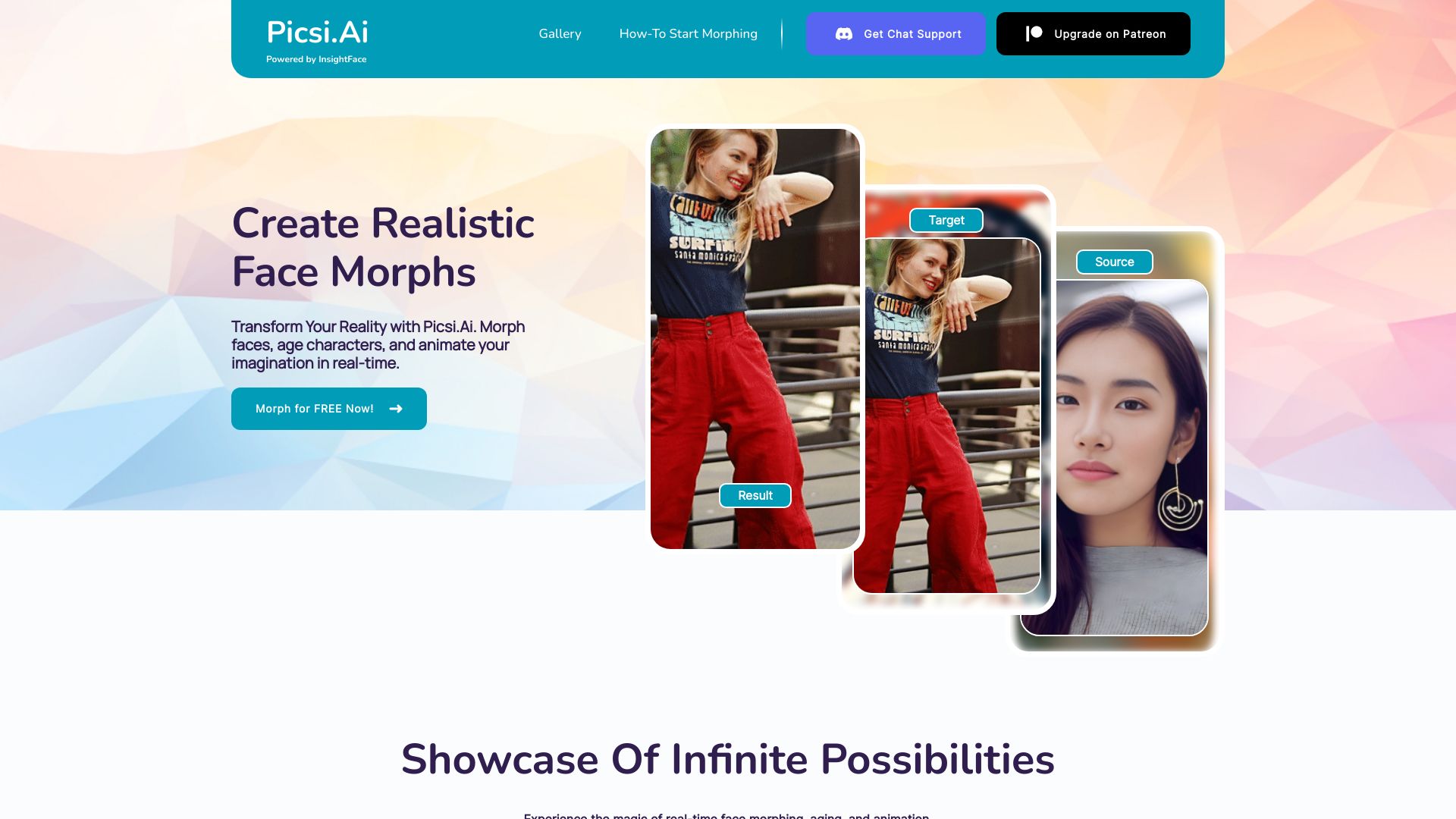
Picsi Ai is an AI face morphing and face swap platform powered by the InsightFace engine. It delivers high‑resolution swaps for photos, GIFs, and videos, blending faces realistically with detailed texturizing and careful alignment. Built for enthusiasts and professionals, Picsi.Ai supports multi‑face swapping and guided controls to help match lighting and proportions for natural‑looking results. Through subscription plans, creators can produce convincing edits for memes, previews, and editorial use while keeping workflows efficient and consistent.
Picsi Ai Key Features
- High‑resolution swaps: Generate crisp, photo‑realistic face swaps for photos, GIFs, and videos without muddy textures.
- InsightFace foundation: A proven model backbone that enhances identity transfer and natural blending.
- Face texturizing: Refine skin detail, pores, and tonal coherence for more believable results.
- Multi‑face swapping: Detect and replace multiple faces within a single frame or sequence.
- Alignment and blending controls: Adjust masks and blending strength to improve edge transitions and color harmony.
- Preview before export: Review drafts, make tweaks, and render final outputs with confidence.
- Subscription access: Tiered plans that unlock advanced features and higher usage limits.
Who Should Use Picsi Ai
Picsi Ai suits content creators, video editors, social media managers, meme makers, and post‑production teams who need fast, realistic face swaps across images, GIFs, and videos. It also fits marketers localizing content with proper permissions, educators demonstrating visual effects, and hobbyists experimenting with AI face morphing while following consent and copyright best practices.
How to Use Picsi Ai
- Create an account and choose a subscription plan that matches your project needs.
- Select your media type—photo, GIF, or video—and upload the target content.
- Upload the source face image(s) you want to swap into the target.
- Choose detected faces and configure options such as texturizing, masking, and blend strength.
- Generate a preview, inspect details, and adjust alignment or settings as needed.
- Render and export the final result, then download and share per your usage rights.
- Always obtain consent for face usage and respect platform and local regulations.
Picsi Ai Industry Use Cases
In entertainment and post‑production, teams can previsualize scenes by swapping performers for quick creative reviews. Social media agencies produce attention‑grabbing GIFs and short videos with consistent, high‑quality blends. Marketers localize campaigns by swapping approved talent for regional versions. Educators and trainers demonstrate AI face morphing techniques, and privacy‑sensitive teams can anonymize faces in internal demos when appropriate consent is in place.
Picsi Ai Pricing
Picsi Ai is offered through subscription plans, with advanced capabilities such as multi‑face swapping and high‑resolution exports available on paid tiers. Plan options typically scale by feature access and usage limits. Refer to the service’s pricing page for current tiers and inclusions.
Picsi Ai Pros and Cons
Pros:
- Realistic, high‑resolution face swaps across photos, GIFs, and videos.
- Powered by InsightFace for robust identity transfer and blending.
- Advanced face texturizing for believable skin detail.
- Supports multi‑face swapping to handle complex scenes.
- Preview workflow that reduces re‑renders and saves time.
Cons:
- Subscription costs may be high for occasional users.
- Challenging footage (fast motion, extreme angles, poor lighting) can still produce artifacts.
- Feature access and output limits depend on the chosen plan.
- Responsible use requires consent and attention to legal and ethical guidelines.
Picsi Ai FAQs
-
Q1: Does Picsi Ai support multiple faces in one scene?
Yes. It offers multi‑face swapping, enabling detection and replacement of several faces within the same image, GIF, or video.
-
Q2: What media types can I use?
Picsi Ai works with common formats for photos, GIFs, and videos. For best quality, provide high‑resolution inputs with clear, frontal faces.
-
Q3: How can I improve the realism of swaps?
Use well‑lit source and target faces with similar angles and expressions, enable face texturizing, and fine‑tune masking and blend strength.
-
Q4: Is it legal to swap faces of public figures?
Legality varies by jurisdiction and usage. Always obtain consent, respect likeness rights, and follow platform policies and local laws.
-
Q5: Is there a free trial?
Availability of trials or free tiers can change; check the official pricing page for the latest plan options.