
- Home
- AI Image Generator
- Meta AI
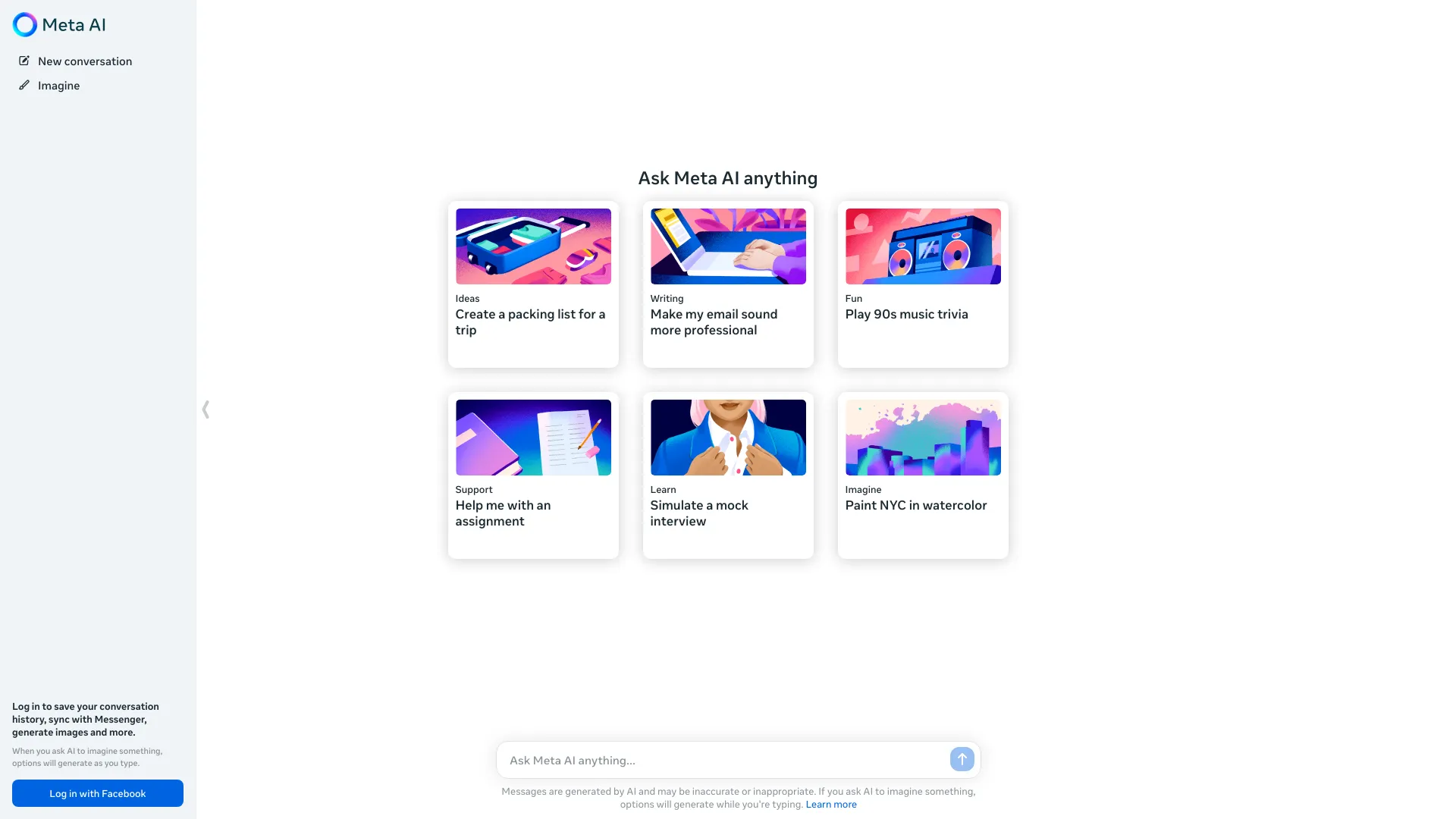
Meta AI
Open Website-
Tool Introduction:Voice AI by Meta with Llama 4; free image maker and fast answers
-
Inclusion Date:Oct 21, 2025
-
Social Media & Email:

Tool Information
What is Meta AI
Meta AI is a conversational assistant and image generator from Meta, designed around natural voice conversations. Built on the latest Llama 4 large language models and Emu for visual creation, it helps you get things done, answer questions, and create high‑quality AI images for free. Available as a dedicated app and within supported Meta surfaces, it supports quick research, drafting, and creative exploration. With fast, multimodal interactions, Meta AI brings an always‑on AI companion to everyday workflows, social sharing, and on‑the‑go assistance.
Meta AI Main Features
- Voice-first assistant: Engage in low-latency, natural voice chats for hands-free queries, follow-ups, and task guidance.
- Chat answers and reasoning: Get concise explanations, step-by-step reasoning, and helpful suggestions across a wide range of topics.
- AI image generation with Emu: Create photorealistic or stylized images from text prompts, iterate with refinements, and export results for sharing.
- Multimodal experience: Seamlessly switch between voice and text; generate visuals from prompts while continuing the conversation.
- Productivity support: Draft messages, outlines, captions, and checklists to accelerate personal and work tasks.
- Creative ideation: Brainstorm concepts, moodboards, and variations to explore design directions quickly.
- Lightweight assistance: Set reminders, plan routines, and break down tasks into actionable steps.
- Shareable outputs: Save or share chats and images across supported Meta experiences.
Who Should Use Meta AI
Meta AI suits individuals who want a practical, voice-driven assistant for daily tasks and learning; creators who need fast image generation and content drafts; students seeking explanations and study aids; social media managers and marketers producing captions and campaign visuals; and small businesses looking to prototype ideas, product imagery, and customer messaging quickly.
How to Use Meta AI
- Install and open the Meta AI app, then sign in with your Meta account.
- Choose your interaction mode: tap the microphone for voice or the input field for text.
- Ask a question or describe a task you want help with; speak naturally for voice or type your prompt.
- To create images, include visual details (style, subject, setting). Iterate by asking for changes.
- Review responses, request clarifications, or refine outputs with follow-up prompts.
- Save, download, or share helpful answers and generated images within supported Meta surfaces.
- Adjust app and privacy settings to manage notifications, history, and data preferences.
Meta AI Industry Use Cases
Marketing teams can rapidly prototype ad concepts and social visuals, then refine copy with on-brand captions. E-commerce sellers can generate clean product shots and descriptions to speed catalog updates. Educators and tutors can draft practice questions, explanations, and visual aids to complement lessons. Content creators can storyboard ideas, produce thumbnails, and iterate styles before final production—all inside a single conversational workflow.
Meta AI Pricing
Meta AI is positioned as a free consumer assistant available in the Meta AI app and supported Meta surfaces, including free Emu-powered image generation within applicable usage and app policies. No public paid tier for the consumer app has been announced.
Meta AI Pros and Cons
Pros:
- Natural, low-latency voice conversations powered by Llama 4.
- High-quality, free AI image generation via Emu.
- Strong general-purpose reasoning and helpful explanations.
- Simple, fast interface with easy sharing across supported Meta experiences.
- Useful for both productivity tasks and creative exploration.
Cons:
- Feature availability may vary by region, app, and account.
- Limited control over advanced model parameters for consumer use.
- Requires internet connectivity; responses may need human verification.
- Data handling depends on account and privacy settings; review them before use.
Meta AI FAQs
-
Q1: Is Meta AI free to use?
Yes. Meta AI is available to use for free in the Meta AI app and supported Meta surfaces, with image generation included subject to app limits and policies.
-
Q2: Does Meta AI support voice conversations?
Yes. The app is designed around natural voice interactions—tap the microphone to speak, then follow up with additional voice or text prompts.
-
Q3: Can Meta AI generate images?
Yes. Using Emu, Meta AI creates images from text prompts and lets you iterate with refinements to match your desired style or composition.
-
Q4: Where can I access Meta AI?
You can use it in the Meta AI app and other supported Meta surfaces. Availability can vary by region and product.
-
Q5: How is my data handled?
Data use is governed by Meta’s policies. You can manage history and related preferences in your account and app settings. Review those settings before use.