
- Home
- AI Chatbot
- Jarvis
Jarvis
Open Website-
Tool Introduction:Browser AI copilot: translate, rewrite, summarize; code review; ChatGPT.
-
Inclusion Date:Oct 28, 2025
-
Social Media & Email:


Tool Information
What is Jarvis AI
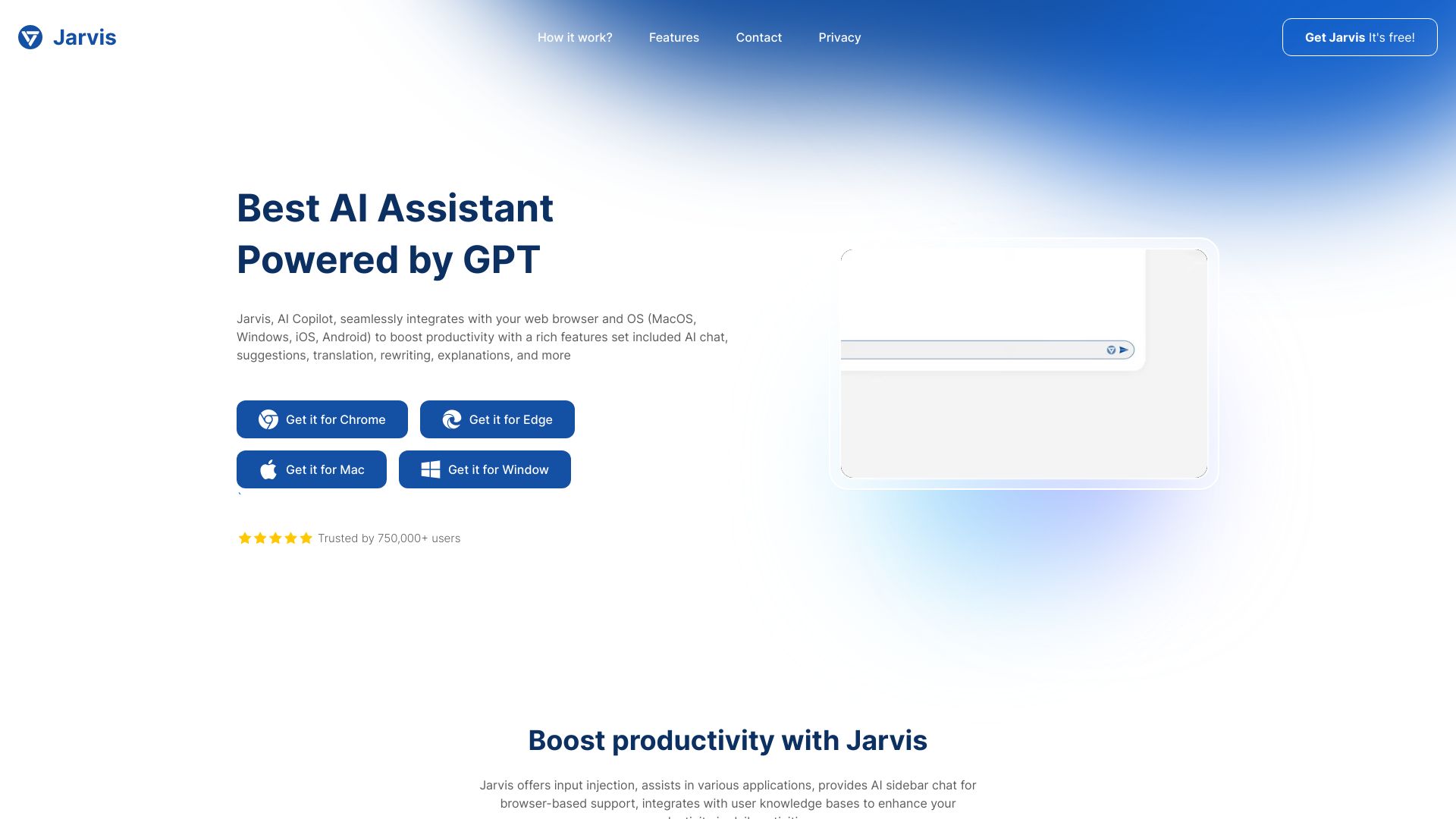
Jarvis AI is a browser-based AI copilot delivered as an extension that streamlines everyday work across the web. It augments reading and writing with context-aware suggestions, instant translation, rewriting, summarization, explanations, and exploration of related documents powered by modern LLMs. With multi-model support for ChatGPT, Bing, Claude, and Bard, it adapts to your preferred provider. Jarvis AI also supports developer and editorial workflows with code review, AI translation, grammar checking, and writing improvement features.
Jarvis AI Key Features
- Browser extension copilot: Works inside web pages to assist where you read, write, and research.
- Multi-model support: Switch between ChatGPT, Bing, Claude, and Bard to match task needs or preferences.
- Context-aware suggestions: Generates relevant prompts and completions based on on-page content.
- Translation and rewriting: Translate text, paraphrase, and adjust tone or style for clarity and impact.
- Summarization and explanation: Condense long articles and get plain-language explanations of complex topics.
- Related documents exploration: Surface and explore materials connected to the current page or topic.
- Code review: Analyze snippets for issues, suggest improvements, and explain logic in natural language.
- Grammar checking: Catch typos and grammatical errors and propose clean edits.
- Writing improvement: Enhance structure, flow, and readability with targeted suggestions.
- Prompt presets: Reuse common actions like summarize, translate, or explain for faster workflows.
Who Should Use Jarvis AI
Jarvis AI suits knowledge workers, students, researchers, marketers, and support teams who need faster reading and writing on the web. It helps developers with code review and explanation, writers with rewriting and grammar checks, and multilingual teams with AI translation. If you frequently switch between pages, docs, and tools, a browser copilot can centralize your productivity without leaving the tab.
How to Use Jarvis AI
- Install the Jarvis AI browser extension from your browser’s extension store.
- Open any web page or document where you want assistance.
- Sign in and choose your preferred LLM provider (e.g., ChatGPT, Bing, Claude, or Bard).
- Configure basic settings such as language, tone, and default actions (summarize, translate, rewrite).
- Select text on the page to trigger inline actions, or open the side panel to access full features.
- Use quick commands like Summarize, Explain, Translate, or Improve writing to generate results.
- For code review, select a code block and run the review or explanation action to receive feedback.
- Refine outputs by switching models, adjusting prompts, or toggling tone and length.
- Copy, insert, or export results back into your document, email, or editor.
- Review history and customize prompt presets to streamline future tasks.
Jarvis AI Industry Use Cases
Marketing teams can summarize research, repurpose copy, and localize campaigns with translation and rewriting. Customer support agents can draft clearer replies and translate tickets in real time. Software engineers can run quick code reviews and generate explanations for pull requests. Researchers and students can condense academic articles, clarify complex concepts, and explore related documents to speed up literature reviews.
Jarvis AI Pros and Cons
Pros:
- Works directly in the browser, reducing context switching between tools.
- Supports multiple leading LLMs, offering flexibility and comparative results.
- Strong coverage of both writing and coding tasks in one extension.
- Context-aware actions accelerate reading, summarization, and translation.
- Reusable presets and side panel streamline frequent workflows.
Cons:
- Requires an internet connection to access LLM capabilities.
- Output quality may vary across models and content types.
- Complex pages or unusual formats can limit context understanding.
- Model limits or provider constraints may affect longer tasks.
Jarvis AI FAQs
-
Can I switch between different AI models?
Yes. Jarvis AI supports multiple providers and lets you choose or switch models to suit the task.
-
Does Jarvis AI work across websites and web apps?
It integrates as a browser extension, so you can trigger actions on most pages and editable fields where extensions are allowed.
-
Can it review code and explain snippets?
Yes. Select your code and run the code review or explain action to get feedback and plain-language descriptions.
-
Does it support multiple languages?
Yes. Translation and rewriting support multilingual workflows, including adjusting tone for different locales.
-
Does it require an internet connection?
Yes. Jarvis AI relies on online LLM services to generate summaries, translations, and other outputs.