
- Home
- AI Video Generator
- Haiper
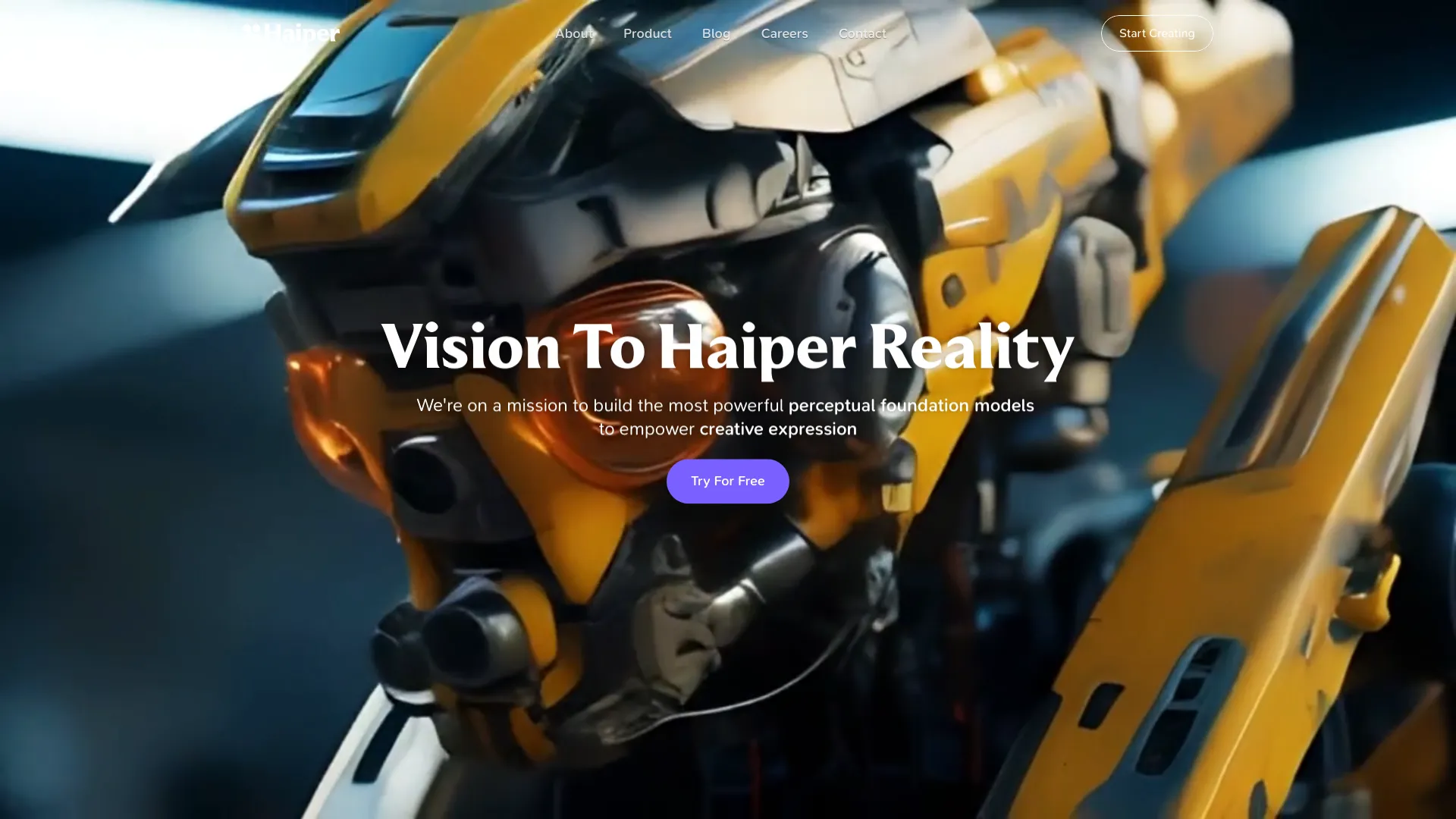
Haiper
Open Website-
Tool Introduction:Haiper, an AI video creator turning simple ideas into polished clips fast.
-
Inclusion Date:Oct 28, 2025
-
Social Media & Email:


Tool Information
What is Haiper
Haiper is an AI-powered video creation platform that transforms text prompts and visual assets into short, high-quality clips. Built for marketers, educators, and creators, it streamlines concepting, light storyboarding, and rendering so teams can move from idea to shareable video in minutes. With generative models, style controls, and iterative previews, Haiper helps produce consistent, on-brand motion content without heavy post-production. It fits into existing workflows, enabling rapid prototyping, social-ready videos, explainers, and scalable content with lower cost and effort.
Haiper Key Features
- Text-to-video generation: Turn written prompts into animated clips, selecting style, mood, and motion intensity to match your brand or campaign.
- Image-to-video animation: Bring still images or brand assets to life with camera moves, transitions, and subtle effects.
- Style and aesthetic controls: Adjust look, color tone, and visual texture with presets and fine-grained parameters for consistent output.
- Aspect ratio and duration options: Generate videos sized for social, web, or presentations with control over length and framing.
- Iterative previews: Quickly preview, refine prompts, and regenerate variations until you reach the desired creative direction.
- Workflow-friendly exports: Download files for editing or publishing, keeping assets ready for your content pipeline.
Who Is Haiper For
Haiper suits marketing teams producing ads and social videos, content creators seeking fast ideation, educators building explainers, product and e-commerce teams showcasing features, and agencies prototyping concepts. It is also useful for startups, SMBs, and in-house creatives who need scalable, on-brand video without specialized animation skills.
How to Use Haiper
- Sign up and create a new project from the dashboard.
- Choose a generation mode such as text-to-video or image-to-video.
- Enter a clear prompt and upload any reference images or brand assets you want to guide the look.
- Select key settings (style, aspect ratio, duration, motion strength) to align with your use case.
- Generate a preview and review the result for pacing, framing, and aesthetic consistency.
- Refine the prompt or parameters, regenerate variations, and pick the best take.
- Export the final clip for editing, scheduling, or direct publishing to your channels.
Haiper Industry Use Cases
In marketing, teams produce product teasers, UGC-style ads, and social loops tailored to platform formats. E-learning creators generate motion graphics for lessons without hiring animators. E-commerce brands animate hero images to highlight features and drive conversions. Media and agencies prototype story directions rapidly, then hand off selected outputs for finishing in traditional editors.
Haiper Pricing
Pricing and plan details may change over time. Check the official website for current tiers, usage limits, and any available free options or trials.
Haiper Pros and Cons
Pros:
- Fast concept-to-video workflow for campaigns and explainers.
- Prompt-based creation lowers the barrier to motion design.
- Style controls help maintain brand consistency across outputs.
- Flexible aspect ratios and durations for multi-channel publishing.
- Iterative previews support rapid experimentation and creative exploration.
Cons:
- Results depend on prompt quality; learning curve for prompt engineering.
- Highly complex scenes may require additional editing in external tools.
- Generation time and output limits can vary based on plan and system load.
Haiper FAQs
-
What inputs does Haiper support?
Common modes include text-to-video and image-to-video. Refer to the platform’s documentation for the latest supported inputs and formats.
-
How can I improve video quality?
Use clear, specific prompts, include visual references, set the appropriate aspect ratio and duration, and iterate with small parameter changes.
-
Can I use the generated videos commercially?
Commercial usage depends on the platform’s terms. Review licensing and usage rights on the official site before publishing.
-
Does Haiper add watermarks?
Watermark policies can vary by plan. Check your account or plan details for watermark settings and removal options.
-
What export options are available?
Typical exports include standard video formats suitable for editing and social posting. Verify available resolutions and codecs in the export panel.
-
Is my data secure?
Review the platform’s privacy policy to understand how prompts, uploads, and generated media are stored and processed.