
- Home
- AI Copywriting
- Toolsaday
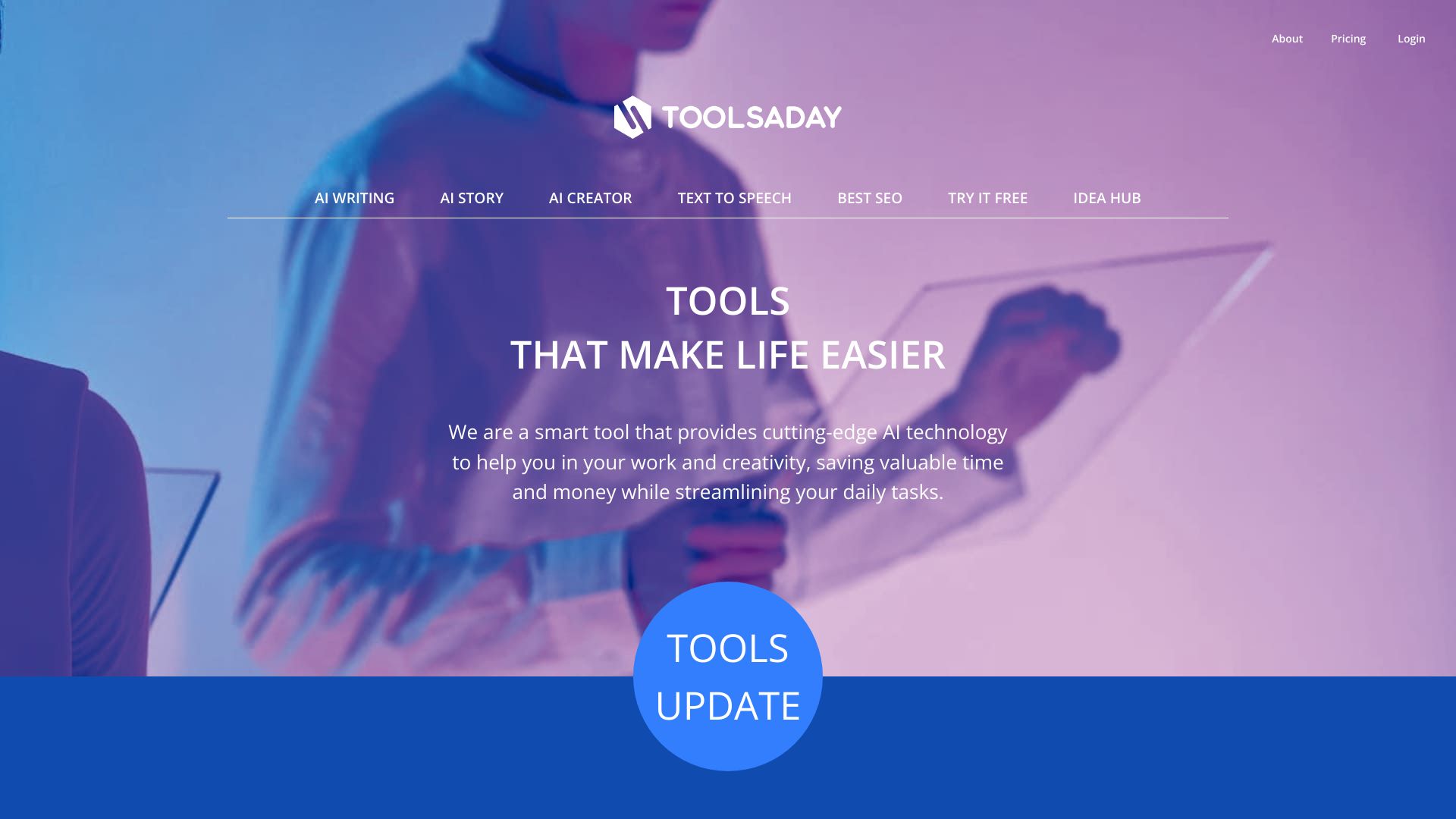
Toolsaday
Open Website-
Tool Introduction:AI writing suite for marketing: emails, stories, TTS; 700K+ users.
-
Inclusion Date:Oct 21, 2025
-
Social Media & Email:


Tool Information
What is Toolsaday AI
Toolsaday AI is an AI writing assistant and content generation platform that helps teams produce marketing copy, emails, stories, and voice-ready text at speed. With purpose-built modules like Text Genie, Email Generator, Paraphrasing Tool, Story Generator, Novel Studio, and a Text-to-Speech Converter, it streamlines ideation, drafting, and polishing in one place. Trusted by 700K+ users and credited with more than 1,000,000,000 words generated, Toolsaday AI reduces busywork and brings consistent quality to blogs, campaigns, and long-form creative projects.
Toolsaday AI Main Features
- Text Genie: Rapidly generates on-brief marketing copy, headlines, outlines, product descriptions, and blog sections from short prompts.
- Email Generator: Creates cold emails, follow-ups, and subject lines with clear calls to action tailored for outreach and lifecycle marketing.
- Paraphrasing Tool: Rewrites sentences and paragraphs to improve clarity, vary tone, and remove repetition while preserving core meaning.
- Story Generator: Produces plot ideas, character prompts, and scene drafts to kickstart creative writing workflows.
- Novel Studio: Supports long-form structure with chapter-by-chapter planning and drafting to maintain narrative consistency.
- Text-to-Speech Converter: Turns scripts and articles into natural-sounding audio for narration, previews, and accessibility.
- Consistency controls: Adjust tone, length, and style to align output with brand and campaign goals.
Who Should Use Toolsaday AI
Toolsaday AI suits marketers, copywriters, founders, sales teams, agencies, and content creators who need fast, consistent copy. It also helps indie authors and storytellers draft chapters and scenes, educators preparing learning materials, and podcasters or video creators who need quick text-to-speech narration.
How to Use Toolsaday AI
- Create an account and sign in to the web dashboard.
- Select a tool: Text Genie, Email Generator, Paraphrasing Tool, Story Generator, Novel Studio, or Text-to-Speech.
- Provide a clear prompt or paste existing text; specify audience, tone, and desired length.
- Generate output and review suggestions; refine the prompt if needed for better alignment.
- Edit, paraphrase, or expand sections until the copy meets your requirements.
- For long-form work, organize chapters in Novel Studio and iterate scene by scene.
- Convert finalized text to audio with the Text-to-Speech tool if narration is required.
- Export or copy the content into your CMS, email platform, or document.
Toolsaday AI Industry Use Cases
- E-commerce: Generate product descriptions, promotional emails, and seasonal landing page copy.
- SaaS: Draft onboarding sequences, feature announcement emails, and help-center articles.
- Publishing: Outline plots, develop character arcs, and produce chapter drafts with Novel Studio.
- Education and training: Create lesson summaries and convert scripts to audio for accessibility.
- Media and podcasts: Turn show notes into clean narration using Text-to-Speech.
Toolsaday AI Pricing
For the latest plan details and any available free access or trials, please refer to the official Toolsaday AI website. Pricing and limits can change over time and are best confirmed directly on the provider’s pricing page.
Toolsaday AI Pros and Cons
Pros:
- Comprehensive toolkit for marketing copy, emails, paraphrasing, storytelling, and TTS in one platform.
- Speeds up ideation and drafting, reducing time-to-publish.
- Supports both short-form campaigns and long-form creative writing.
- Tone and length controls help maintain brand consistency.
- Used by a large user base, with over a billion words reportedly generated.
Cons:
- Output quality depends on prompt clarity and still benefits from human editing.
- Text-to-speech voices may need fine-tuning to match a specific brand sound.
- Selecting the right tool and refining prompts can involve a learning curve.
- Requires internet access and a browser-based workflow.
Toolsaday AI FAQs
-
What can I create with Toolsaday AI?
You can generate marketing copy, emails, product descriptions, blog sections, stories, novel chapters, and convert text to audio.
-
Does Toolsaday AI support long-form writing?
Yes. The Novel Studio and Story Generator help outline, draft, and iterate chapters while keeping narrative structure consistent.
-
Can I rewrite existing content?
Use the Paraphrasing Tool to rephrase sentences and paragraphs while retaining meaning and adjusting tone or length.
-
Is text-to-speech available?
Yes. The Text-to-Speech Converter creates spoken audio from your finalized scripts or articles.
-
How do I get the best results?
Write specific prompts with audience, goal, tone, and length. Review outputs, then iterate with targeted edits or follow-up prompts.
-
Where can I find pricing and plan limits?
Check the official Toolsaday AI website for current plans, usage limits, and any trial options.