
- Home
- AI Chatbot
- Kimi
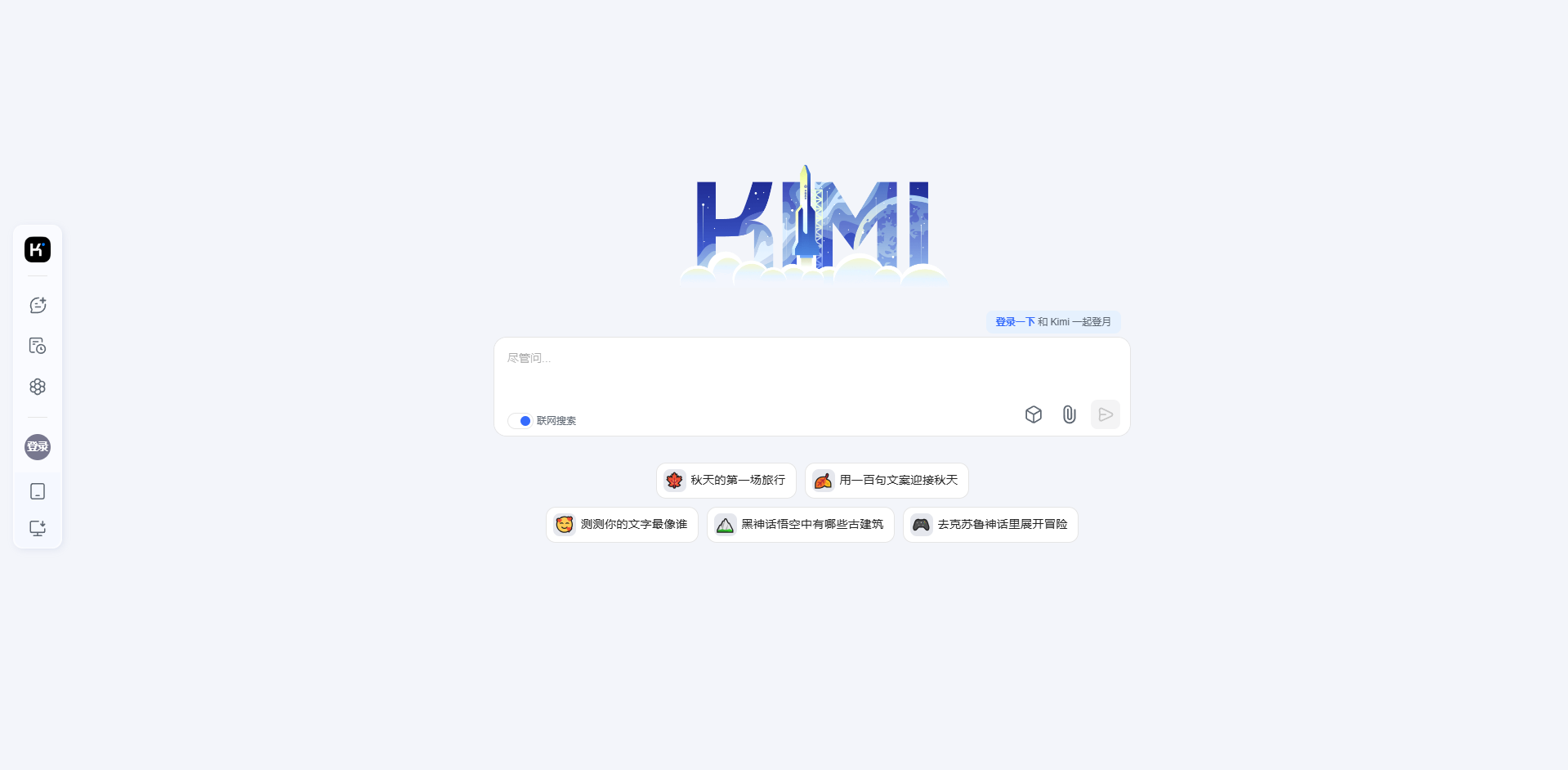
Kimi
Open Website-
Tool Introduction:Kimi by Moonshot: AI to parse papers, write code, debug, plan, translate.
-
Inclusion Date:Oct 21, 2025
-
Social Media & Email:
Tool Information
What is Kimi AI
Kimi AI is an assistant by Moonshot AI that helps students and professionals interpret research papers, write and debug code, plan projects, draft stories, and translate across languages. Built as a high-quality productivity companion, it can ingest long context, reason over complex prompts, and deliver actionable answers from a single question. Use Kimi to summarize technical documents, generate clean code snippets, outline tasks, and turn ideas into polished text—accelerating daily work in a clear, chat-based workflow.
Kimi AI Key Features
- Long-context understanding: Handles lengthy documents to extract insights, summarize sections, and explain complex concepts in plain language.
- Code generation and debugging: Produces clean snippets, suggests fixes, and explains errors to speed up development and review.
- Project planning: Breaks goals into actionable steps, timelines, and checklists to streamline execution.
- Creative writing: Ideates plots, characters, and outlines, then refines drafts for novels, blogs, or scripts.
- Multilingual translation: Translates and rewrites content across languages while preserving meaning and tone.
- Research assistance: Clarifies methodologies, compares ideas, and synthesizes themes from academic and technical texts.
- Structured outputs: Delivers concise summaries, bullet-point outlines, and step-by-step explanations for quick adoption.
- Chat-first workflow: Iterative prompts let you refine results, add context, and converge on accurate, useful answers.
Who Should Use Kimi AI
Kimi AI suits students, researchers, and educators seeking clearer explanations of papers; developers and data practitioners who need coding help; product managers and consultants planning projects; writers and editors drafting or refining content; and multilingual teams localizing documents or communications.
How to Use Kimi AI
- Sign up or log in to Kimi AI and open a new chat.
- State your goal clearly (e.g., “summarize this paper” or “debug this Python function”).
- Paste relevant text, code, or context so Kimi can work with concrete material.
- Ask follow-up questions to refine accuracy, tone, length, or technical depth.
- Iterate on the output: request examples, alternatives, or edge-case checks.
- Review and apply the results, keeping human oversight for critical decisions.
Kimi AI Industry Use Cases
In education, Kimi condenses dense readings into digestible notes and explains formulas step by step. Software teams use it to draft functions, refactor legacy snippets, and clarify error traces. In publishing and media, it helps outline story arcs and polish narrative flow. Consulting and product teams rely on it to turn ambiguous requirements into task lists and risk matrices. Localization teams use Kimi to translate product copy and maintain consistent terminology across markets.
Kimi AI Pros and Cons
Pros:
- Strong at interpreting long, technical documents and turning them into clear summaries.
- Practical coding help for generation, refactoring, and error explanation.
- Versatile across planning, research, creative writing, and translation tasks.
- Chat-based iteration enables fast refinement and tailored outputs.
- Produces structured, concise results that fit into existing workflows.
Cons:
- May produce inaccuracies; expert review is recommended for critical work.
- Cannot access proprietary or real-time data unless you provide the context.
- Complex prompts may require multiple iterations to achieve the desired quality.
- Style and tone may need manual adjustment for brand-specific standards.
- Message length and content limits can affect very large or highly specialized tasks.
Kimi AI FAQs
-
Can Kimi AI help with academic research?
Yes. It can summarize sections, explain methods, compare viewpoints, and draft study notes. Always verify facts and citations before submission.
-
Is Kimi AI useful for debugging code?
Yes. Provide the error message and relevant snippet; Kimi can propose fixes, explain likely causes, and suggest tests to validate a solution.
-
Which languages does Kimi AI support?
It supports multiple languages including English and Chinese, making it suitable for translation and bilingual workflows.
-
How do I get the best results?
Be specific about your goal, include necessary context or examples, and iterate with targeted follow-up prompts to refine accuracy and tone.
-
Can I use Kimi AI for creative writing?
Yes. It can brainstorm ideas, draft scenes, and revise prose while you steer character voice, pacing, and plot direction.