
- Home
- AI Music Generator
- Wondera AI
Wondera AI
Open Website-
Tool Introduction:Wondera: chat-to-song AI to craft, edit and publish pro music.
-
Inclusion Date:Nov 07, 2025
-
Social Media & Email:
Tool Information
What is Wondera AI
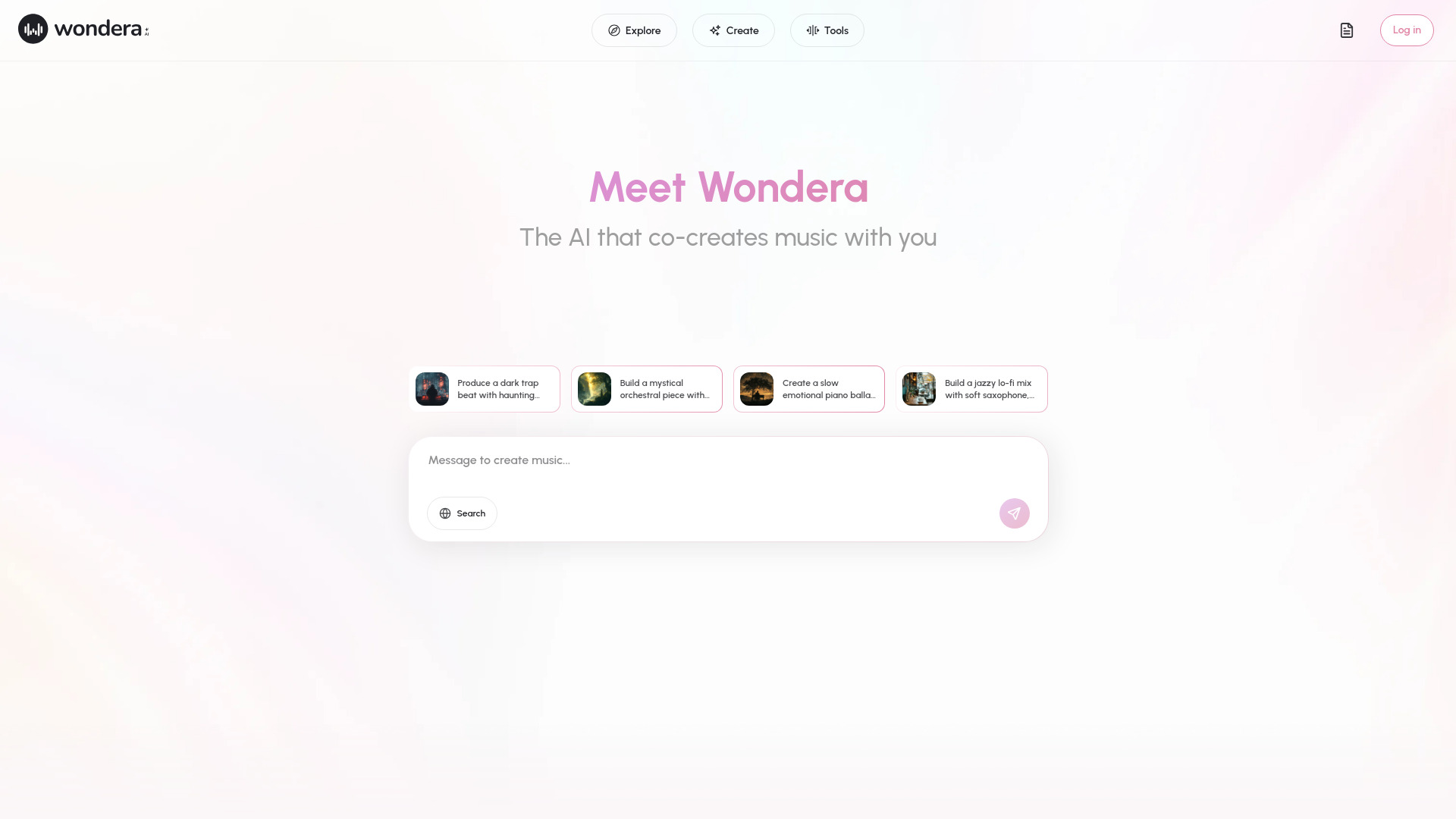
Wondera AI is a full-stack music creation platform that merges generative music intelligence with real production tools. Powered by proprietary and open-source models, it lets you write, arrange, and publish music through natural language. An agentic system understands your intent as you chat, turning prompts into melodies, harmonies, lyrics, and polished mixes. You can generate vocals, apply vocal style transfer, and iterate from draft to master in one interface. With text-to-lyric, image-to-song, and co-creation workflows, Wondera makes professional-level music creation fast, accessible, and intuitive for beginners and pros alike.
Main Features of Wondera AI
- Natural language song creation: Describe genre, mood, tempo, and instruments to generate full tracks.
- Agentic chat workflow: Conversational guidance that interprets intent and refines music step by step.
- Text-to-lyric and real-time editing: Draft, expand, or tweak lyrics on the fly with context-aware suggestions.
- AI vocals and style transfer: Generate expressive vocals and adapt timbre or performance style.
- Arrangement and production tools: Structure verses and choruses, edit sections, add effects, and master.
- Image-to-song generation: Turn visual references into musical ideas and atmospheres.
- Co-creation and collaboration: Iterate with AI or teammates to evolve demos into releases.
- Publishing and sharing: Export mixes and share tracks directly from the platform.
- Licensing support: Options to clear tracks for commercial use and distribution.
- Developer-ready: Upcoming APIs to integrate music generation into apps, games, or tools.
Who Can Use Wondera AI
Wondera AI serves creators at every level, from first-time songwriters to professional producers. it's ideal for content creators, YouTubers, and streamers needing quick, copyright-safe music; marketers and agencies producing ads and brand anthems; game and app developers seeking adaptive soundtracks; podcasters and filmmakers crafting intros, cues, and beds; educators teaching music and AI; and artists exploring new workflows for rapid prototyping and release-ready production.
How to Use Wondera AI
- Sign up and start a new project in the Wondera workspace.
- Describe your song in chat (genre, mood, tempo, instruments) or seed it with a reference image or lyric idea.
- Generate a draft arrangement, then refine sections, structures, and lyrics in real time.
- Add AI vocals and apply vocal style transfer to match the performance you want.
- Polish the mix with effects, dynamics, and mastering tools until it fits your brief.
- Co-create with collaborators, iterate on versions, and finalize your master.
- Publish, export, and obtain the appropriate license if you plan commercial use.
- Developers: request API access to embed music generation in your product.
Wondera AI Use Cases
Brands and agencies generate on-brief jingles and campaign scores in hours, not weeks. Game studios and interactive experiences use AI-driven cues that evolve with gameplay. Video creators produce royalty-cleared background tracks for YouTube, TikTok, and streaming. Podcasters build custom intros and stingers. Film and TV teams craft temp scores for rapid iteration. Artists and producers prototype melodies, lyrics, and vocals before final studio production. Startups integrate music generation into creator tools or virtual idol projects via APIs.
Wondera AI Pricing
Pricing, licensing options for commercial use, and information about creator, professional, and developer access are provided on the official Wondera AI site. Review current plans to choose the tier that matches your workflow and usage needs.
Pros and Cons of Wondera AI
Pros:
- Chat-based workflow accelerates songwriting and arrangement.
- Integrated AI vocals and style transfer reduce dependence on external tools.
- All-in-one pipeline from idea to master, including publishing and licensing support.
- Co-creation features enable fast iteration with teams or AI.
- Upcoming APIs extend music generation into apps, games, and platforms.
Cons:
- Creative quality may vary by prompt specificity and model settings.
- Advanced users may want deeper DAW-level control for micro-editing.
- Commercial use requires attention to licensing terms and rights management.
- Cloud-based generation can be limited by usage quotas or processing time.
FAQs about Wondera AI
-
Can I use Wondera AI music commercially?
Yes, commercial use is supported when you obtain the appropriate license through Wondera’s licensing options.
-
Does Wondera AI generate vocals?
It offers AI voice generation and vocal style transfer so you can shape performance, timbre, and delivery to fit your track.
-
Can I collaborate with others?
Yes, co-creation workflows let you iterate with teammates and refine versions collaboratively within the platform.
-
Is Wondera AI suitable for beginners?
The conversational interface makes it accessible for newcomers, while advanced tools serve professional producers.
-
Is there an API for developers?
Wondera plans APIs for integrating music generation into apps, games, and creator tools.